Grok Build: What It Is, What It Costs and How to Install It on a Mac
Grok Build is SpaceXSI's coding agent for the terminal, and since 12 October 2026 the free tier of the X Subscription includes a limited allowance of it. Here is…
Fello AI October Update: Library, Better Apple Integration and Smoother Chats
Fello AI's October update adds Library for every file from your chats, redesigned Bookmarks, Share to Fello AI from any app, quick actions, menu bar commands…

iPad vs MacBook in 2026: Which Should You Buy?
An iPad with Apple’s keyboard now costs $698 and a MacBook Neo costs $699, so the iPad vs MacBook decision is no longer about price.
Mac vs Windows in 2026: Which Should You Buy?
Windows still runs on about three in four desktop computers, but the Mac vs Windows decision changed more in 2026 than in any year since Apple silicon arrived.
Siri AI on Mac: Where It Actually Lives in macOS 27
macOS 27 Golden Gate shipped on 14 September 2026, and Siri AI came with it. Most coverage says it is in Spotlight. That is one of four places it lives on a Mac…
Best AI Calendar Assistant for Mac: Which Ones Actually Work With iCloud
Most AI calendar tools are built for Google Calendar, and on a Mac that is the whole problem. Here is which ones actually read and write iCloud, what they really…

AI Subtitles on a Mac: What Actually Works Right Now
VLC announced offline AI subtitles at CES 2025 and still has not shipped them. Meanwhile your Mac has been captioning audio on device this whole time, and macOS 27…
Best AI Menu Bar Apps for Mac: The Four Jobs They Actually Do
Every roundup treats AI menu bar apps as one category. They are four different jobs, and most people who think they need one app actually need two. Here is what…
Apple Intelligence vs ChatGPT: What Each One Actually Does on Your Mac
Apple Intelligence is not a chatbot, and ChatGPT is already wired into it. Here is what each one actually does on a Mac, where Google Gemini fits in, and which one…
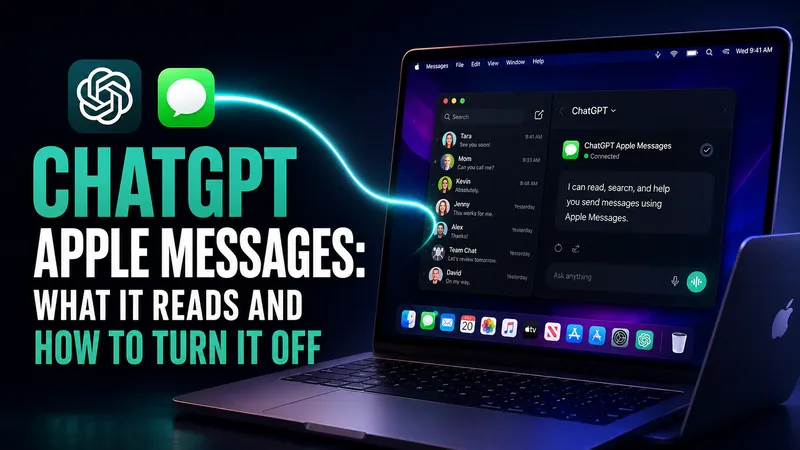
ChatGPT Apple Messages: What It Reads and How to Turn It Off
On 20 August 2026 OpenAI gave ChatGPT the ability to read, search and send your iMessage, SMS and RCS conversations on an Apple silicon Mac. The headlines said…
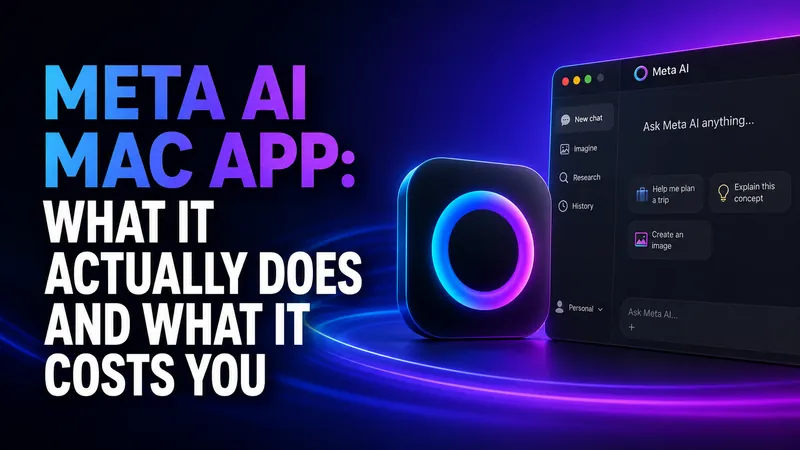
Meta AI Mac App: What It Actually Does and What It Costs You
Meta released a native Mac app for Meta AI on August 19, 2026. It is free, it weighs about 16MB, it runs only on Apple silicon, and it opens over any app with…
Best AI Dictation Apps for Mac: Tested and Compared
Almost every guide to the best dictation app for Mac opens with the same claim, which is that Apple’s built-in dictation cuts out after 60 seconds. That is wrong…
Talk to Any AI in Fello AI
Fello AI 6.8.0 adds fast voice dictation, so you can speak your prompts instead of typing them. Tap the microphone, review the transcription, choose any AI model…
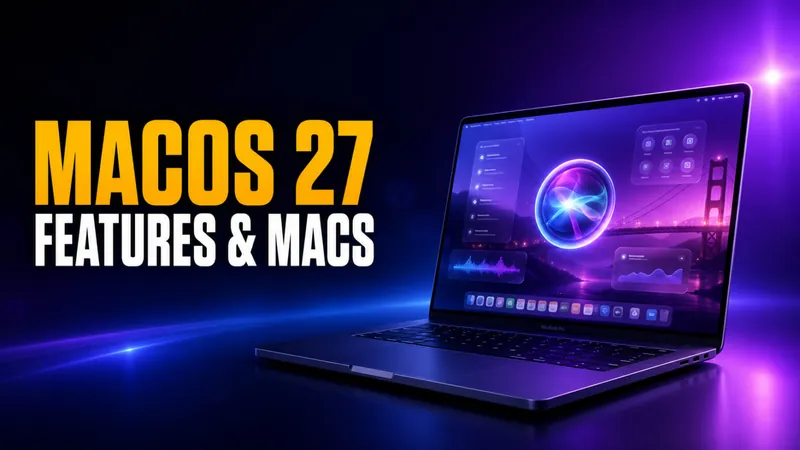
macOS 27 Golden Gate: New AI Features and Which Macs Can Run It
macOS 27 is the first version of macOS that will not run on a single Intel Mac. Apple confirmed the cutoff alongside the first developer beta on June 8, 2026…
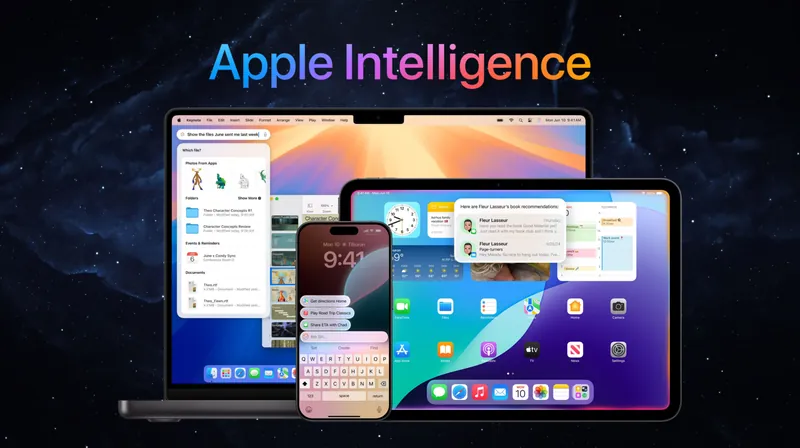
What Is Apple Intelligence? Features, Devices, and the 2026 Gemini Reset
Apple Intelligence is Apple’s built-in artificial intelligence system for iPhone, iPad, and Mac, and in 2026 it got its biggest overhaul yet. Apple introduced Siri…
WWDC 2026 Recap: Siri AI, the Google Gemini Deal, and the Default-AI Switch Apple Never Announced
Apple reset its entire AI strategy at WWDC 2026. In a keynote on June 8, the company rebranded Siri as Siri AI, built it on a new generation of Apple Foundation…
Best MacBook for AI in 2026 (From M5 Max to MacBook Neo)
Which MacBook should you buy for AI in 2026? We compare every M5 model, Air, Pro, and the new MacBook Neo, for Apple Intelligence, local AI models, and AI…

Mac Mini for AI: Why You Probably Don’t Need One (2026 Reality Check)
Thinking about buying a Mac Mini for AI? Apple’s new M6 and M5 Pro minis run $899 to $2,699, and 64GB is finally an option. Here is what actually runs on your…
![What’s New in Fello AI [Feb 2025 Update]: Claude 4.6, Custom Default Model, Notifications & More](/wp-content/uploads/2026/02/Fello-AI_-February-2026-Update-Sonnet-4.6-Kimi-2.5-Notifications-Default-Model-Shortcuts-1536x864-card.webp)
What’s New in Fello AI [Feb 2025 Update]: Claude 4.6, Custom Default Model, Notifications & More
Fello AI’s latest updates bring web search citations, push notifications, custom model shortcuts, new AI models, and dozens of under-the-hood improvements across…
20 MacBook Productivity Tips That Actually Save You Hours (2026)
Genuine MacBook productivity tips — hidden shortcuts, Spotlight tricks, automation workflows, window management, and AI tools that cut hours from your week.
How to Download & Use Grok (by xAI) on Your Mac As an App
Grok is a generative AI chatbot developed by xAI, Elon Musk‘s AI research company. Since its launch in November 2023, Grok has evolved rapidly — and in 2026, it’s…
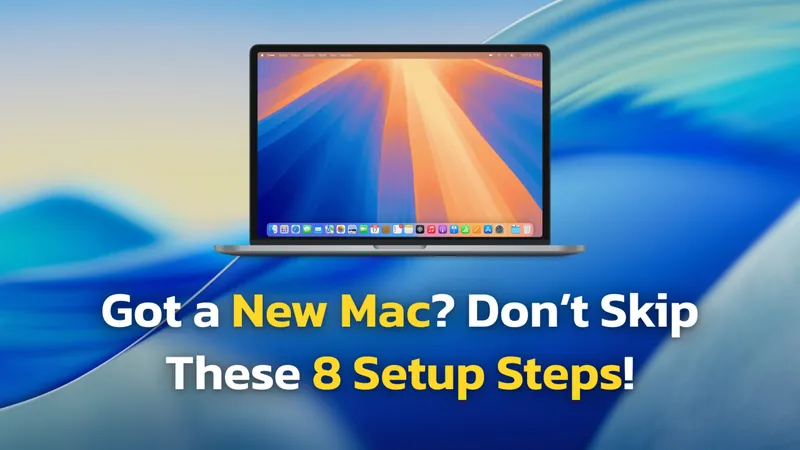
The Ultimate Guide to Setting Up Your New Mac In 2026
TL;DR: To set up your new Mac in 2026, update your iPhone first, then use the “Set up with iPhone” feature during the initial boot for a seamless handshake…
Got a New Mac for Christmas? 20 Must-Have Mac Apps to Install First in 2026
TL;DR: To get the most out of your new Mac (M1–M5) in 2026, start with three categories: AI chatbots (Fello AI as your main hub) to make every task smarter, Screen…
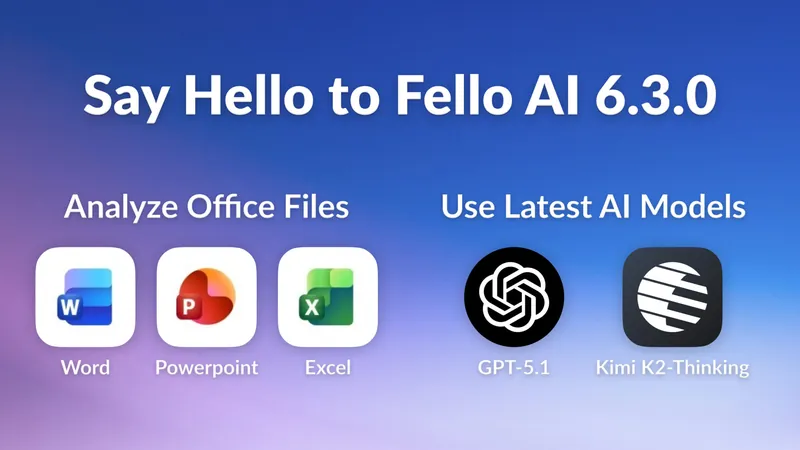
Fello AI 6.3.0: Chat with Word, Excel & Powerpoint Files!
Over the past few months, one request kept coming up again and again: “Can Fello AI analyze my Word, PowerPoint, and Excel files?” I realized that for many people…
Fello AI 6.2.0: Introducing Reasoning Across All AI Models
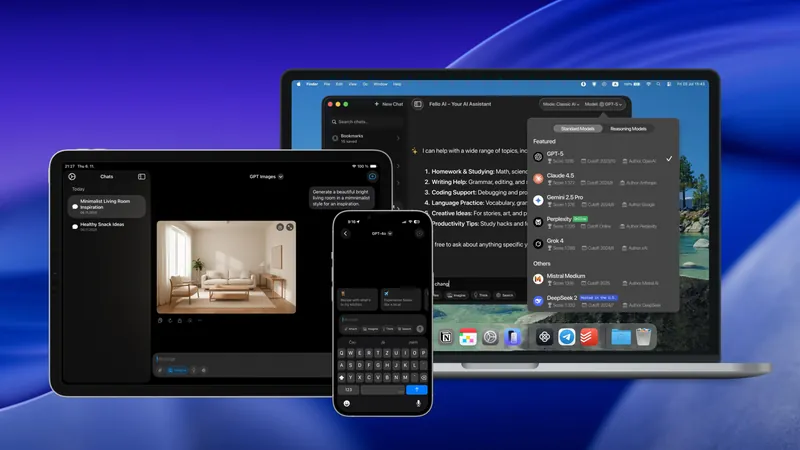
Fello AI, the all-in-one AI app for Mac, iPhone, and iPad, has released a major update focused on clarity, structure, and intelligence. The new version refines the…
Fello AI 6.0.0: Now on iPhone & iPad, with Sync, New Models, and Liquid Glass
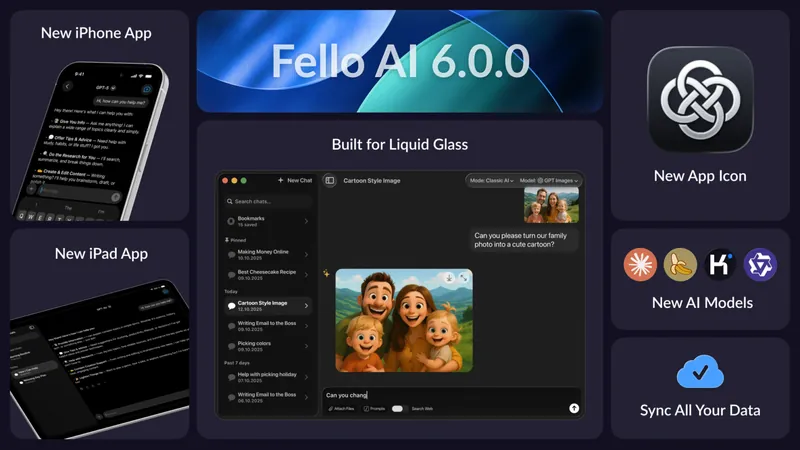
We’re excited to introduce Fello AI 6.0.0 – a major update that brings the full Fello AI experience to iPhone and iPad, along with a completely refreshed interface…
Top 5 AI Shortcuts & Automations for Your Mac in 2025 (You’ll Actually Use)
Ever get stuck with a massive PDF report when you just need the main takeaways, or have audio recordings sitting around that you know contain useful information but…
How to Download And Use Grok 4 on Your Mac (Without X Subscription)
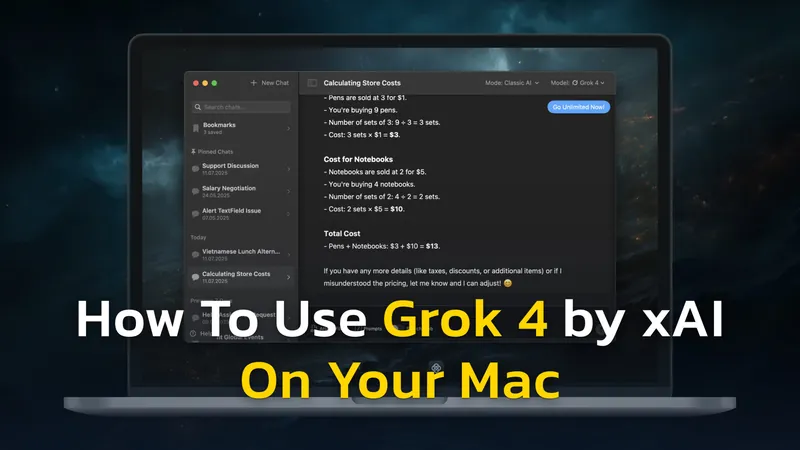
Grok 4 is the latest AI model from xAI, Elon Musk’s AI company. It launched on July 9 and immediately made headlines for scoring 50.7% on Humanity’s Last Exam—the…
![How to Use US Hosted DeepSeek Safely on Mac [No Censorship]](/wp-content/uploads/2025/01/How-to-Use-Safe-US-Hosted-DeepSeek-With-No-Censorship-2048x1152-card.webp)
How to Use US Hosted DeepSeek Safely on Mac [No Censorship]
DeepSeek, a rapidly growing AI platform developed by Chinese company DeepSeek, recently topped app store charts with its impressive AI chatbots and large language…
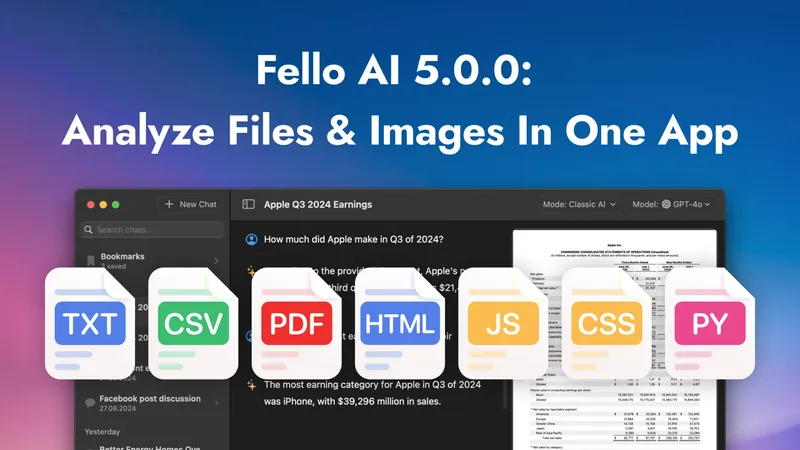
Introducing Fello AI 5.0.0: Analyze PDFs, Code, and Images All at Once
We’re excited to introduce Fello AI 5.0.0, the latest update designed to make your work faster and easier. This new version helps you analyze, compare, and extract…
