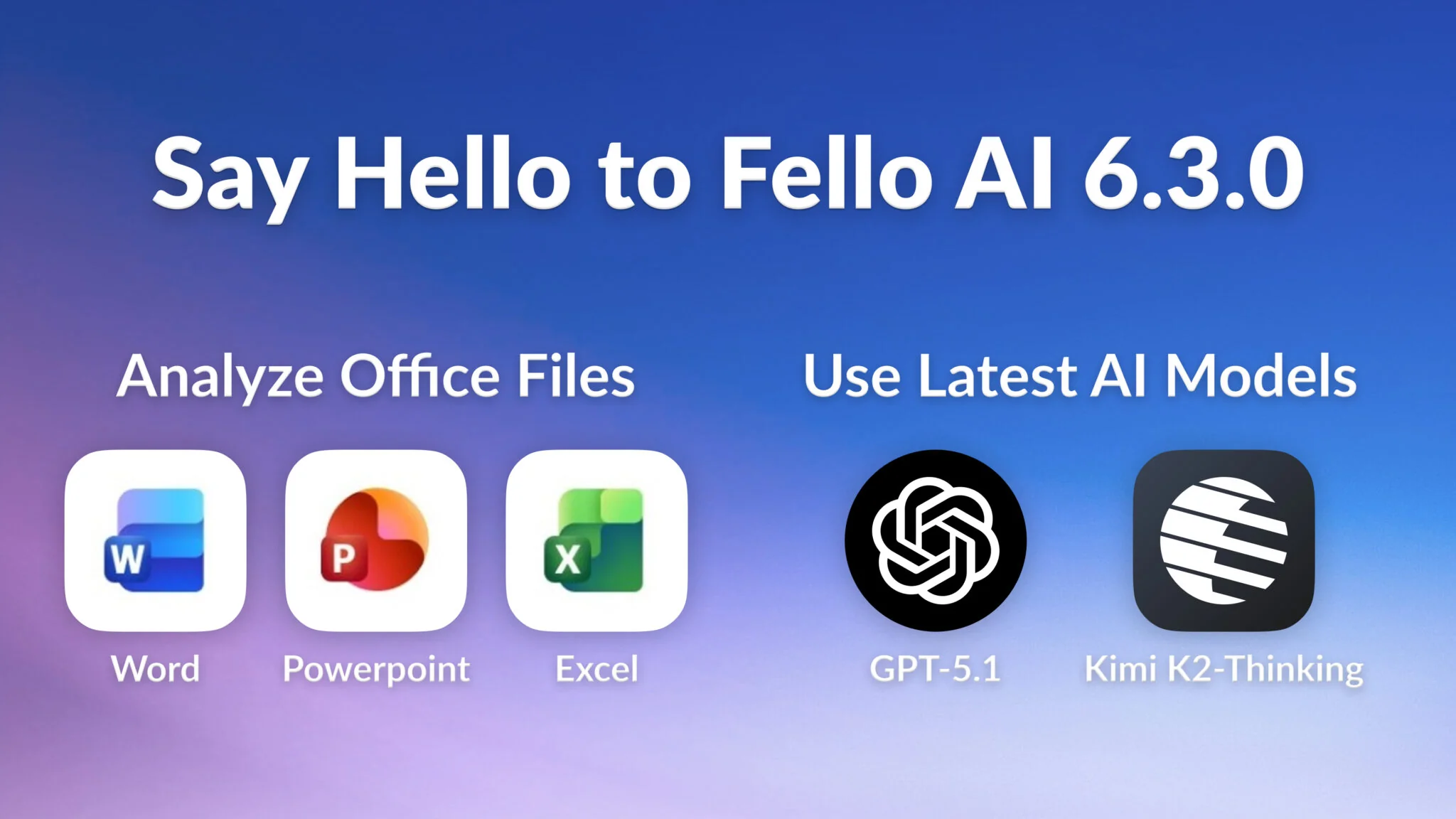
Over the past few months, one request kept coming up again and again: “Can Fello AI analyze my Word, PowerPoint, and Excel files?”
I realized that for many people, this was a real workflow blocker. When you’re using Microsoft Office on a daily basis, you want a quick way to summarize, rewrite, or understand your files without exporting to PDF/CSV or copying content around manually.
Since Fello AI is all about productivity, it was a no-brainer to bring this feature directly into the app and remove that extra friction from your workflow. Naturally, it turned into the main highlight of this release.
Analyze Office Files Seamlessly
Analyzing your Office documents in Fello AI is as simple as it gets – it works exactly like analyzing PDFs or images. Just drag & drop your file or attach it in the input bar, and the AI will read it instantly. Version 6.3.0 supports:
- Word (.doc, .docx)
- PowerPoint (.ppt, .pptx)
- Excel (.xls, .xlsx)

Summarize long documents
Long documents often slow you down, especially when you only need the key points. Fello AI can read the entire file and give you a clear, structured summary in seconds.
You can ask it to highlight the most important ideas, extract decisions, or turn dense text into easy bullet points. It’s ideal for research papers, contracts, proposals, and internal docs where you need a quick understanding without reading everything manually.
Turn PowerPoints into text
PowerPoints are great for presenting, but not for editing or repurposing. Fello AI can extract every line of text from your slides and turn it into clean, editable content.
From there, you can ask it to create speaker notes, rewrite the slides into an article, or generate a study guide based on the deck. Perfect when you want to reuse slide content without copying manually.
Understand spreadsheets
Spreadsheets can be overwhelming, especially when they include multiple sheets, inconsistent data, or complex tables. Fello AI can scan the file and highlight trends, call out unusual values, and explain what changed over time.
You can ask questions like “Why did revenue drop in Q3?” or “Summarize the key metrics across all tabs.” It gives you a quick, high-level understanding so you can make decisions faster.
Rewrite, improve, or format documents
If you’re working with drafts, messy notes, or outdated content, Fello AI can turn them into polished, ready-to-use text. You can ask it to rewrite sections, reorganize structure, fix tone, simplify explanations, or format content cleanly.
It can also translate the entire document or rewrite it for a specific audience. This is especially helpful for improving clarity and making documents share-ready with almost no effort.
Ask deeper questions
Instead of scrolling through a file for half an hour, just ask:
- “What’s the main point of this?”
- “Are there any risks or issues here?”
- “Can you make a checklist from this document?”
- “What happened between Q2 and Q3?”
Fello AI reads the whole file and gives you the clarity you need.
Use Latest AI Models
One of the core principles behind Fello AI is staying current with the fastest-moving AI landscape. As soon as new cutting-edge models are released, we make them available so you can work with the most powerful intelligence out there. This update adds GPT-5.1 and Kimi K2-Thinking, both are amongst most powerful AI models in November 2025.
GPT-5.1
GPT-5.1 is the newest upgrade to OpenAI’s flagship model lineup, bringing a more natural tone, better reasoning, and adaptive thinking that adjusts to the complexity of your request.
The new Instant and Thinking variants are designed to feel more human, follow instructions more reliably, and deliver deeper analysis when needed. With this update, Fello AI now gives you access to one of the most polished and capable models available today.
What You Can Use It For
- Reliable coding help – debugging, code explanation, and step-by-step reasoning.
- More natural conversations – smoother, warmer, and more human-like replies.
- Better instruction-following – ideal for rewriting text, producing structured output, or following detailed templates.
- Adaptive reasoning – thinks deeper on math, coding, and analytical tasks when needed.
- Improved writing – clearer structure, less jargon, and strong quality for emails, articles, and reports.
Kimi K2-Thinking
Kimi K2 Thinking is the latest reasoning model from Moonshot AI, and it made headlines for outperforming GPT-5 and Claude Sonnet 4.5 on several open benchmarks. Especially in long-horizon reasoning, agentic search, and complex step-by-step problem solving.
With a massive MoE architecture (1T total parameters, 32B active per token) and efficient INT4 serving, it’s one of the most capable open-weight models available today. Fello AI now integrates it seamlessly so you can use that power instantly.
What You Can Use It For
- Deep research – excellent at multi-step reasoning and comparing sources.
- Long-context analysis – ideal for large documents, long PDFs, or multi-file tasks.
- Tool-based workflows – strong at planning, browsing, and multi-step “agentic” tasks.
- Advanced coding – great for algorithmic tasks, code explanation, and debugging.
- Long-form writing – maintains coherence in detailed reports or extended outputs.
Smaller Fixes & Improvements
We also included a set of smaller updates to make the app smoother overall:
- Fixed message failures affecting Claude and Grok when sending messages
- Fixed issues with Python and other code files not being analyzed correctly
- Added drag & drop support for files on iOS (also available on macOS)
- Various minor stability fixes and performance improvements
We keep improving Fello AI with every update, and even though these changes are subtle, they add up and make the app feel better with each release.
Get the Latest Version of Fello AI
Fello AI 6.3.0 is now available, bringing smoother workflows, stronger models, and powerful new features designed to save you time every day. If you haven’t tried the app yet — or haven’t updated in a while — now’s the perfect moment.
Download the latest version and experience a faster, smarter, and more capable Fello AI.