Since 10 November 2026, how to get your business on ChatGPT has an official answer: claim it. Open Business Hub from the ChatGPT sidebar, find your listing, verify it by business phone, business email, a DNS record or Shopify, and then pass a Persona identity check. After that you can edit the profile, connect a product feed and see how often ChatGPT mentions you and sends people to your website.
That answers how to get your business on ChatGPT in the narrow sense. It does not answer the question most owners are really asking, which is how to get ChatGPT to recommend them. OpenAI says plainly that claiming does not raise your placement. This guide covers both halves. First the claim, step by step, with the eligibility rules OpenAI spells out only in its help center. Then the website and listing work that still decides whether ChatGPT names you at all.
The Key Takeaways
- There is now a sign-up: Business Hub launched in beta on 10 November 2026. Claim your listing, verify it, then pass a Persona ID check to unlock editing and insights.
- Four ways to verify: business phone, business email, a DNS TXT record or a Shopify store.
- Claiming is not ranking: OpenAI says a claimed profile does not guarantee more visibility, and ads do not influence ChatGPT's independent answers.
- Business Agents are US only: only eligible US e-commerce and online service businesses with a website can publish one. Local stores and restaurants can claim only an existing US listing for now.
- Your website still matters most: sites that block OpenAI's OAI-SearchBot crawler are not shown in ChatGPT search answers.
How to Get Your Business on ChatGPT in 6 Steps
To get your business on ChatGPT, claim it in Business Hub, verify the claim, and complete a Persona identity check. The steps below follow OpenAI's own setup guide, Setting up your business on ChatGPT.
- Sign in to ChatGPT and open Business Hub. It sits in the ChatGPT sidebar on the web. Use the ChatGPT account you want to manage the business with, because invitations for teammates later depend on it.
- Search for your business by name. Select the listing that matches and confirm the account that will manage it. If your business is not listed and you run an eligible online business, you may see an option to add it.
- Choose a verification method. Business Hub offers business phone (text or automated call), business email, website domain or Shopify, depending on your business. The table in the next section helps you pick.
- Wait for OpenAI's review. OpenAI reviews every claim and emails you a decision or a request for more information. You can cancel a pending claim.
- Complete identity verification with Persona. Until Persona approves you, you cannot publish changes, connect a product feed, see insights or create an agent. Expect to show a government ID, business registration details and proof that you can represent the business.
- Fill in the profile. Add or correct your website, description, category, logo, delivery and return policies, and a cover photo. OpenAI reviews and publishes every change.
The Blue Check Comes After Persona
The blue check on a ChatGPT business profile comes from step 5, not step 4. OpenAI's help article states that claiming alone does not add the verified badge; it appears after Persona approves you.
OpenAI announced the launch from its official account on the same day:
Now in beta: Businesses in ChatGPT.
— OpenAI (@OpenAI) November 10, 2026
Claim your business, manage your information, and get insights on how people engage with you.
Eligible businesses can also build a Business Agent to answer customers’ questions and help them explore what you offer.
https://openai.com/index/introducing-businesses-chatgpt/
Which Verification Method to Choose
Pick the verification method you can finish today without asking anyone else. Business Hub only shows the methods it supports for your listing, so you may not see all four.
| Method | What you need | Best for |
|---|---|---|
| Business phone | Access to the number on the listing, by text message or automated call | Local shops, restaurants and service businesses with a published number |
| Business email | The email address associated with the business | Small online businesses that answer their own inbox |
| Website domain | A TXT record added to your domain's DNS settings | Anyone with access to the domain, or a developer who has it |
| Shopify store | A login to the Shopify store you are claiming | Shopify merchants, who can also pull in their product feed |
The DNS route can take the longest, because DNS changes take time to appear. Copy the type, host and value exactly, and wait before you press Verify domain. If someone else manages your domain, send them the record instead of your login.
Who Can Claim a Business in ChatGPT
Any owner or authorized representative of an eligible business can claim it in ChatGPT, but eligibility depends on where the business is and what it sells. OpenAI applies three different rules to three different things, and most guides blur them into one.
| What you want | Who can get it | Extra condition |
|---|---|---|
| Claim a profile | Eligible businesses where ChatGPT is available and verification is supported | Local stores and restaurants: an existing US listing only, for now |
| Edit the profile, add a feed, see insights | Anyone whose claim is approved | Persona identity verification must be approved |
| Publish a Business Agent | Eligible US e-commerce and online service businesses with a website | Must meet the industry rules in the Business Agents Policy |
What You Do Not Need
You do not need a ChatGPT Ads account or a ChatGPT Enterprise agreement to claim a business. OpenAI also lists no fee for claiming or for publishing an agent. Digiday reported that Business Hub and agents are free for now, and that OpenAI's vice president of monetization, Benji Shomair, did not rule out charging later.
If Your Business Is Outside the US
Businesses outside the US can try to claim a profile, but the launch is plainly US-first. Business Agents are US only, and local stores outside the US cannot claim a listing yet. At least one owner outside the US reported being put on a waitlist on launch day, according to PPC Land. If that happens to you, the work in the website section of this guide is the part you can do now.
What Business Hub Insights Show, and What They Hide
Business Hub insights show three things over the past 28 days: mentions, website clicks and discovery topics. They never show the prompts people typed or their conversations, including chats with your Business Agent.
| Metric | What counts | What it does not tell you |
|---|---|---|
| Mentions (online business) | ChatGPT references your website; the brand name alone does not count | How often you were named without a link |
| Mentions (local business) | ChatGPT shows a result for your location, even if nobody opens it | Whether anyone visited |
| Website clicks | Clicks on links to your site from ChatGPT | Completed visits or sales; check your own analytics |
| Discovery topics | Themes of answers that mentioned or cited you | The individual questions people asked |
A blank metric does not mean zero. OpenAI says a blank can mean activity has not reached the reporting threshold, data is still being collected, or reporting is unavailable. Read the numbers as direction, not as a scoreboard, and do not judge the channel on its first week.
What a ChatGPT Business Agent Can and Cannot Do
A ChatGPT Business Agent answers customer questions about your products and policies, using only the information you give it. A shopper who sees your business in an answer can open your profile and start a separate, labeled chat with the agent.
What the Agent Can Do
The agent can explain products, compare options you sell, quote your return and delivery policies and link to your website. You preview it with real customer questions; OpenAI's own example is "Can I return an item I bought on sale?" Fix the information if the answer is wrong, and publish when it is ready. Shopify merchants may find a draft agent already created during Shopify setup.
What the Agent Cannot Do
A Business Agent cannot complete a purchase, make a booking or check a customer's order. Customers finish those steps on your website. The Business Agents Policy also requires the agent to say it is an AI representing the business. It bars the agent from pressuring people, inventing prices or results, or asking for high-risk data such as health details, government IDs or payment credentials. Shopify announced its side of the integration within the hour:
Show up better in ChatGPT
— Shopify (@Shopify) November 10, 2026
Claim your brand and get a dedicated agent that answers questions about your store
How to Get Your Business on ChatGPT’s Recommendations
A claimed profile is the start of getting recommended by ChatGPT, not the finish. OpenAI says ChatGPT "continues to make independent recommendations" and may use other sources besides your profile. Before Business Hub existed, guides such as Zarla's told owners there was "no registration at ChatGPT" at all. That part has changed. The work below has not.
Let OpenAI's Search Crawler In
Allow OAI-SearchBot in your robots.txt file. According to OpenAI's crawler documentation, sites that opt out of OAI-SearchBot are not shown in ChatGPT search answers and can only appear as navigational links. Check that your host or content delivery network does not block OpenAI's published IP ranges either. This is separate from GPTBot, the training crawler: you can allow search and still block training.
Be Findable Where ChatGPT Search Looks
ChatGPT search sometimes sends rewritten queries to partner search providers, and OpenAI's search help page names Microsoft and Shopify among them. For local questions, ChatGPT can also use your approximate location and third-party providers for nearby business listings. Keep your name, address, hours and phone number identical on your website and every listing you control, so whichever source ChatGPT reads, it reads the same facts.
Restaurants and Shops
ChatGPT books restaurant tables only through partners. ChatGPT shows reservation times from OpenTable (worldwide), Resy (US) and Yelp (US and Canada), so a restaurant missing from all three cannot show a Reserve button. For shops, eligible Shopify products were already in ChatGPT through Shopify Catalog before Business Hub, and retailers can now upload a product feed with prices and stock. OpenAI notes that a feed does not guarantee a recommendation either. For how shoppers use these answers, see our comparison of AI shopping assistants.
Check What ChatGPT Actually Says
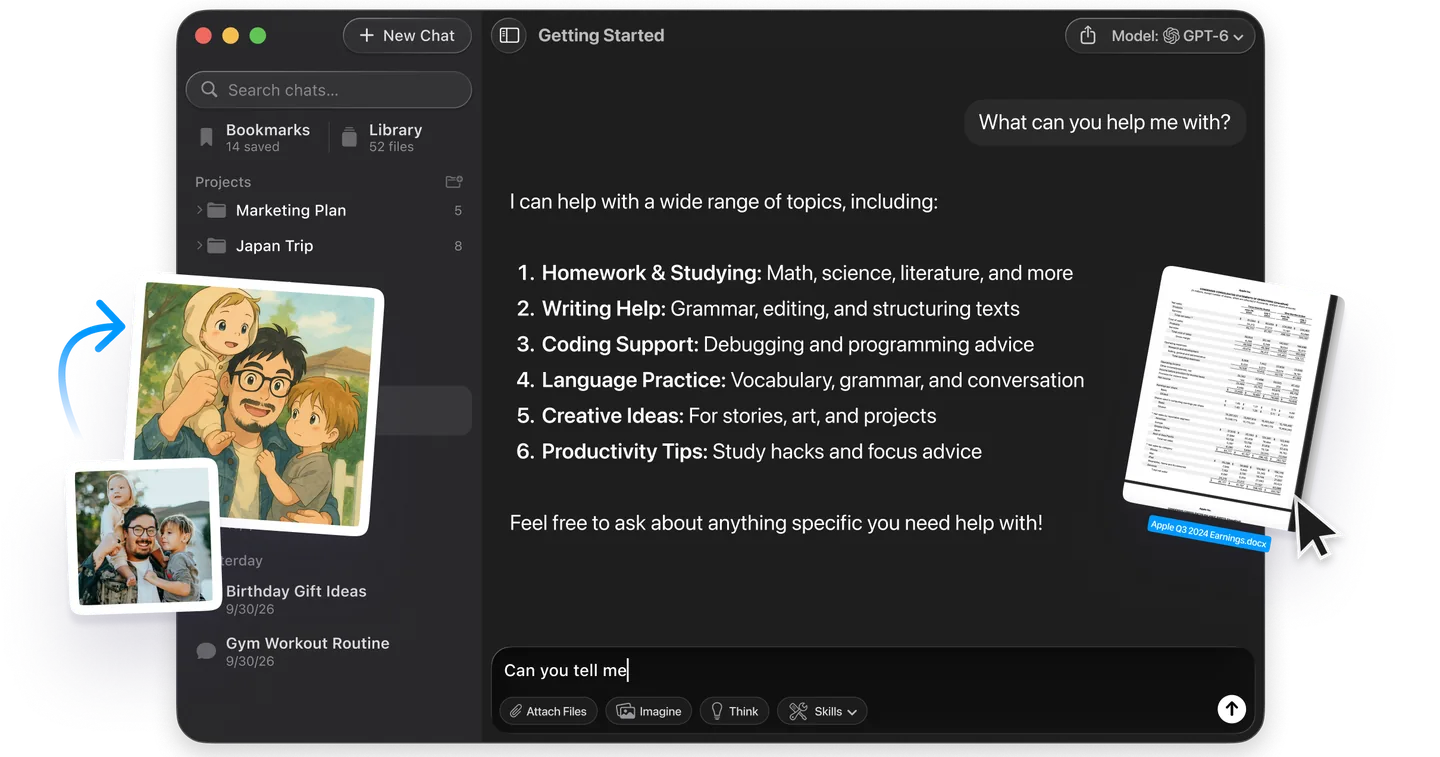
Ask ChatGPT the questions your customers ask and write down who it names. Try something like best bakery near the station or which project tool is cheapest for a team of five. Repeat the same questions every month, because answers change between runs. ChatGPT itself is the only place to see ChatGPT's real answer, but your customers also ask other assistants. Fello AI puts GPT, Claude, Gemini and Perplexity in one Mac or iPhone app, so checking how the others describe your business takes one window instead of three more subscriptions.
Why Isn't My Business on ChatGPT? 6 Things to Check
If ChatGPT never names your business, check these six causes first. Each one has a fix you can start today.
- Your site blocks OAI-SearchBot. Check robots.txt and your firewall or CDN bot settings. A blocked site cannot be shown in ChatGPT search answers.
- Your listing is locked. If Business Hub shows Contact support instead of a claim button, the listing is locked and only OpenAI support can open it.
- You are a local business outside the US. Local stores and restaurants can currently claim only an existing US listing.
- Someone else claimed it. Open the profile, choose the ••• menu and select Dispute ownership, then verify through Persona that you are authorized. Contrary to some launch coverage, the dispute process exists.
- Your edits are still in review. OpenAI reviews and publishes profile changes, and a saved change can take time to reach a listing or an answer.
- Nobody else talks about you. ChatGPT draws on other sources besides your profile. A business with no reviews, press or listings elsewhere gives it little to cite.
Can You Advertise Your Business on ChatGPT?
Yes, but advertising is a separate, paid route, and it does not change ChatGPT's independent answers. OpenAI lets businesses sponsor their Business Agent as the destination for a ChatGPT ad. Its Ads Manager setup guide says Sponsored Business Agents are rolling out to eligible advertisers over the coming weeks, after a limited test with selected advertisers. Our guide to ChatGPT Sponsored Agents explains how those ads look and what advertisers see.
Be wary of anyone selling a guaranteed "ChatGPT listing". Claiming is free through Business Hub, and OpenAI states that neither claiming nor advertising buys a higher place in its answers. Your customers can also switch ads off, as our guide to using ChatGPT without ads shows, which is one more reason the organic route matters.
The Verdict: Claim It Today, Then Fix the Website
Claim your business in Business Hub today. It is free for now, and it is the only way to correct what ChatGPT says about your hours, policies and products. The insights alone are worth it, because mentions and website clicks come straight from OpenAI rather than from a third-party estimate.
Then spend the rest of the week on the part that moves recommendations: unblock OAI-SearchBot, make your listings agree with each other, and earn mentions from sources ChatGPT can cite. For the wider toolkit, see our guide to AI for small businesses, which covers what else is worth paying for. Our look at ChatGPT search versus Google explains why this channel is worth the effort.
FAQ
Is it free to get my business on ChatGPT?
Yes, for now. OpenAI lists no fee for claiming a business or publishing a Business Agent. Digiday reported that both are free at launch and that OpenAI has not ruled out a paid model later. Advertising on ChatGPT is a separate, paid product.
Will claiming my business make ChatGPT recommend it more often?
No. OpenAI says claiming lets you manage your information but does not guarantee more visibility or control over ChatGPT's independent recommendations. Accurate information can still help ChatGPT match you to the right questions.
Can an agency claim my business on ChatGPT for me?
An agency should not claim it for you, but it can manage it. The admin who claims the business can add teammates and grant an agency access in Business Hub, each using their own ChatGPT account. OpenAI warns against forwarding a personal claim invitation.
Can I see what people asked ChatGPT about my business?
No. Business Hub shows aggregate mentions, website clicks and discovery topics for the past 28 days. OpenAI does not share individual prompts or conversations, including chats with your Business Agent.
Does a ChatGPT business profile replace Google Business Profile?
No. They are separate listings on separate platforms, and a customer may use either one. Keep both accurate and consistent, because ChatGPT can also draw on sources other than the profile you claim.