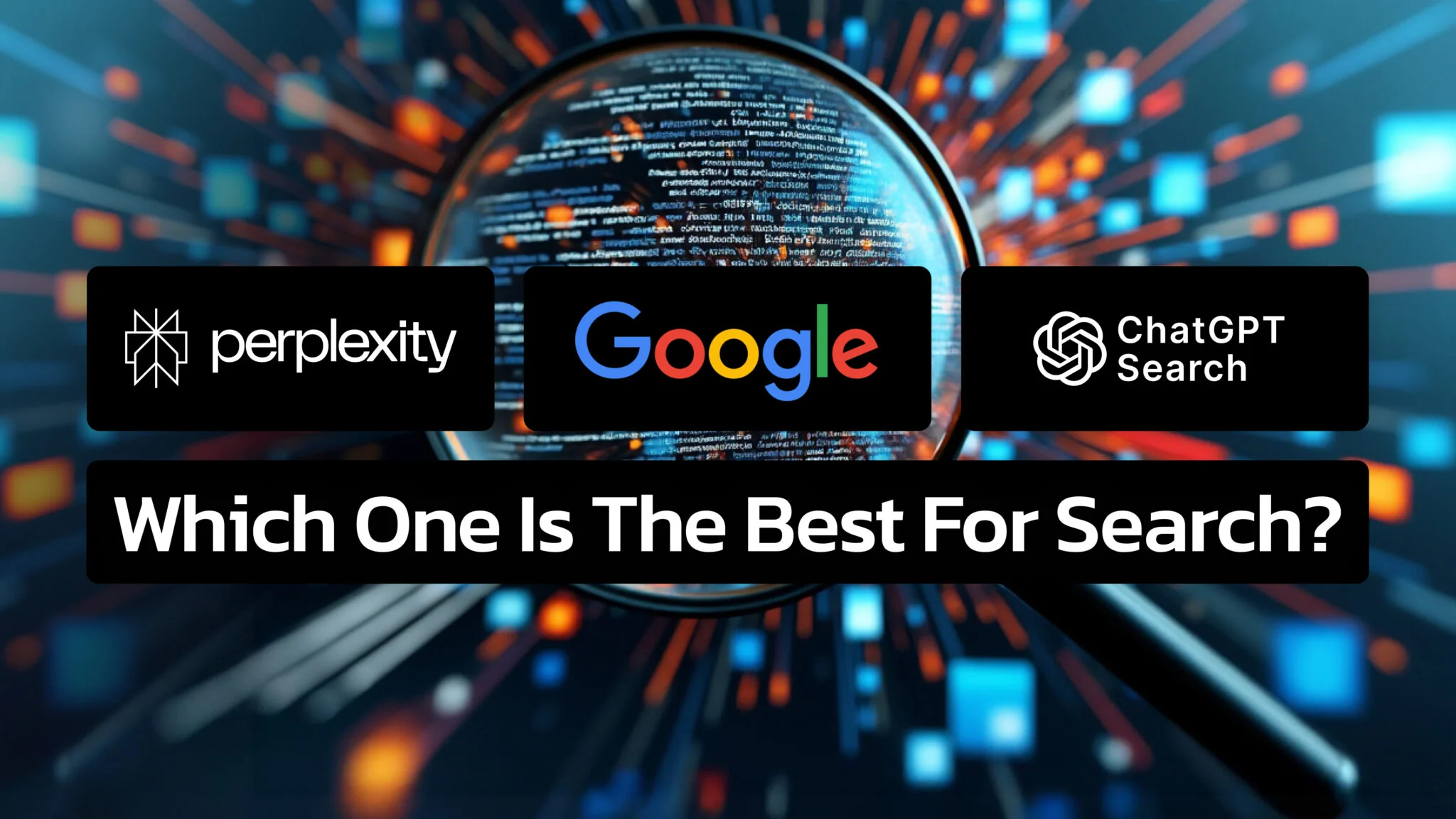
Over the years, search engine landscapes have significantly transformed, evolving from simple keyword-based ChatGPT Search vs. Google vs. Perplexity: Who Is Winning the Game of Search?
Google still controls around 90% of the global search market, but for the first time in decades that dominance is being seriously tested. ChatGPT Search and Perplexity have introduced a different model of search — one that delivers direct answers with cited sources rather than lists of links — and millions of users are making the switch for specific tasks. The question is not which tool is “best” overall, but which one fits which job.
This article compares ChatGPT Search, Perplexity, and Google on accuracy, citations, speed, and best use cases, so you can choose the right tool for what you actually need. If you want to go deeper on Perplexity specifically, we have a complete beginner’s guide to Perplexity AI and a detailed look at Perplexity’s best tips, features, and practices.
The Key Takeaways
- Google dominates with ~90% of global search share and unmatched breadth of indexed content
- ChatGPT Search (launched October 31, 2024) delivers conversational answers with real-time web access, built on a fine-tuned GPT-4o
- Perplexity excels at research tasks by combining generative answers with clearly cited sources
- For creative work and follow-up questions, ChatGPT Search wins; for cited factual research, Perplexity wins; for comprehensive topic coverage, Google wins
- All three tools are free to use at a basic level, with paid tiers unlocking more powerful models
How Search Got Here
Search has changed more in the past three years than in the previous twenty. Google launched in 1998 with the PageRank algorithm, which ranked pages by relevance and authority. For two decades, that model dominated — users typed keywords, got a list of links, and clicked through to find answers.
The shift began when AI language models matured enough to summarize and synthesize information directly. Perplexity launched in December 2022. OpenAI officially added ChatGPT Search on October 31, 2024. Both take a fundamentally different approach: instead of giving you ten links to explore, they give you an answer — and ideally cite where it came from.
ChatGPT Search: Strengths and Limitations
ChatGPT Search is a feature built into OpenAI’s ChatGPT that allows real-time web searches within the chat interface. It runs on a fine-tuned version of GPT-4o with real-time data retrieval via integration with Bing and other sources. It is available to free, Plus, and Team users.
Where it excels:
- Conversational follow-up. You can ask a question, get an answer, then immediately ask a follow-up — and the model remembers the context. This is something traditional search fundamentally cannot do.
- Creative and open-ended tasks. For brainstorming, drafting, or exploring a topic without a defined endpoint, ChatGPT handles ambiguity better than any search engine.
- Combining search with generation. You can ask it to search for something and then immediately summarize, compare, or reformat the results.
Where it falls short:
- Citations are inconsistent. ChatGPT Search provides source links, but it does not always cite them inline within responses the way Perplexity does. For research where traceability matters, this is a real limitation.
- No persistent memory across sessions. Each new conversation starts fresh unless you are using memory features explicitly.
- Can hallucinate even with web access. The model can misread or misrepresent sources, so verification remains important.
Perplexity: Strengths and Limitations
Perplexity is a conversational AI search engine that launched in December 2022. It generates answers using web sources and, critically, cites those sources inline within the response — making it easy to verify every claim. The free version uses its own LLM with web access; Perplexity Pro unlocks access to GPT-4, Claude, and other advanced models.
Where it excels:
- Inline citations. Every factual claim links to its source within the text. For academic research, journalism, or any task where you need to verify what you are reading, this is Perplexity’s defining advantage.
- Concise, structured answers. Perplexity tends to give tighter, more focused responses than ChatGPT, which is useful when you want information fast without navigating a lengthy conversation.
- Source quality awareness. The platform selects from credible sources and surfaces them prominently.
Where it falls short:
- Less effective for creative tasks. Perplexity is optimized for factual retrieval, not creative generation. For writing assistance, brainstorming, or open-ended exploration, ChatGPT is more capable.
- Slower response times. Because Perplexity prioritizes source verification, responses can take slightly longer than tools that prioritize speed.
- Smaller user base means less community optimization. ChatGPT’s scale means more user feedback shaping its behavior.
Google: Strengths and Limitations
Google remains the most comprehensively indexed search engine ever built. Its algorithms crawl and rank content across billions of web pages in real time, and its infrastructure for images, video, maps, and specialized searches (shopping, flights, local results) has no equivalent.
Where it excels:
- Breadth of coverage. For any topic with significant web presence, Google’s index depth is unmatched. Niche topics, local businesses, historical content — Google finds it when AI tools may not have it in their retrieval pool.
- Real-time updates. Google indexes news and new content faster than AI search tools, making it better for breaking news and rapidly evolving topics.
- Specialized search types. Image search, video, maps, shopping, academic papers via Scholar — Google’s vertical search capabilities are far ahead of any AI tool.
Where it falls short:
- Information overload. Millions of results for even basic queries can make it hard to find the signal in the noise.
- No conversational layer. Google’s AI Overviews add some summarization, but it still primarily delivers links rather than synthesized answers.
- Requires more effort from the user. You still need to click, read, and synthesize multiple sources yourself.
Comparison Table
| Feature | ChatGPT Search | Perplexity | |
|---|---|---|---|
| Real-time web access | Yes (via Bing + others) | Yes | Yes |
| Inline citations | Partial | Yes, always | Links only |
| Conversational follow-up | Excellent | Good | Basic (AI Overviews) |
| Creative tasks | Excellent | Limited | No |
| Index breadth | Limited | Limited | Unmatched |
| Best for research | Good | Best | Good |
| Free tier | Yes | Yes | Yes |
| Paid tier models | GPT-4o, o1 | GPT-4, Claude, Gemini | N/A |
Which Tool Should You Use?
Use ChatGPT Search when you want to have a conversation about a topic, need to brainstorm or generate content alongside your research, or want to ask layered follow-up questions that build on each other.
Use Perplexity when you need factual information with traceable sources — for writing, research, or any task where you have to be able to verify what you are citing. Its inline citation model makes it the most honest of the three for research tasks.
Use Google when you need comprehensive coverage, specialized searches (images, maps, local), breaking news, or anything where the breadth of indexed content matters more than a synthesized answer.
Most productive users end up using all three, switching based on the task at hand rather than committing to one platform.
Step-by-Step Guide: Using ChatGPT Search & Perplexity
Using ChatGPT Search
1. Accessing the Platform: Navigate to chatgpt.com or use the desktop or mobile app to which you have access as a Plus or Team user.
2. Entering Your Query: Type your question or topic in natural language into the text box provided.
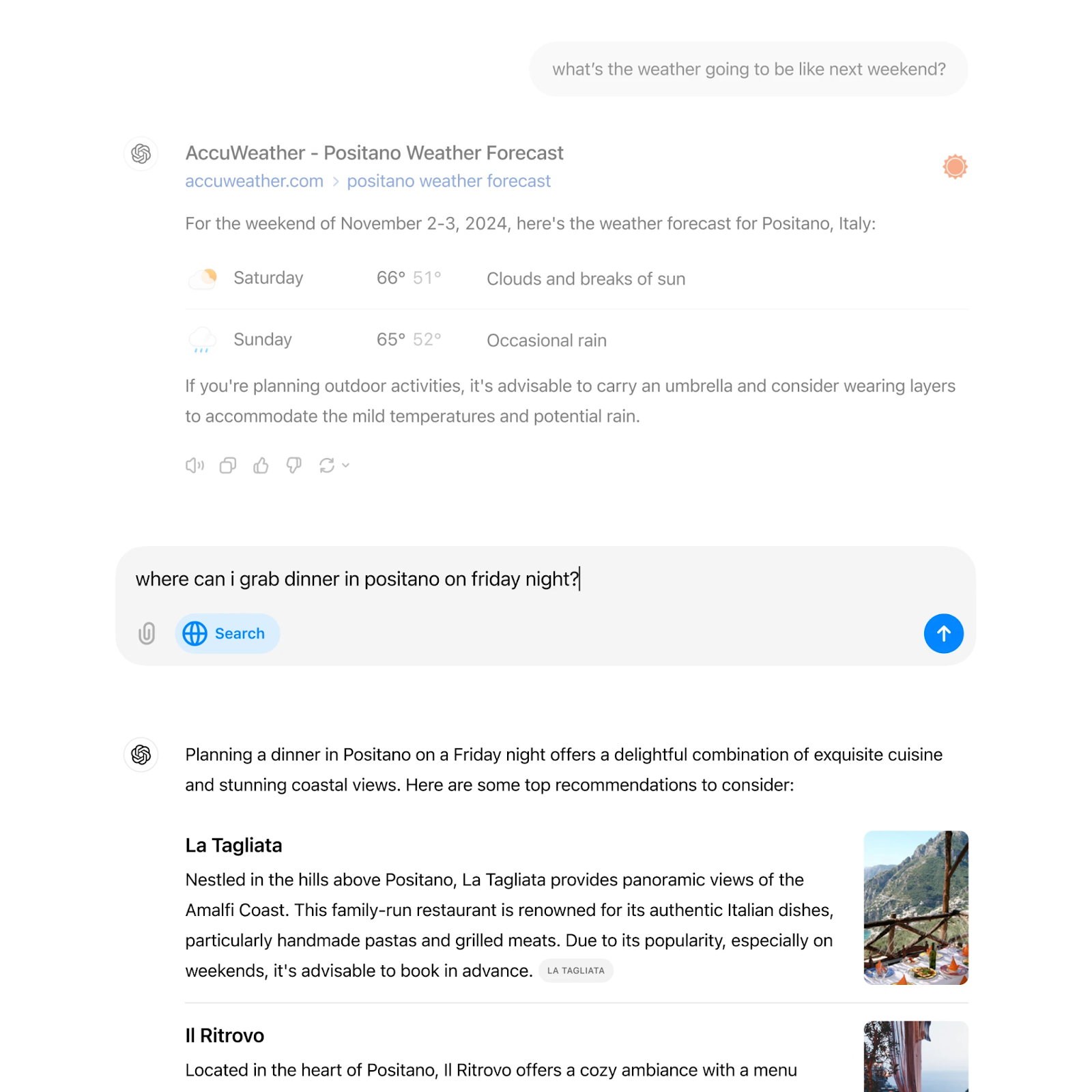
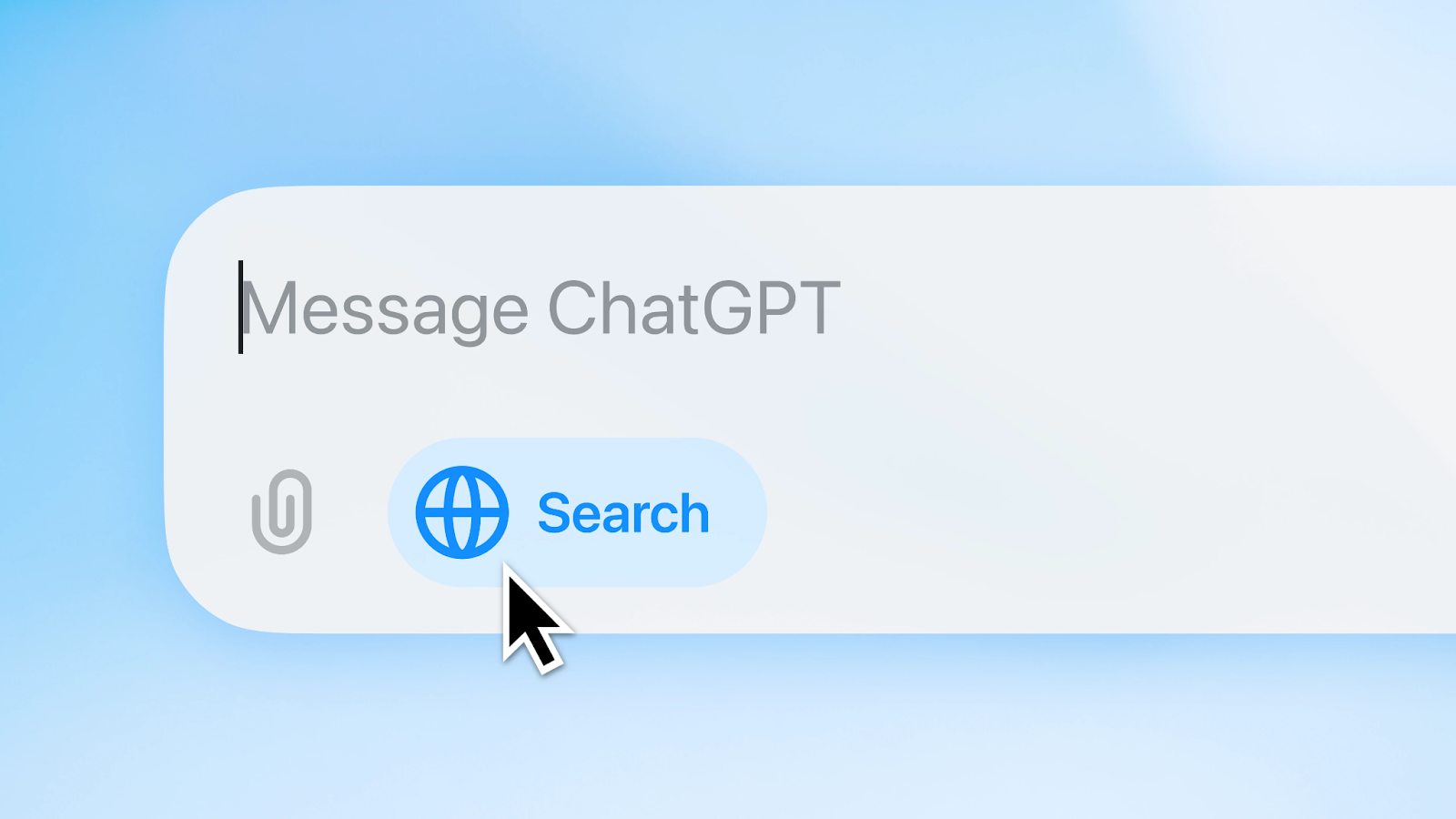
3. Initiating a Search: Click the blue search button below your query or allow ChatGPT Search to fetch relevant information automatically based on your question.
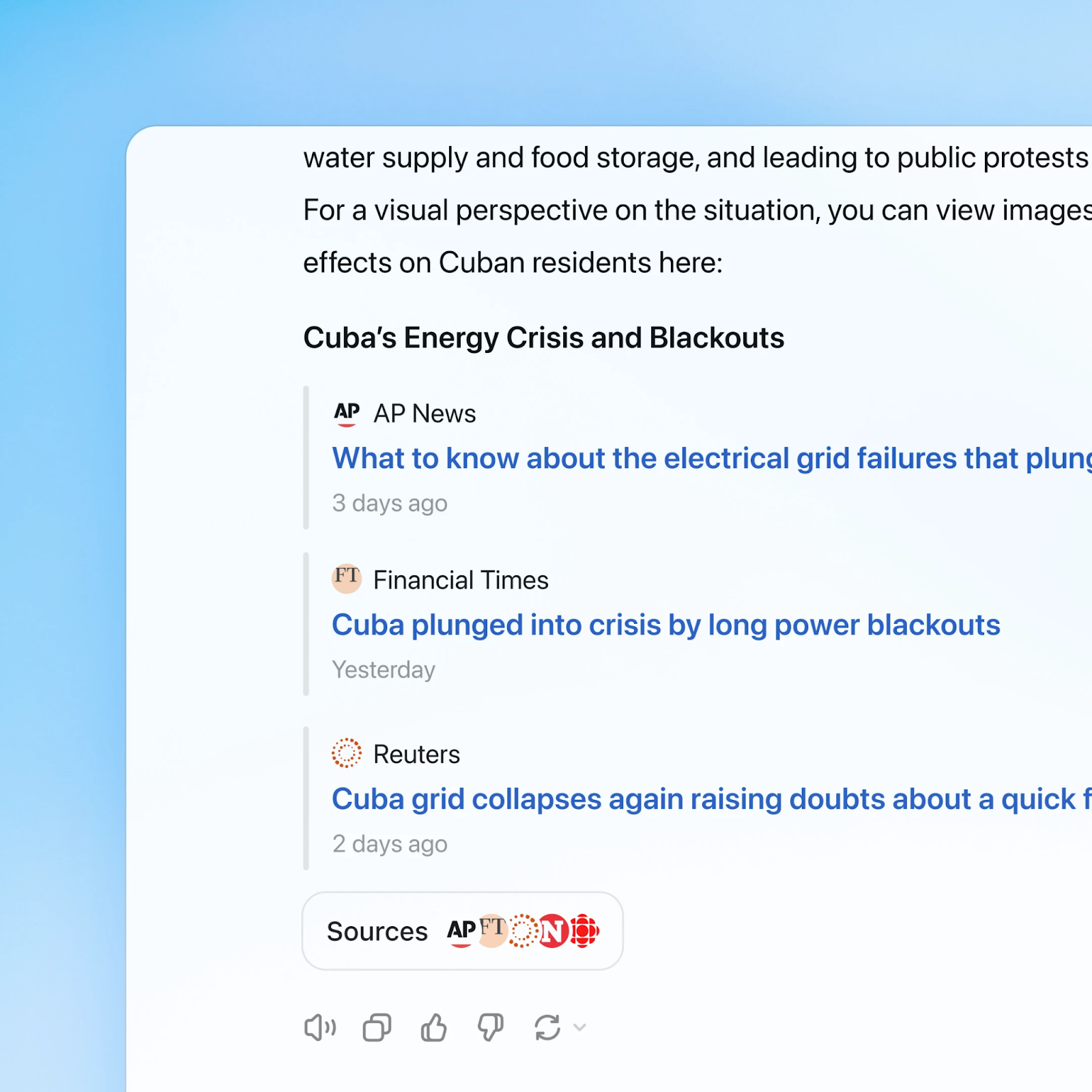
4. Reviewing Responses: Analyze the answer provided and links to credible sources related to your query.
5. Engaging Further: Ask follow-up questions or clarify your request based on initial responses; this will help tailor subsequent answers more closely aligned with your needs.
Using Perplexity
1. Accessing Perplexity: Visit the official Perplexity website or app to access its search functionality.
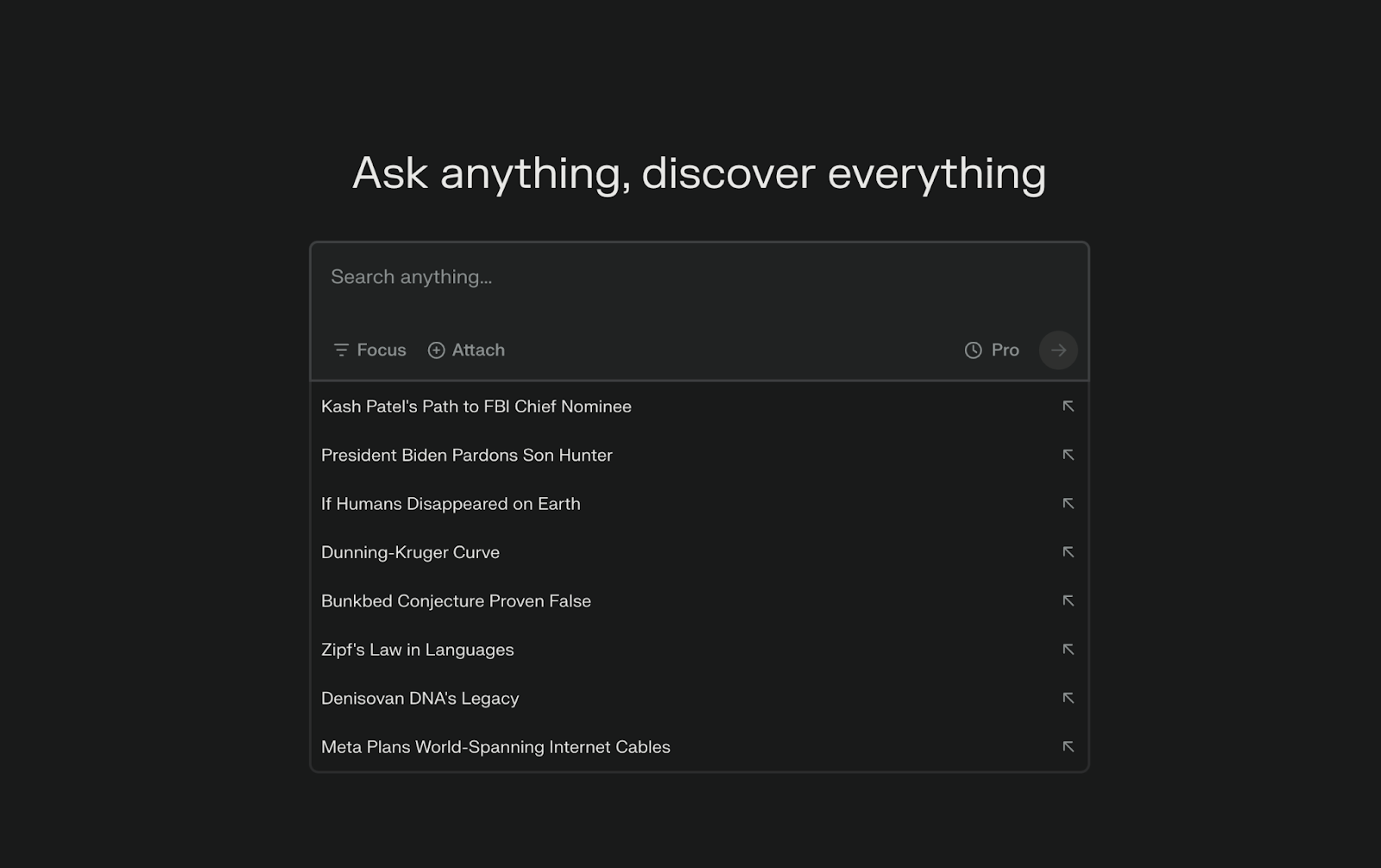
2. Inputting Your Query: Enter your question using clear language; you can phrase it like you would in conversation.
3. Reviewing Answers: Analyze Perplexity’s answer and the links provided at the bottom that lead to credible sources supporting the response.
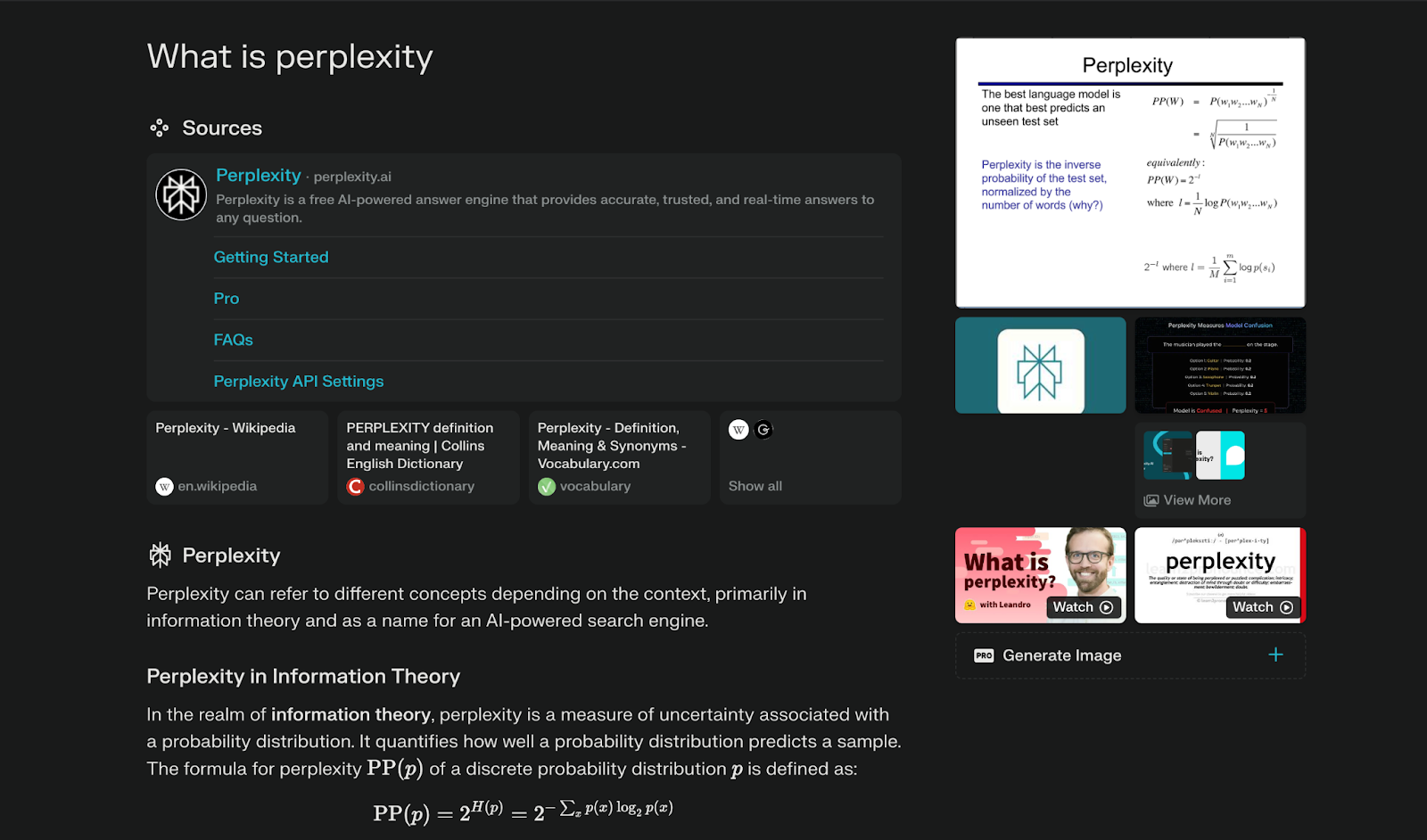
4. Exploring Sources: Click on relevant links to explore specific aspects mentioned in your answer.
Another option is to use Perplexity in Fello AI, an all-in-one AI platform that can switch to various other models.
Using Perplexity on Fello AI
1. Download and Install Fello AI: Download Fello AI from the Mac App Store. It will automatically install on your Mac.
2. Open Fello AI: Launch the Fello AI application. No login is required to start using the app.
3. Select Perplexity Online: In the app, choose “Perplexity Online” from the list of available AI models.
4. Start Chatting: Begin entering your queries in natural language. Perplexity will provide answers backed by clear, clickable citations for easy verification.
5. Utilize Features: Use Perplexity’s conversational capabilities to refine your queries and ask follow-up questions for more detailed responses.
6. Switch Models if Needed: If you require additional functionalities, you can switch to other models available in Fello AI for tasks such as document analysis or writing assistance.
Conclusion
The search landscape in 2026 is genuinely competitive for the first time since Google established its dominance. ChatGPT Search handles conversation and creation well. Perplexity handles cited research well. Google handles breadth and specialization well. None of them does everything best.
The practical move is to treat them as complementary tools rather than picking one winner. Start with the tool that matches your task type, and switch when you hit its limits. On a Mac you can keep ChatGPT as a native desktop app and switch to Perplexity for cited research in the same place.
FAQ
Is ChatGPT Search free to use?
Yes. ChatGPT Search is available on the free tier of ChatGPT, with access to more powerful models like GPT-4o and o1 available on paid plans.
Does Perplexity always cite its sources?
Yes, this is Perplexity’s defining feature. Every factual claim in a Perplexity response links to its source inline, making it easy to verify information without a separate step.
Is Google losing users to AI search tools?
Google still holds approximately 90% of global search market share, but AI search tools are growing rapidly. Many users now use AI tools for specific tasks while returning to Google for broad research and specialized searches.
Which is best for academic research?
Perplexity is the strongest choice for academic research because its inline citations make it straightforward to trace every claim back to its source. For initial exploration of a topic, ChatGPT Search is a useful complement.
Can I use Perplexity and ChatGPT Search together?
Yes, and many power users do. A common workflow is to use Perplexity to gather cited facts and then use ChatGPT to synthesize, expand, or reformat that information into a final output.