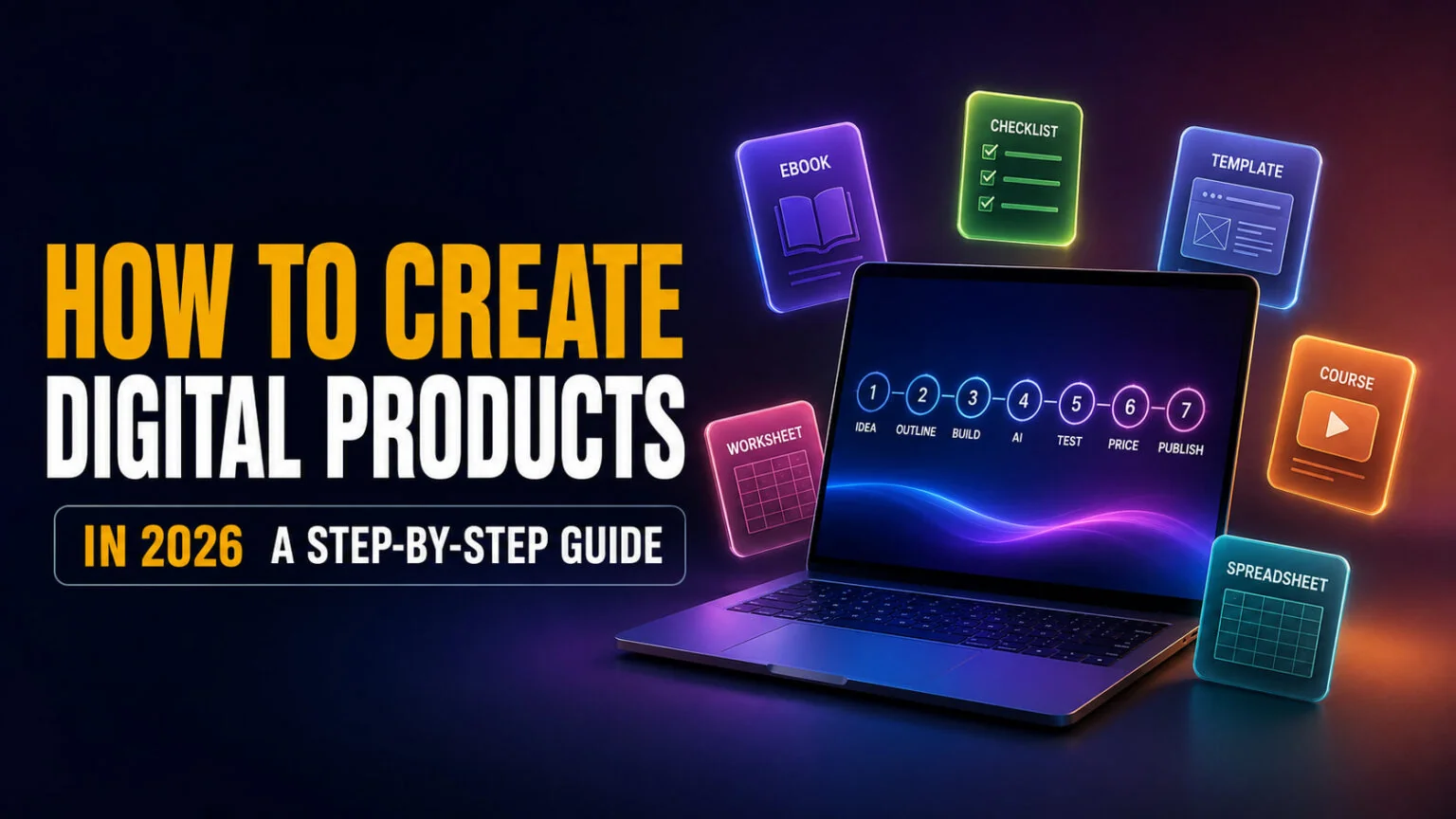
The digital goods market is worth $157.39 billion in 2026 and is forecast to hit $511.43 billion by 2031, a 26.60% CAGR, according to Mordor Intelligence. If you are working out how to create digital products this year, the good news is that building the thing is no longer the hard part. AI can draft your ebook, design your cover, and write your sales page in an afternoon, which means the bottleneck has moved somewhere most guides never mention.
This guide walks the whole build, from picking one buyer problem to shipping the file. You get a realistic 7-step process, honest build times per format, the actual prompts we use, a real product we made with AI end to end, the arithmetic on what you keep after marketplace fees, and the part almost nobody covers: what you legally own when AI made it, and what you are required to disclose. Once the file is ready, see where to sell digital products and which platforms keep the most in your pocket.
The Key Takeaways
- The digital goods market hits $157.39B in 2026, growing at a 26.60% CAGR to $511.43B by 2031.
- The easiest first product is a PDF, a checklist, worksheet, or short ebook, buildable in an afternoon with free tools.
- The 90% margin everyone repeats is false at low prices. On a $5 file you keep about 80%, because flat per-transaction fees dominate.
- The U.S. Copyright Office says copyright does not extend to purely AI-generated material, and that prompts do not alone provide sufficient control.
- Amazon KDP and Etsy both require you to disclose AI-generated content. Etsy also makes you list it as Designed by rather than Made by.
What Counts as a Digital Product
A digital product is any file you create once and sell repeatedly, with no inventory, no shipping, and no unit cost. Templates, ebooks, printables, presets, spreadsheets, courses, and audio packs all qualify. The economics are what make them attractive; the second sale costs you nothing to fulfil.
That does not make them free money, and the rest of this guide is deliberately honest about where the costs actually sit. If you are still deciding what to build rather than how, our roundup of digital products people are already buying is the better starting point, and our list of easy business ideas for 2026 widens the lens further.
How to Create Digital Products in 7 Steps
Every guide on this topic gives you a step list. Most of them are platitudes, “know your audience”, “add value”, and leave you with nothing on your hard drive. The version below is built so that each step ends with a deliverable, something that exists as a file or a decision you have actually made.
Step 1: Pick One Buyer Problem, Not a Topic
“Wedding templates” is a topic. “Editable wedding seating chart for 120 guests” is a product. Specific products convert because they look finished before the buyer even clicks, and they are far easier to make because the scope defines itself.
Write your problem as a single sentence a real person would say out loud. If you cannot, the product is not defined yet. Deliverable: one sentence.
Step 2: Choose the Simplest Format That Solves It
The format should be the smallest thing that fully solves the problem, not the most impressive thing you can build. A checklist that works beats a course that does not exist. PDFs need no code, no video, and no design training, which is why they remain the fastest route to a first sale.
Match the format to the depth of the problem. A quick fix wants a one-page printable; a skill wants a course. Deliverable: a format decision.
Step 3: Outline Before You Open a Design Tool
Outlining in a document is cheap, and redesigning a 40-page PDF is not. Write the sections, the order, and roughly what each one does for the reader. This is the single step where AI saves the most time, because an outline is exactly the kind of structured first draft models are good at.
Keep the outline in plain text until the structure stops changing. Deliverable: a section-by-section outline.
Step 4: Build the Core File
Now open Canva, Google Docs, Figma, or Notion, whichever fits your format, and build version one. Resist the urge to polish. The goal is a complete artefact that a stranger could use, not a beautiful one.
Perfectionism is the most common reason first products never ship. Deliverable: a finished file, warts and all.
Step 5: Bring in AI for the Parts You Are Slow At
This is where the leverage is, and it gets its own section below because doing it well is the difference between a product that sells and one that looks generic.
Step 6: Test It on Five Real People
Five is enough to find the obvious breakages. Give them the file free, then ask one question: where did you get stuck? Do not ask if they liked it, because they will say yes to be kind.
Fix only what more than one person flags. Deliverable: a version two.
Step 7: Price It Against the Fees, Then Publish
Pricing is not a vibe. It is arithmetic against the fee schedule of wherever you sell, which is why it gets a full section further down. Set the price, upload, and publish version one. If you have not picked a storefront yet, our guide on how to sell digital products compares marketplace fees and delivery setups side by side.
Waiting does not improve the product; feedback does. Deliverable: a live listing.
How Long Each Format Actually Takes
Competitors either skip this or tell you everything is fast. Here are realistic first-build times for someone who has not made one before, along with typical prices from live marketplace listings.
| Product type | What it is | Realistic first build | Skill floor | Typical price |
|---|---|---|---|---|
| Checklist / worksheet | One to three pages, solves one task | An afternoon | None | $5 to $15 |
| Printable pack | Themed set of pages | 1 to 2 days | Light design | $5 to $20 |
| Notion template | A working system in Notion | 1 to 3 days | Notion fluency | $15 to $35 |
| Spreadsheet / tracker | Formulas plus a dashboard | 2 to 4 days | Spreadsheet skills | $10 to $40 |
| Ebook | 30 to 80 pages, real research | 1 to 2 weeks | Writing | $10 to $40 |
| Preset / asset pack | Filters, LUTs, brushes, fonts | 2 to 5 days | Craft skill | $10 to $50 |
| Mini-course | 3 to 5 short lessons | 2 to 3 weeks | Teaching plus video | $50 to $150 |
| Full course | Structured curriculum | 1 to 3 months | Teaching plus production | $150 to $500+ |
The pattern is worth noticing. Build time scales roughly with price, which means the cheap products are not a shortcut to the same money, they are a shortcut to a first sale. Most people should start at the top of that table and work down.
How to Create Digital Products with AI
AI changed which step is the bottleneck. It did not remove the bottleneck. The honest summary is that AI is excellent at structure, volume, and first drafts, and unreliable at taste, accuracy, and originality, so you want it doing the work that is tedious rather than the work that is distinctive.
Used well, it compresses a two-week ebook into a weekend. Used badly, it produces exactly the generic output buyers have learned to recognise and skip.
| The job | Where AI genuinely helps | Where it fails |
|---|---|---|
| Idea and outline | Generating structure fast, spotting missing sections | Knowing which idea has buyers |
| Long-form draft | Getting 80% of the words down | Facts, statistics, anything checkable |
| Cover art and visuals | Concepts, backgrounds, mockups | Text inside images, brand consistency |
| Worksheets and layout | Filling structured templates | Actual design judgement |
| Sales copy | Angles, headlines, variations | Your specific voice |
| Editing | Tightening, cutting, reordering | Deciding what matters |
The Prompts That Actually Work
Vague prompts produce vague products. The fix is to give the model a role, a constraint, and an output format. These three are the backbone of most builds.
Outline: “You are an experienced [niche] instructor. My buyer is [specific person] and their problem is [one sentence]. Draft a section-by-section outline for a [format] that solves exactly that problem and nothing else. For each section, state what the reader can do after it that they could not do before. Cut anything that does not pass that test.”
Draft a section: “Write section [N] from the outline. Write for someone who has never done this. Short sentences. No filler, no motivational language. Where a step needs a decision, state the decision rule explicitly. Flag anything you are unsure about rather than guessing.”
Sales page: “Write five different first paragraphs for the sales page for this product. Each one must open with the specific problem the buyer has, not with the product. No hype, no exclamation marks. Then tell me which one is strongest and why.”
Notice what all three have in common. They specify the buyer, forbid filler, and force the model to expose its own uncertainty, which is the closest you get to making a model honest about what it does not know.
Where AI Still Fails
Two failures matter commercially. The first is fact accuracy; models will produce a plausible statistic with a plausible source that does not exist, and a wrong number in a paid product is a refund and a bad review. Check anything checkable.
The second is sameness. If your product could have been made by anyone who typed the same prompt, it is competing with everyone who did. Your outline, your examples, your voice, and your judgement about what to leave out are the parts a model cannot supply, and they are the parts buyers actually pay for. Our 400 AI prompts for Etsy sellers goes deeper on prompt structure if you sell there.
A Real Product We Built with AI, End to End
Most articles about AI product creation never show a finished product. Here is ours. We built a printable murder mystery case file called “Room 213”, a self-guided detective game delivered as a downloadable zip, and the full build is documented step by step.
The workflow was deliberately multi-model, because no single tool was best at everything. ChatGPT and Gemini generated the premise, the suspect profiles, and the twist options. The master timeline and the alibi grid were built in Gemini Canvas, then run through NotebookLM to hunt for contradictions, which is the failure mode that ruins a mystery game. The interview transcripts, police reports, and forensic logs came from the same models working against that fixed timeline.
The visual evidence, crime scene photos, item shots, and maps, came from Nano Banana Pro and Canva. Character interview audio was voiced with ElevenLabs. The finished product was a zip containing 50+ pieces of evidence, including suspect dossiers, 10 to 15 pages of transcripts, forensic reports, and a spoiler-safe solution file, sold on Etsy as an instant download.
Two lessons transfer to any product. First, the quality control gates mattered more than the generation; contradiction scanning, timeline integrity, and spoiler-leakage checks were what turned a pile of AI output into something a buyer could actually play. Second, know the platform’s limits before you package, because Etsy allows five files per listing at 20MB each, and that constraint shapes how you structure a zip.
What You Actually Keep After Fees
Nearly every guide claims digital products have “90% margins”. That is true at higher prices and false at the prices most beginners start with, because flat per-transaction fees wreck cheap products. This is our own arithmetic over the published fee schedules, so you can check it.
Gumroad charges 10% plus $0.50 per sale with no monthly fee. Etsy charges 6.5% plus a $0.20 listing fee plus roughly 3% and $0.25 in payment processing. Payhip is free at 5%, or $29 a month at 2%.
| Your price | Gumroad fee | You keep | Effective margin |
|---|---|---|---|
| $5 | $1.00 | $4.00 | 80.0% |
| $10 | $1.50 | $8.50 | 85.0% |
| $20 | $2.50 | $17.50 | 87.5% |
| $50 | $5.50 | $44.50 | 89.0% |
The 90% figure only becomes roughly true around $50. At $5 you keep 80%, and every sale carries the same fixed $0.50 whether the product took you an afternoon or a month. The practical conclusion is that cheap products need volume that most first-time sellers never get, so pricing at $5 to “reduce friction” often just means working for less. Price at the value of the problem you solved, not at what feels safe.
What You Legally Own, and What You Must Disclose
This is the question every AI product guide skips, and it is the one that can actually cost you. Two separate things are true, and confusing them is the most common mistake.
You can sell AI-generated products. Every major marketplace allows them. But you may not own them, and you are usually required to say you used AI. Those are different issues with different consequences.
Copyright: What the U.S. Copyright Office Says
In its report Copyright and Artificial Intelligence, Part 2: Copyrightability, published on 29 January 2025, the U.S. Copyright Office set out its conclusions plainly. Copyright “does not extend to purely AI-generated material, or material where there is insufficient human control over the expressive elements.”
More pointedly for anyone selling prompt-made products, the Office concluded that “based on the functioning of current generally available technology, prompts do not alone provide sufficient control.” Writing a very good prompt does not make you the author.
The good news is the flip side, and it is genuinely reassuring. “The use of AI tools to assist rather than stand in for human creativity does not affect the availability of copyright protection for the output”, and human authors keep copyright in “the creative selection, coordination, or arrangement of material in the outputs, or creative modifications of the outputs.”
In plain terms, the more of you there is in the product, the more of it you own. A wholly AI-generated image sits in a grey zone where you likely cannot stop anyone from copying it. A product where you chose the structure, wrote the framework, curated the outputs, and edited them into something coherent is protectable in the parts you authored. Note this is U.S. guidance, not a court ruling, and other countries take different views.
Etsy Requires Disclosure and a “Designed by” Label
Etsy permits AI-created items, including digital products, but it attaches conditions. Sellers must disclose AI use within the listing description, and AI-assisted work must be attributed as “Designed by” the seller rather than “Made by”, which is reserved for work you made yourself. Etsy also bans selling AI prompts as standalone products, so the “10,000 Midjourney prompts” listings that once flooded the platform are removed on sight.
Amazon KDP Requires You to Declare AI-Generated Content
Amazon KDP draws a line that is worth learning precisely, because it is not the line most people assume. KDP states it requires you “to inform us of AI-generated content (text, images, or translations) when you publish a new book or make edits to and republish an existing book.”
Crucially, editing does not launder it. In KDP’s own words, “if you used an AI-based tool to create the actual content, it is considered ‘AI-generated,’ even if you applied substantial edits afterwards.” AI-assisted content, where you wrote the work and used AI to refine or brainstorm, does not require disclosure. The distinction is who produced the actual words, not how much you polished them afterwards. The full KDP content guidelines spell it out.
How Much Can You Actually Make?
Honestly? Nobody credible knows, and you should be suspicious of anyone who tells you they do. There is no reliable first-party earnings dataset for digital products. The figures circulating in this niche are either platform marketing, or blog estimates modelled from scraped review counts rather than measured revenue.
What you will find instead are case studies, creators earning six and seven figures, presented as though they were typical. They are outliers, and they are being used to sell you a platform. We would rather say that plainly than invent a median. If you want the broader picture of what does and does not work, our guide to making money with AI covers the realistic options, and making money with ChatGPT goes deeper on the AI-specific routes.
The useful mental model is this. A digital product is not passive income; it is front-loaded work with a long tail. The first sale validates the idea. The hundredth comes from marketing, not from the file.
Creating the Whole Product in One Place
The awkward part of an AI workflow is how many tools it takes. One subscription drafts the text, another generates the cover, a third builds the deck, and a fourth writes the sales page, and you are paying for all of them.
Fello AI collapses that into one app. You get Claude, ChatGPT, Gemini, Grok, and DeepSeek behind a single subscription on Mac, iPhone, and iPad, so you can outline in one model, draft in another, and generate images without switching tools or paying four bills. It also creates the artefacts directly, images, presentations, documents, PDFs, and spreadsheets, which covers most of what a digital product actually consists of.
It will not replace a designer for a polished commercial product, and it is not a storefront. But for going from a blank page to a finished, sellable file, having the models in one place removes most of the friction that stops people finishing. You can get started with Fello AI on the App Store.
Start With One File
The gap between people who sell digital products and people who talk about it is a finished file. Pick one buyer problem, choose the smallest format that solves it, use AI for the drafting and design you are slow at, keep enough of yourself in the work that you actually own it, disclose where you are required to, and price it against the fees rather than against your nerves.
Then publish version one. Your first product will not be your best, and it does not need to be.
FAQ
What is the easiest digital product to create?
A PDF, specifically a checklist, worksheet, or short ebook. It needs no code, no video, and no design training, and you can build one in an afternoon with free tools like Canva or Google Docs. PDFs also see fewer refunds, because buyers know exactly what they are getting.
Can you sell AI-generated products?
Yes. Every major marketplace allows them, including Etsy, Gumroad, and Amazon KDP. But you usually have to disclose the AI use, and the U.S. Copyright Office says purely AI-generated material is not protected by copyright, which means you may not be able to stop others from copying it.
Do you own the copyright to AI-generated content?
Not to the purely AI-generated parts. The U.S. Copyright Office concluded that copyright “does not extend to purely AI-generated material” and that prompts alone “do not provide sufficient control” to make you the author. You do own your own creative contributions, including how you select, arrange, and modify the AI output, so the more human judgement in the product, the more you own.
Do I have to disclose AI use on Etsy?
Yes. Etsy requires sellers to disclose AI use in the listing description, and AI-assisted items must be attributed as “Designed by” the seller rather than “Made by”. Etsy also does not allow you to sell AI prompts as standalone products.
How long does it take to create a digital product?
An afternoon for a checklist or worksheet, one to three days for a Notion template, one to two weeks for a proper ebook, and one to three months for a full course. Build time scales roughly with the price the product can command, so cheaper products are a faster route to a first sale rather than to the same money.