Study With AI Podcasts thumbnail showing a MacBook with notes turning into an audio waveform and two AI host circles, with headphones on a green-teal neon study desk.

AI Podcast for Studying: How to Turn Your Notes Into Audio Revision

Cognitive science ranks two study techniques above almost every other, retrieval practice and spaced repetition, and both reward you for going over the same material more than once. An AI podcast for studying makes those repeats painless, because it turns your lecture notes, slides, or a textbook chapter into a two-host audio episode you can replay on a commute, a walk, or while doing chores. You read the material once, then you listen to it five times without sitting back down at your desk. This guide shows you how to use an AI podcast as a revision tool, not just a novelty. We cover what to feed it, how to […]

Make AI Podcasts thumbnail with bold amber and white headline beside a MacBook showing an abstract AI podcast creation interface, waveform, synthetic hosts, and a glowing microphone on a warm orange-purple studio background.

How to Make an AI Podcast: A Step-by-Step Guide for 2026

You can now make an AI podcast in under an hour, and the fastest path takes about a minute. You add a source or a topic, pick a length and style, and the tool writes a two-host script, voices it with synthetic hosts, and hands you an MP3 you can play like any other show. No microphone, no recording session, no editing suite required. This guide walks the full workflow, not just one button. We cover the exact steps to make an AI podcast, the fast one-click path versus the full creator route, how to write a script the AI voices well, the best free tools to start with, and […]

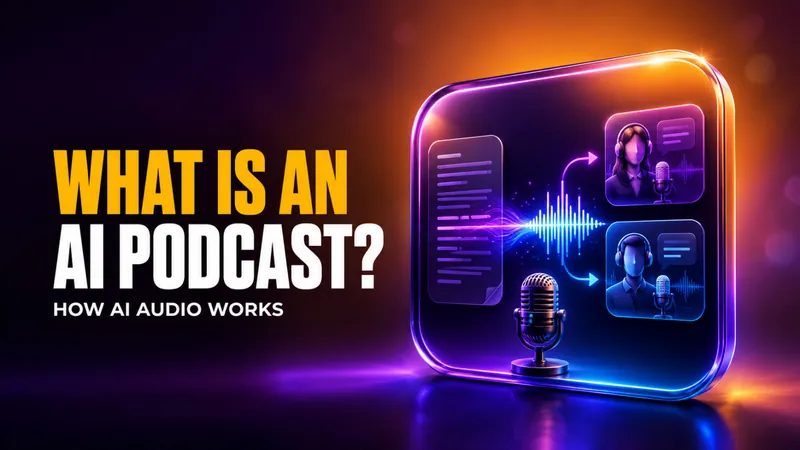
What Is an AI Podcast? thumbnail with bold amber and white text, subtitle “How AI Audio Works,” and a glowing panel showing text turning into an audio waveform, two AI podcast hosts, and a microphone on a warm purple and orange background.

What Is an AI Podcast?

An AI podcast is an audio episode that software writes and voices for you, instead of people recording into a microphone. You hand a tool a source, such as a block of text, a PDF, your notes, or just a topic, and it produces a finished show, usually a two-host conversation you can play like any other podcast. No studio, no editing suite, and the fastest tools do it in about a minute. This guide explains exactly what an AI podcast is, how the technology turns words into a natural-sounding episode, and where it differs from plain text-to-speech. We also cover what you can feed one, why people use them, […]

AI podcast guide cover featuring a robot and monkey podcasters recording in a warm 3D studio, with floating icons for text, web, image, and audio content.

Text to Podcast AI: How to Turn Your Text Into a Podcast

Text to podcast AI turns a block of writing, a set of notes, or a PDF into a two-host audio episode in about a minute, with no microphone and no recording session. You paste or upload your content, pick a length and style, and the tool writes a script, voices it with synthetic hosts, and hands you an MP3 you can play like any other show. This guide is tool-agnostic and practical. We cover what text to podcast tools actually do, the exact steps to turn text into a podcast, which inputs work (text, notes, PDFs, and links), and the best free options to test first. If you would rather […]

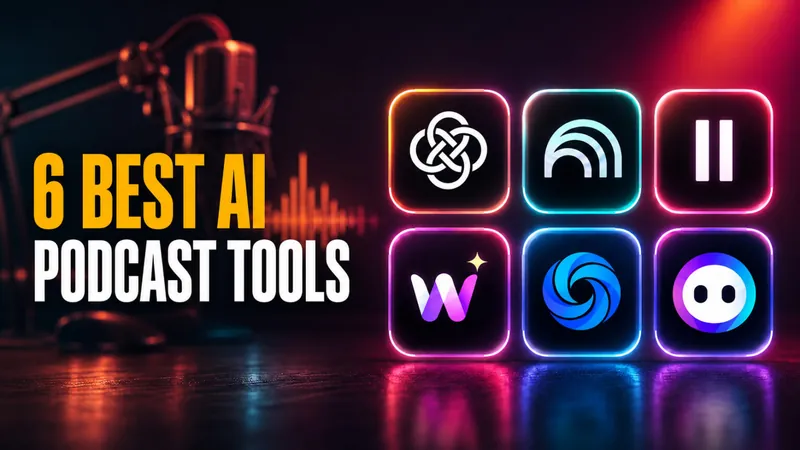
6 Best AI Podcast Tools” with bold yellow and white text, a warm orange and magenta podcast-studio background, a blurred microphone and audio waveform, and a glowing 2x3 grid of AI podcast app icons including the Fello AI logo.

Best AI Podcast Generator in 2026: 6 Tools That Turn Text Into Audio

An AI podcast generator can turn a dense PDF, a web article, or a pile of notes into a two-host audio episode in about a minute, and the best tools now sound close to real radio. Google NotebookLM alone produces millions of these AI-hosted episodes, and it supports 80+ languages, which shows how fast listening replaced reading for a lot of people who used to skim long documents. The catch is that almost every “best podcast AI” list online is really an ad for whoever wrote it. This guide ranks six AI podcast generators by what they actually do, what they cost, and what their free tiers really include, so […]

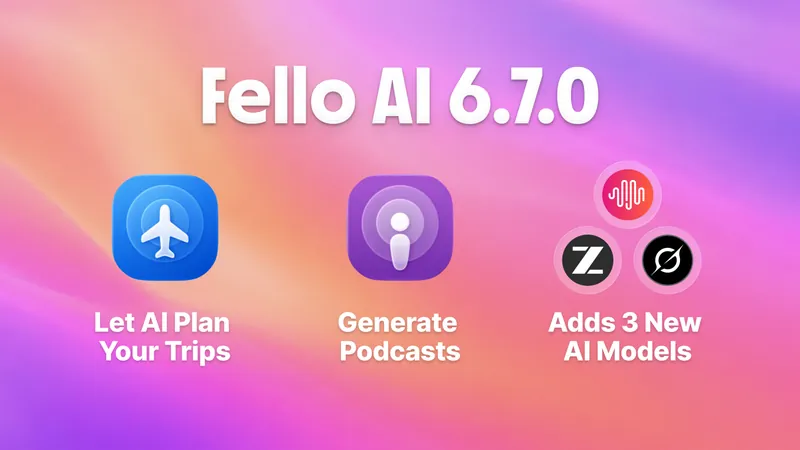
Fello AI 6.7.0 brings New Models (GLM 5.2, Grok 4.3 and MiniMax M3), Skill for generating Podcasts & Travel Planing Skill.

Fello AI 6.7.0: Generate Podcasts, Use GLM-5.2, MiniMax M3, and more

Fello AI 6.7.0 is here, and it makes the app more powerful, more flexible, and easier to use across iPhone, iPad, and Mac. It arrives shortly after our popular 6.6.0 release, which introduced the long-awaited Projects feature for organizing your conversations around what you are actually working on. With 6.7.0 we focused on two new skills: the new Podcast Skill that turns your documents, links, and notes into a real podcast and the new Travel Skill that plans real trips from start to finish for you. On top of those skill, this version adds a fresh wave of frontier models and much broader file support, so there is more you […]

FelloAI thumbnail with the headline “What Is NotebookLM?” beside a glowing NotebookLM-style icon on a cinematic black, gold, and blue background.

What Is NotebookLM? Google’s AI Research Tool Explained

NotebookLM is Google’s free, source-grounded AI research tool that reads the documents, PDFs, websites, and YouTube videos you upload, then answers your questions, writes summaries, and turns your material into podcasts, videos, mind maps, and study guides. The key difference from ChatGPT or Gemini is that it only uses the sources you give it, and it cites every claim back to the exact passage it came from. That single design choice, source grounding, is why millions of students, researchers, and professionals now trust it with material a general chatbot would happily make up answers about. This guide explains what NotebookLM is in plain terms, what you can actually use it […]

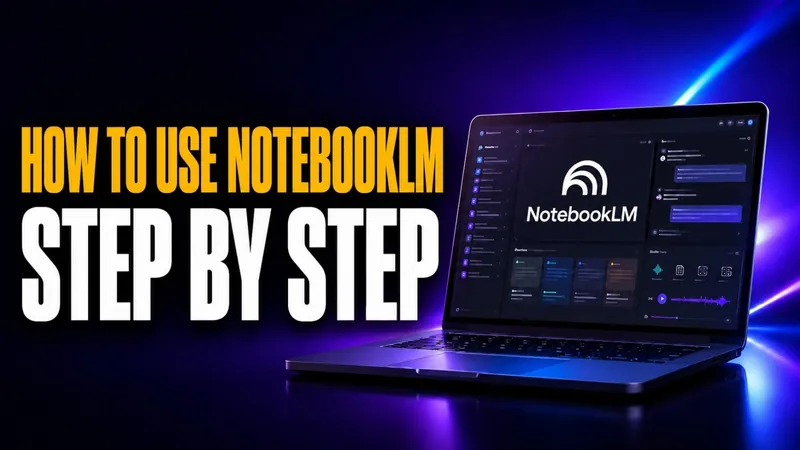
Thumbnail for “How to Use NotebookLM in 2026: A Step-by-Step Guide” showing a MacBook-style laptop with the NotebookLM logo visible on screen, set against a dark blue and purple neon background, with bold amber and white headline text reading “How to Use NotebookLM Step by Step.”

How to Use NotebookLM in 2026: A Step-by-Step Guide

NotebookLM is Google’s free AI research tool, and you use it in six steps. Sign in, create a notebook, and upload up to 50 sources. Then ask questions, check the inline citations, and open the Studio panel to generate study guides, an audio podcast, or a narrated video. Unlike a normal chatbot, NotebookLM grounds every answer only in the documents you give it, so it cites the exact passage behind each sentence and rarely makes things up. Each source can hold up to 500,000 words, which means one notebook can absorb a textbook, a stack of PDFs, a few websites, and a YouTube lecture at the same time. This guide […]

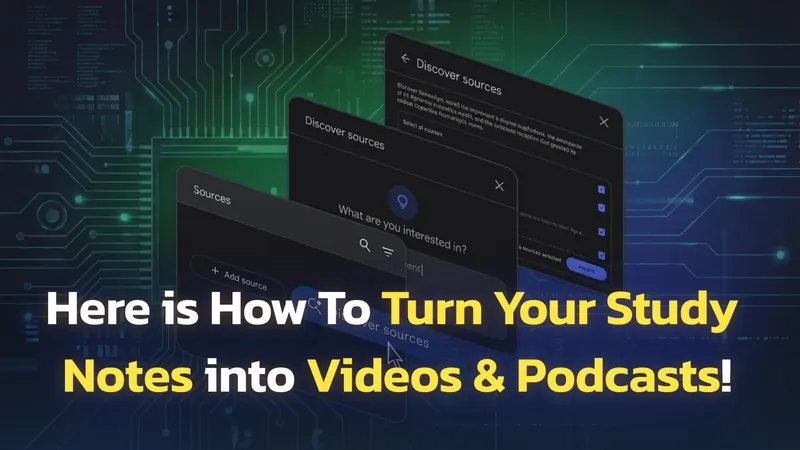
A graphic depicting several overlapping dark-themed app screens on a green circuit board background, demonstrating how to convert study notes into videos and podcasts using a tool like NotebookLM. The screens show options for 'Discover sources,' 'What are you interested in?', and adding sources, with checkboxes and an 'Import' button.

NotebookLM Update: 1M-Token Chat, Goals, Saved History

Google NotebookLM has had one of the most packed update cycles of any AI tool in recent memory. Since October 2025, the platform has shipped eight major upgrades, including Deep Research, a Gemini 3 engine upgrade, built-in slide editing with PPTX export, Cinematic Video Overviews in March 2026, an AI Pro storage bump to 5 TB in April, and the Google AI Ultra reshuffle at I/O 2026 on May 19. The free plan still exists, but a four-tier pricing structure now separates what each type of user can access. This guide covers every NotebookLM update from October 2025 through May 2026, explains how to use each new feature, and breaks […]

Everyone Is Using Google NotebookLM To Turn Text into Podcasts Now

Google’s NotebookLM has just made the impossible possible—turn your notes, research, or even YouTube links into a full-on AI-generated podcast. Imagine two AI hosts breaking down your content, discussing key points, and summarizing it for you while you listen on the go. It’s called Audio Overview, and it’s changing how we consume information. NotebookLM is not the only tool that does this now, and our roundup of the best AI podcast generators compares it with options like ElevenLabs, Wondercraft, and Fello AI. If you want the step-by-step, our guide to text to podcast AI walks through turning any document into an episode. Here’s everything you need to know (and why you’ll want to […]