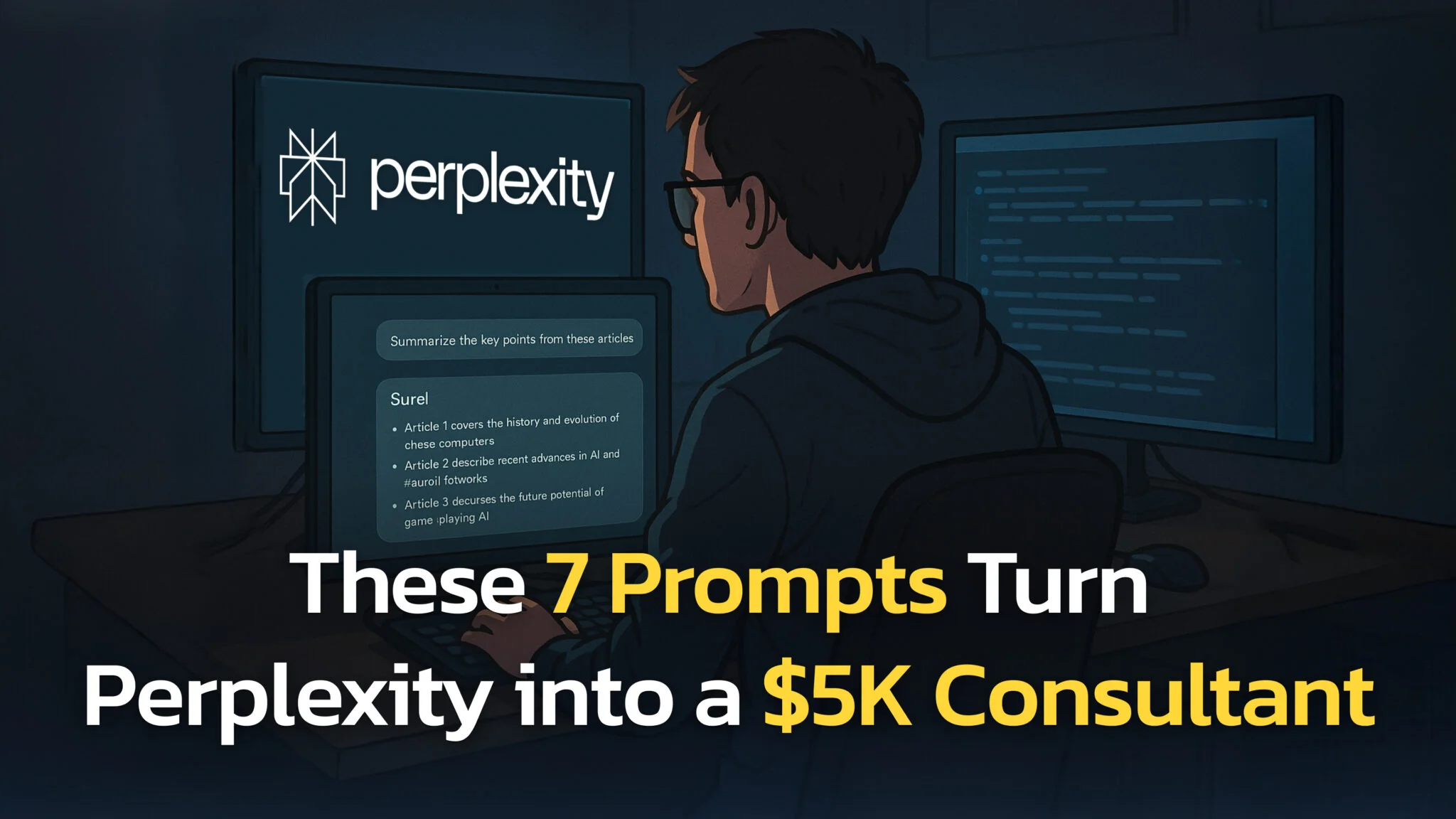
In 2026, the act of “Googling” has fundamentally shifted. We no longer just hunt for links; we collaborate with AI agents to synthesize answers. Perplexity AI stands at the forefront of this shift, offering a “conversational answer engine” that turns raw real-time data into trustworthy, cited reports.
When Perplexity launched Deep Research in February 2025, it reported a score of 93.9% on SimpleQA, a benchmark of several thousand short factual questions. It measures how often an AI system gives a correct, verifiable answer. In practical terms, when you ask Perplexity to analyze your industry’s recent developments or research a technical fix, you get source-backed answers you can mostly rely on, and the citations to check the rest.
However, having access to powerful models is only half the battle. Paid plans let you pick advanced models from OpenAI, Anthropic, Google, xAI and others, with the newest flagships reserved for Max. But to get decision-ready insights rather than generic summaries, you need to master the art of the prompt. An answer engine is only as smart as the context you give it.
The Key Takeaways
- Context is King: Perplexity searches the web in real time and answers with numbered citations; specify timeframes (e.g., “last 90 days”) to reduce drift.
- Deep Research vs Search: Use Deep Research (formerly Research mode) for multi-step synthesis like market scans and decision memos; use Search, with the model left on Best, for fast answers and iterating prompts.
- Structure Matters: Requesting specific output formats (tables, markdown, bullet points) drastically improves usability.
- Citations are Critical: Open at least 2 citations and confirm the date matches your requested timeframe.
- Workflow Integration: In Comet, use the Ask/Summarize buttons and browser commands to work alongside your open tabs (Comet Assistant).
What is Perplexity AI?
Perplexity is an AI-powered search engine that answers questions by searching the web in real time and synthesizing results into a direct response backed by numbered citations. Depending on your plan and selected mode, it can use Perplexity’s Sonar models and advanced third-party models (the available list evolves over time). For productivity, it reduces the “open 10 tabs” problem while keeping verification practical via source links.
For a full breakdown of the basics, check our complete beginner’s guide to Perplexity. These prompts shine on Pro, and you do not always have to pay for it; see how to get Perplexity Pro for free or cheap.
The 7 Best Perplexity AI Prompts for 2026
While Perplexity excels at answering simple natural language questions, its true power is unlocked when you treat it as a reasoning engine. The following prompts are high-leverage templates, each labelled with the mode that suits it: Search, Search with Thinking, or Deep Research.
Quick Prompt Library
| Prompt Name | Best For | Mode | Inputs | Output |
|---|---|---|---|---|
| 1. Market Research | Founders, PMs | Deep Research | Industry, Trends | Structured Report |
| 2. Trend Hunter | SEOs, Creators | Search | Niche, Competitors | Markdown Table |
| 3. Lit Review | Students | Deep Research | Subject, Year | Bibliography |
| 4. Tech Fixer | Devs | Search (Best) | Error Code | Code Snippet |
| 5. Red Team | Investors | Search + Thinking | Decision | Risk Memo |
| 6. Legal Simplifier | General | Search + File | PDF Contract | Plain English |
| 7. Trip Planner | Personal | Search (Best) | City, Budget | Itinerary Table |
1. The “Deep Dive” Market Research Prompt
Best for: Founders, Product Managers, Marketers Mode: Deep Research
Act as a Senior Market Researcher. Conduct a deep analysis of the [Industry Name] market trends over the last 12 months.
1. Identify the top 3 emerging trends and 2 declining trends.
2. List major competitors and their recent feature releases.
3. Find customer sentiment/complaints from Reddit and G2.
Output format: A structured report with citations for every claim.
- Why it works: Perplexity Deep Research does not just run one search; it builds a plan. Perplexity says it performs dozens of searches and reads hundreds of sources, so it can fill in “sentiment,” “competitors” and “trends” separately before it writes the final report.
- Example Output: A 2-page briefing document with distinct sections for “Emerging Trends” and “Consumer Sentiment,” complete with clickable footnotes to Reddit threads and G2 reviews.
2. The Content Strategy & Trend Hunter
Best for: Content Creators, SEOs Mode: Search (paid plans apply Pro Search automatically)
Find high-potential topics related to [Niche/Keyword] that have gained traction in the last 6 months.
- Analyze top-performing articles on this topic.
- Suggest 5 distinct article titles that address content gaps.
- List the primary sources/data points used by competitors.
- If you cannot access reliable search volume, label SV as 'unknown' and provide an opportunity score based on SERP signals (content depth, freshness, intent match).
Output: A markdown table with columns: Topic, Search Intent, Opportunity Score.
- Why it works: It forces Perplexity to analyze competitor content (the “top-performing articles”) to find what is missing (the gaps). This uses the engine’s ability to “read” multiple pages simultaneously.
- Pro Tip: Follow up with “Generate an outline for topic #1.”
3. The Academic Literature Reviewer
Best for: Students, Researchers Mode: Deep Research
I am writing a paper on [Specific Subject]. Search for peer-reviewed studies and academic articles published between 2023 and 2026.
- Summarize the key findings of the top 5 papers.
- Highlight any conflicting data or methodologies between these studies.
- Provide a full bibliography in APA format.
- Why it works: By asking for “conflicting data,” you trigger the model’s reasoning capabilities to compare sources against each other, rather than just listing them.
- Example Output: A synthesized literature review that groups papers by their conclusions (e.g., “Papers supporting Theory A” vs. “Papers supporting Theory B”).
4. The Technical Troubleshooter (Stack Overflow Synthesizer)
Best for: Developers, Engineers Mode: Search, with the model on Best
I am encountering [Error Message] in [Language/Framework].
Search for recent solutions on GitHub issues and Stack Overflow from the last year.
- Explain the root cause.
- Provide the most up-to-date code snippet to fix it.
- Warn me about any version-specific dependencies.
- Why it works: Developers often waste time reading outdated answers. Adding the “last year” constraint keeps the code snippets in line with current versions, which matters most right after a major React or Next.js release.
- Pro Tip: Paste your specific error log before the prompt for higher accuracy.
5. The “Opposing Viewpoints” Decision Maker
Best for: Executives, Investors Mode: Search, with Thinking turned on
I am considering [Action: e.g., investing in crypto, switching CRMs].
Act as a "Red Team." Search for credible arguments AGAINST taking this action.
- Focus on risks, hidden costs, and negative user reviews.
- Compare [Option A] vs [Option B] strictly on downsides.
Output: A "Risk Assessment" memo.
- Why it works: “Red Teaming” is a classic prompt engineering technique. It forces the AI to break its natural tendency to be “helpful/positive” and instead look for critical, negative information.
6. The Legal Document Simplifier
Best for: General Users (Not Legal Advice) Mode: Search + File Upload
Upload a PDF of a contract or Terms of Service.
Analyze this attached document.
- Summarize the termination clauses and liability limitations.
- Flag terms that appear unusual vs commonly used clause patterns; if you can’t support a comparison with sources, say so.
- Explain the "Indemnification" section in plain English.
Disclaimer: Remind me that this is not legal advice.
- File notes: each file is capped at 40 MB, and uploads come out of a rolling weekly allowance on every plan, with a higher allowance on Max.
- Why it works: Perplexity reads a short file in full and pulls the most relevant parts out of a long one, so it can handle large PDFs like contracts. It treats the file as a primary source and uses the web to benchmark it against “standard” clauses.
7. The Trip Planner with Current Listed Prices
Best for: Personal Productivity Mode: Search, with the model on Best
Plan a 5-day itinerary for [City] in [Month].
- Focus on [Interests: e.g., hiking, vegan food].
- Find flights from [Origin] under $[Budget] and list current listed prices (verify at booking). Prices change quickly; treat figures as directional and confirm on the merchant site.
- Suggest hotels with 4+ star ratings available on these dates.
Output: A day-by-day table with estimated costs and links to booking pages.
- Why it works: Unlike a static travel blog, Perplexity can surface current flight/hotel listings from across the web with links/citations; always verify prices and availability at booking. See our full AI flight finder workflow for the step-by-step, and our best travel apps round-up for the wider toolkit. Compare the best AI travel itinerary generators for this kind of prompt.
Prompt Chaining
For complex tasks, a single prompt often is not enough. Power users rely on Prompt Chaining, breaking a large goal into a sequence of smaller, logical steps.
The “Market Entry” Chain:
- Step 1 (The Scan): “List the top 5 competitors in the [Industry] space in 2026 and their current pricing models.”
- Step 2 (The Gap): “Based on the pricing above, identify which customer segment is currently underserved or priced out.”
- Step 3 (The Solution): “Propose 3 feature sets that would appeal specifically to that underserved segment. Prioritize low-cost implementation.”
Why Chain? If you asked for all of this in one go, the AI might hallucinate the “gap.” By establishing the facts in Step 1, Step 2 becomes grounded in reality.
Projects (Formerly Spaces) and Shareable Outputs
Perplexity Projects, which Perplexity used to call Spaces, are the place for ongoing work. A Project keeps your searches, files, instructions and connected tools together, and you can invite up to five contributors on a personal account. Pages are paused for now: Perplexity has temporarily retired “Create page” and says “Convert to Page” will return. Until then, share a session link, or export a Deep Research report to PDF or a document.
Pro Tip: Keep raw research in a Project, then share the final deliverable as a clean export, or as a Page once “Convert to Page” is back in your account.
Common Mistakes to Avoid (The “Few-Shot” Trap)
Transitioning from ChatGPT to Perplexity requires unlearning some habits.
- Avoid “Few-Shot” Overload: In traditional LLMs, giving 3 examples of a “good answer” helps. In Perplexity, this can confuse the search crawler, causing it to search for your examples instead of your actual query.
- Bad: “Here are 3 examples of a marketing email… Now write one for me.”
- Good: “Write a marketing email for [Product]. Use a persuasive tone and include a CTA.”
- Vague Timeframes: Never ask “What is the latest news?” without defining “latest.” Always specify “in the last 24 hours” or “this week.”
- Ignoring “Sources”: If a claim looks surprising, click the citation number. AI can misinterpret a satirical article as fact.
Which Mode Should I Use? (2026 Feature Matrix)
Perplexity reorganized its modes in 2026. Search is the default, Pro Search applies automatically inside it on paid plans, and Thinking is a setting on a model rather than a separate mode. Choosing the right option still saves time.
| Mode | Best for | Typical time | Output | Notes |
|---|---|---|---|---|
| Search (Best) | Fast answers, quick iteration | Seconds | Concise answer + citations | Best picks a suitable model for each query. |
| Search (chosen model) | Harder questions needing more breadth | Seconds | More detailed synthesis | Paid plans can pick an advanced model; Pro Search applies automatically. |
| Thinking | Multi-step analysis, tradeoffs, deeper logic | Longer | More analytical breakdown | A setting on supported models, not a separate mode. |
| Deep Research | Comprehensive reports, deep synthesis | Minutes | Multi-page report | Formerly “Research mode”; exports to PDF or a document. |
| Create files and apps | Deliverables (reports, spreadsheets, dashboards, mini-apps) | Varies | Multi-artifact output | Launched as “Perplexity Labs”; paid plans only. |
Perplexity Pro vs. Free: 2026 Plan Comparison
| Plan | Pro Searches | Advanced models | File uploads |
|---|---|---|---|
| Free | 3 a day | No | Limited |
| Pro | Weekly limit (average use) | Yes | Weekly allowance* |
| Max | Weekly limit (advanced use) | Yes, including Max-only flagships | Higher weekly allowance* |
*40 MB per file on every plan. Free also gets one Deep Research query a month.
For a detailed breakdown, see the official subscription plan guide.
What about the Comet Browser?
Launched in July 2025, Comet is Perplexity’s Chromium-based AI browser. Its Ask and Summarize buttons work on the page you have open, and it can browse and complete tasks for you. The workflow is simple: open a page, ask Comet to summarize it, extract the claims or find contradicting sources, then verify through the citations. For setup help, see Getting Started with Comet.
Security Note: Third-party audits have shown AI browser “summarize/agent” features can be manipulated via indirect prompt injection/phishing. Avoid entering credentials or taking high-risk actions based solely on the assistant’s guidance; verify the site and the sources.
How to Create Perplexity Prompts
Creating effective Perplexity prompts is different from writing ChatGPT prompts because you’re working with a search-powered AI that needs search-specific guidance to find the right information. Below you will find 5 extra tips for using perplexity.
Match Your Source to Your Task
Most people only use the default web search, but the sources you pick change your results considerably. Perplexity can draw on Web, Academic and Finance sources, among others, so use Academic for peer-reviewed research, Finance for company data and filings, and Web for general news and market research. The source you choose decides whether you get scientific studies or blog coverage of the same topic.
Use Follow-Up Questions
Do not treat Perplexity like a one-shot search engine. Have a conversation. Start with broad questions, then drill down with specific follow-ups that build on previous answers. Each response reveals new angles worth exploring, leading you to insights you would not have found with a single query.
Leverage Special Features
Discover creates a personalized news feed based on your interests, keeping you updated without manual web-searching. You can find it in the left sidebar and customize it by setting your professional interests and industry focus. The feed automatically curates trending topics, breaking news, and deep-dive content across categories like finance, tech, and business.
Pages used to turn your research into a shareable, article-style report. Perplexity has temporarily retired “Create page” and says “Convert to Page” is coming back with new capabilities. In the meantime, a Deep Research report exports to PDF or a document.
Projects (formerly Spaces) let you combine uploaded documents with web research and work on them with others. Each Project keeps its own searches, files and instructions, so you can come back to the same research later. This is highly effective for complex projects that need both internal documents and current web information working together.
Choose the Right Research Depth
Search gives instant answers for quick lookups. Deep Research takes a few minutes to deliver a comprehensive, well-structured report you can export. Create files and apps (launched as Labs) goes further by building work products: documents, spreadsheets, presentations and simple web apps. Match the tool to the output you need.
Personalize Your Profile
Set up your interests, role, and location in your profile so Perplexity understands your context from day one. This makes Discover more useful and helps the AI provide more relevant answers tailored to your expertise level and industry focus. The more context you provide, the better your results become over time.
Run These Prompts in Fello AI
Every prompt above works best when you can check one model’s answer against another. Fello AI runs them with live web search across ChatGPT, Claude, Gemini, Grok, DeepSeek and Perplexity in one native Mac, iPhone and iPad app. Paste the Market Research prompt, read the cited answer, then switch models and ask the Red Team prompt about it in the same window. Upload a contract for the Legal Simplifier, or turn the finished research into a Word document, an Excel sheet or a PowerPoint deck.
Fello AI starts from $11.99 a month in most countries (prices checked October 2026), has a free tier, and holds 4.7 stars across 27,000+ reviews. It is the easy option when you want Perplexity’s cited answers and a second model’s opinion without a second subscription.
Conclusion
Perplexity is most effective when your prompts specify timeframe, constraints and output format, and when you validate citations instead of treating answers as final. Use Search for speed, Search with Thinking for harder tradeoffs, and Deep Research for comprehensive synthesis. To see how these templates behave on other engines, start with our Fello AI guide, and on a Mac you can run them against Perplexity in a native app rather than a browser tab.
FAQ
What are Perplexity AI prompts?
Perplexity AI prompts are structured instructions that tell the engine what to search, which time range to use, and how to format the answer. Because Perplexity searches the web in real-time, good prompts include keywords, constraints, and a required output format.
Deep Research vs Search: What’s the difference?
Search is for quick lookups (for example, “Who is the CEO of Apple?”), with the model on Best or one you pick. Deep Research (formerly Research mode) is for deep investigation. It builds a plan, runs dozens of searches, reads hundreds of sources and writes a comprehensive report. Use Deep Research for decision memos.
Can Perplexity replace my internal knowledge base?
Partly, using Perplexity Projects (formerly Spaces). A Project lets you search across web sources and the files you add to it; Enterprise plans add shared Projects and centrally governed file connectors for broader internal knowledge workflows.
Is Perplexity Pro worth it?
For power users, yes. Access to advanced models from OpenAI, Anthropic, Google and others is valuable. The real return comes from the larger Pro Search allowance (a weekly limit instead of 3 a day on Free) and more Deep Research reports, which heavy research workflows depend on. Read more in the official plan comparison.
Limitations & Disclaimers:
- Hallucinations: Like all LLMs, Perplexity can hallucinate. Always click the citation numbers to verify facts.
- Pricing Data: Real-time prices for flights/hotels may fluctuate. Use Perplexity for estimates, not final booking data.
- Medical/Legal: Perplexity is not a substitute for professional advice.