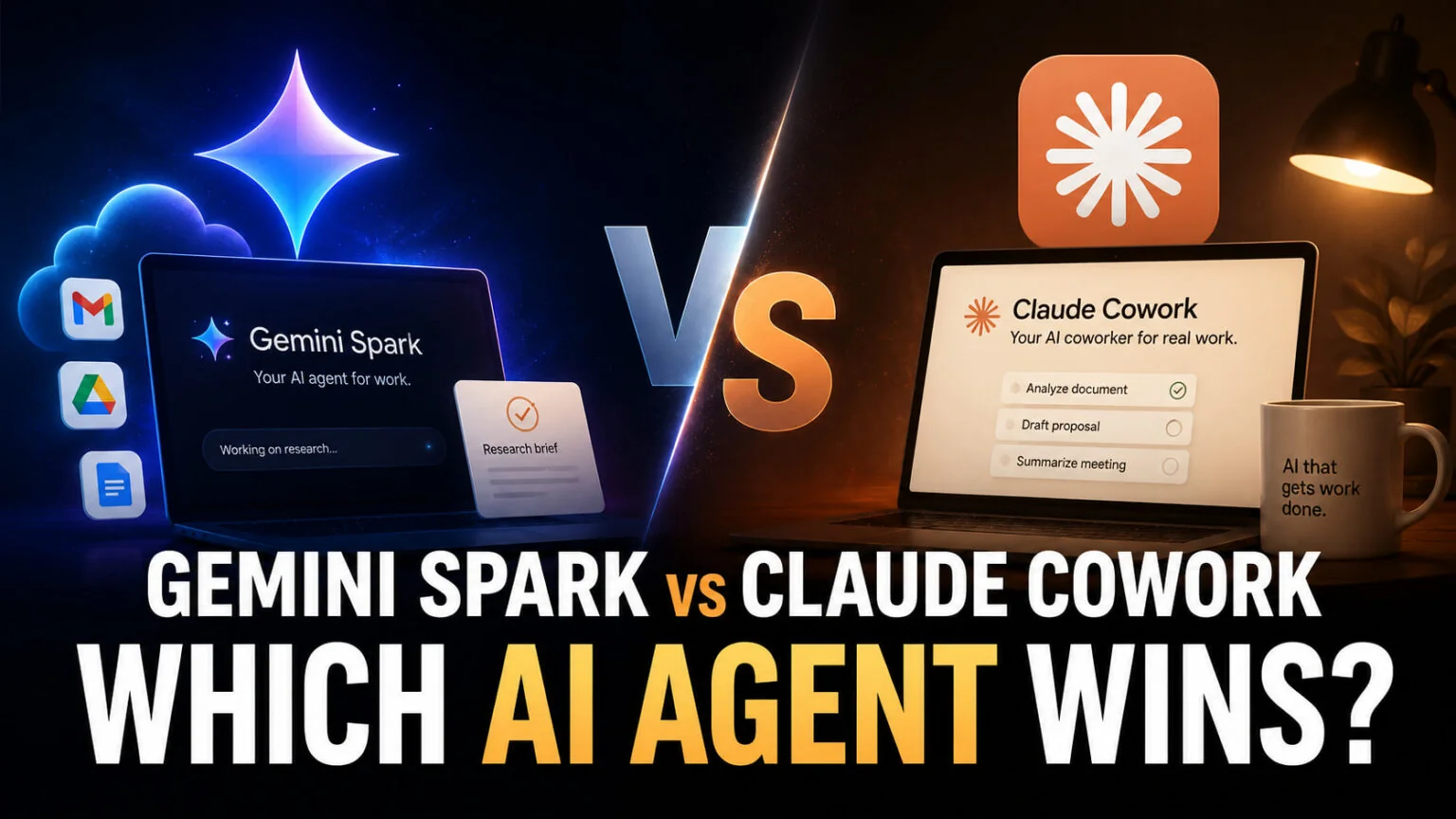
On July 23, 2026, Gemini Spark stopped being a luxury purchase. Google’s 24/7 agent launched at I/O on May 19, 2026 locked behind the $99.99/month Google AI Ultra tier. It now reaches Google AI Pro subscribers at $19.99/month, within pennies of what Claude Cowork costs on Claude Pro. Anthropic shipped Cowork in general availability back on April 9, 2026, so Gemini Spark vs Claude Cowork is the AI-agent comparison most knowledge workers actually need this year. What changed in July is that it is no longer a price question.
You came here for a verdict, not a press recap, so this guide does four things. It tells you what each agent is in plain English, then breaks down the pricing. Both now start at roughly $20/month, and since July 30, 2026 that Pro-tier entry runs in more than 160 countries rather than the US alone. From there it shows where each one runs on a Mac or iPhone and ends with five use cases, so you can match the right agent to the work you actually do. If you want both without picking a side, we cover that at the end too.
The Key Takeaways
- Gemini Spark is Google’s cloud-resident 24/7 AI agent. Since July 23, 2026 it reaches Google AI Pro ($19.99/month), widened to more than 160 additional countries on July 30, alongside Google AI Ultra ($99.99/month).
- Claude Cowork is Anthropic’s agent for knowledge work, generally available since April 9, 2026 and now on desktop, web and mobile, included on Claude Pro ($20/month) and Max ($100 to $200/month).
- Spark launched on Gemini 3.5 with the Antigravity harness and has run on Gemini 3.7 Flash since August 13. Cowork has no documented default model, just a picker that remembers your last choice, topped by Claude Opus 5.5 with a 1M-token context window. Both now keep working when your laptop is closed.
- Cowork wins for file creation (Excel, PowerPoint, Word, PDF) and research deliverables. Spark wins for inbox automation, 24/7 background tasks, and anyone already living inside Gmail and Google Workspace.
- If you want both without picking a side, Fello AI gives you ChatGPT, Claude, Gemini, Grok, and DeepSeek in one Mac, iPhone, and iPad app for $9.99/month.
Gemini Spark vs Claude Cowork at a Glance
Two things separate these agents now that the price gap is gone. What they touch (Workspace and your inbox vs your file system and Office) and where you can buy them (Spark is blocked across much of Europe, Cowork is not). Everything else is a consequence of those two choices.
The table below gives you the spec sheet up top. If you only read one section of this article, read this one and the use-case section further down.
| Feature | Gemini Spark | Claude Cowork |
|---|---|---|
| Launched | May 19, 2026 (beta) | April 9, 2026 (GA) |
| Powering model | Gemini 3.7 Flash (since August 13) | Claude Opus 5.5 at the top of a model picker, no fixed default |
| Where it runs | Google Cloud, 24/7 | Anthropic’s servers by default, local sessions on desktop |
| File access | Workspace files via connectors | Direct local file system on desktop, full read/write |
| Entry price | $19.99/month (AI Pro) | $20/month (Claude Pro) |
| Top price | $199.99/month (Ultra top tier) | $200/month (Max 20x) |
| Mac support | Gemini Mac app + web | Native Mac app + web |
| iPhone support | Gemini app on iOS | Cowork in the Claude iOS app |
| Best for | Inbox and Workspace automation | File creation, research, deliverables |
The two products are converging on the same product shape, a real AI agent that does the work, from different ends of the stack. Google starts in your inbox and reaches outward. Anthropic starts on your hard drive and reaches into the apps you already use. Neither is the universal answer; the right one depends on where your work actually lives. If you are still deciding whether you need an agent at all, or just generative AI or plain automation, our guide to agentic AI vs generative AI vs automation breaks down the trade-offs.
What Is Gemini Spark?
Gemini Spark is Google’s 24/7 personal AI agent that lives inside the Gemini app and runs tasks across Gmail, Google Docs, Sheets, and connected third-party apps even when your laptop is closed. It launched on Gemini 3.5 running on the new Antigravity harness, has run on Gemini 3.7 Flash since August 13, 2026, and Google describes it as the moment Gemini stops being “an assistant you talk to” and becomes “an active partner that actually does the work.”
In practice, Spark can scan your inbox for a specific sender, pull data from your spreadsheets and docs, write the first draft of an email, schedule a meeting, summarize school updates, hunt for hidden subscription fees in your bank statements, and (with explicit approval) make purchases through partners like Canva, Instacart, and OpenTable. Tasks keep running on a Google Cloud VM after you close your laptop or lock your phone, which is the single biggest behavioral difference from any chatbot you have used before.
What Gemini Spark Costs
Spark started life bundled into Google AI Ultra, which Google restructured at I/O 2026 by adding an entry tier at $99.99/month and dropping the existing top tier from $249.99 to $199.99/month. That tier also includes 20 TB of cloud storage, YouTube Premium, and a 5x higher Gemini and Antigravity usage limit than Google AI Pro at $19.99/month. All of it sits under Google’s “compute-used” billing model, which charges heavier tasks more aggressively than simple chats.
The cheaper door opened on July 23, 2026. Google’s own help page now says you need either a Google AI Pro or an Ultra subscription to use Spark, with no country qualifier attached to the tier. On July 30, 2026 Google widened AI Pro access to more than 160 additional countries, so Pro is the entry point almost everywhere Spark runs rather than in the US alone. There is no standalone Spark price and no free tier.
Geography is now the real gate, not price. Spark is unavailable in the European Economic Area, the United Kingdom, Switzerland and Nigeria on any Google AI plan. You also have to be 18 or over, on a personal Google account. It runs only in the Gemini mobile app, the Gemini app on Mac, and the web at gemini.google.com. You can have up to 15 tasks going at once. For the full breakdown of where each tier sits, see our Gemini pricing 2026 guide.
What Gemini Spark Can Do Today
Spark’s strongest use cases are inbox triage, multi-source synthesis across your own Workspace, and any task that benefits from running while you sleep. It is weakest where it touches money, files outside Google, or anything banking-related. Spark cannot move money, and Google’s own policy explicitly warns the product is experimental and “may do things like share your information or make purchases without asking.”
Google has built a permission framework called AP2 with three guardrails you cannot bypass. Per-transaction approval, per-transaction spending limits, and a category-by-category allowlist (groceries always, subscriptions ask first, everything else never). Whether you trust that protection layer with your inbox is a personal call; the engineering exists, but it has only been in public hands since May.
What Is Claude Cowork?
Claude Cowork is Anthropic’s AI agent for knowledge work, with full read/write access to your files and folders inside a sandboxed Linux VM. It went generally available on April 9, 2026, and Anthropic documents no default model for it, only a picker that remembers your last choice. The strongest option is Claude Opus 5.5, released on September 22. The 1-million-token context window swallows an entire project folder, codebase or dataset without losing the thread. When a safety classifier flags a request, Cowork falls back to an older model, from Opus 5.5 to Opus 5, or from Opus 5 to Opus 4.8 on cyber requests. Since September 16, Anthropic has also been merging Cowork and chat into a single Claude conversation, on Pro and Max first, while Team and Enterprise keep Cowork as a separate mode for now.
One thing has quietly inverted since launch. Anthropic’s architecture documentation now states that “Cowork sessions run remotely by default: the agent loop and code execution run on Anthropic’s servers”, with each session getting its own sandbox. Local sessions still exist on desktop deployments, and they are what you want for direct access to local files, browser use and computer use. The practical effect is that Cowork no longer stops when your Mac sleeps.
Cowork’s defining trait is that it creates actual files, not just text in a chat window. Ask it for a marketing report and it produces a real .docx. Try to ask it for a financial model and it builds a real .xlsx with working formulas. Ask it for a pitch deck and it returns a styled .pptx. It reaches your phone too. Cowork now opens from the sidebar of the Claude app for iOS and Android. Remote sessions live with your account, so you can start a task on a Mac and check it from a phone mid-run. For the deeper walkthrough we already published, see our Claude Cowork guide.
What Claude Cowork Costs
Cowork is included on every paid Claude plan. Claude Pro at $20/month ($17/month annual) gives you full Cowork access with lower usage limits. Tier Claude Max 5x is $100/month for roughly five times the usage. Claude Max 20x is $200/month for twenty times the usage. Teams pay $25/seat/month on Team Standard, and $125/seat/month on Team Premium with the highest limits and admin controls. We go tier by tier in our guide to what Claude Cowork costs.
The honest catch is token consumption. A serious Cowork task can burn through 50 to 100 chat-message equivalents, which means Pro users typically hit their limit after three to five sessions a day. Plan on Max from day one if you want more.
What Claude Cowork Can Do Today
Cowork is at its best with file-heavy work that ends in a deliverable. File organization, multi-source research that ends in a written report, slide decks from raw notes, sales outreach campaigns, calendar planning, and any task where the output is “give me the document.” It also handles Microsoft 365 through a native connector, so Office users do not get penalized for being on the Anthropic side.
Cowork’s weaknesses are real and worth knowing. There is no native Linux app, though a Linux user can reach Cowork in a browser at claude.ai. Team sharing is thin, scanned PDFs and complex layouts still trip it up, and Anthropic does not yet log Cowork sessions in the same compliance audit trail as regular Claude. The web and mobile surfaces are also still in beta, and they hand local file access, browser use and computer use back to the desktop app.
What is no longer a weakness is the one the original version of this comparison leaned on hardest. Anthropic’s own documentation for remote sessions puts it plainly, “Close your laptop and Claude keeps going”, so background execution is not Spark’s structural advantage any more.
Which AI Agent Wins for Each Job? 5 Real Use Cases
The verdict changes by task. Here are the five use cases we get asked about most, with the honest pick for each.
Best for email and inbox triage
Winner: Gemini Spark. This is the use case Spark was built for. It lives inside your Gmail, reads incoming threads, drafts replies, scans for senders, and runs persistent watchers (“alert me when anything from the legal team arrives”). Cowork can read Gmail through MCP, but it is a second-class workflow, since Cowork was built for the file system, not the inbox.
Best for file creation
Winner: Claude Cowork. No contest. Cowork produces real Excel, Word, PowerPoint, and PDF files with working formulas, styled formatting, and proper structure. Spark can draft text inside Google Docs and Sheets, but it does not generate standalone files in the same way, and it has no Microsoft 365 native equivalent.
Best for coding tasks
Winner: Claude Cowork, by a wide margin. Cowork inherits Anthropic’s coding pedigree, runs in a sandboxed VM where it can execute and test code, and uses the full 1M-token context window to hold an entire codebase in memory. If you want a dedicated coding agent, Claude Code is still the stronger pick, but Cowork is the better general-purpose agent for engineers. Our Cowork vs Claude Code comparison breaks down which surface suits which job.
Best for shopping and bookings
Winner: Gemini Spark. Spark ships with day-one connectors to Canva, Instacart, and OpenTable, plus Google’s new Universal Cart for AI shopping across the web. Cowork has no equivalent partner network. If you want an agent that can book a table, refill groceries, or order a birthday cake while you sleep, Spark is the only credible option.
Best for research and analysis
Tie, with a tilt to Cowork. Cowork’s 1M-token context window plus its ability to write the final report as a real document gives it the edge for deep research that ends in a deliverable. Spark wins if your research source material is already in your Gmail and Drive, and if you want a daily digest that compiles itself overnight. On pure reasoning quality they do not trade blows. Claude Opus 5.5 scores 57.6 on the Artificial Analysis Intelligence Index v4.3.2, the highest of any model and ahead of Anthropic’s own Claude Fable 5.1 at 53.4, while Gemini 3.7 Flash, the model inside Spark, sits at 39.1. Spark’s advantage is proximity to your data, not model horsepower.
Mac and iPhone Support: Where Each Agent Actually Runs
Both agents work on a Mac, but they get there differently. Claude Cowork has a native Mac desktop app that runs on Apple Silicon (M1 or later) or Intel Macs with virtualization support, and it needs macOS recent enough to host its sandboxed Linux VM. That app is now one surface among several. Cowork also runs on the web at claude.ai and inside the Claude apps for iOS and Android, with the same sessions and files following your account.
Gemini Spark runs in the cloud, so the device only needs to host the Gemini app or a web browser. On Mac, you reach Spark through the Gemini desktop app, the Gemini Mac sidebar that shipped April 15, 2026, or the web. On iPhone, Spark lives inside the Gemini iOS app. For how Spark stacks up against the rest of the iPhone AI lineup, see our ranking of the best AI apps for iPhone. For the broader picture of how all three flagship models now run on Apple devices, see our best AI agents in 2026 list.
Which Should You Pick? The Honest Verdict
Pick Gemini Spark if your work lives almost entirely inside Google Workspace and you are in a country where you can actually get it. That means Google AI Pro at $19.99/month, or Ultra at $99.99/month if you want the higher limits. The strongest reasons to go are inbox automation, scheduled background work, and shopping or booking actions. Spark is the cloud-resident productivity agent Google should have shipped 18 months ago, and it is the right answer for Gmail-native knowledge workers.
Pick Claude Cowork if your work ends in deliverables like reports, spreadsheets, decks, or code. It is also the right call if you live in Microsoft 365 or a mixed Office and Drive setup. Same if you are in the EEA, the UK, Switzerland or Nigeria, where Spark’s country list rules you out, or if you want the agent with more than five months of shipped track record behind it. Cowork is also the better starting point for anyone curious about agents in general, because Claude Pro at $20/month is the cheapest legitimate way to run an agent that creates files.
If neither answer feels right, there is a third option that side-steps the lock-in entirely. Fello AI is a Mac, iPhone, and iPad app that gives you ChatGPT, Claude, Gemini, Grok, and DeepSeek inside one interface for $9.99/month flat. You do not get Spark’s 24/7 background execution or Cowork’s local file VM. You do get the underlying models that power both products in one place, plus image generation, file uploads, and voice mode. For a lot of readers that is the more honest “I want all of it” answer, and it slots in next to either agent rather than replacing them.
The Bottom Line on Gemini Spark vs Claude Cowork
If we had to pick one for the average Mac-using knowledge worker right now, Claude Cowork wins, but the margin is thinner than it was in May. It has been live since April, the file-creation use case is rock solid, and it works the same on every plan in every country Claude serves. Spark matched it on price in July and beat it on nothing structural, because remote sessions closed the one architectural gap that mattered.
Still, this is a 4-month story, not a 2-year story. Gemini Spark is the first cloud-resident agent from a hyperscaler with the Workspace gravity to make 24/7 background execution actually useful, and the moment it reached AI Pro it became a default rather than a splurge. Watch the country list next, because that is the only thing still holding it back, and it is European and UK readers who stay locked out.
Cowork is the agent you can rely on. Spark is the agent worth watching.
And for everyone else, Fello AI keeps the door open to switch later without a new subscription bill. On a Mac you can run both sides natively, using our Claude desktop client guide for macOS and the Gemini desktop client guide for macOS.
FAQ
What is the difference between Gemini Spark and Claude Cowork?
Gemini Spark is Google’s cloud-resident 24/7 AI agent that runs tasks across Gmail, Docs, and connected apps even when your laptop is closed. Claude Cowork is Anthropic’s agent for knowledge work, on desktop, web and mobile, with full read and write access to your files when you run it on the desktop app.
How much does Gemini Spark cost?
Spark is included with Google AI Pro at $19.99/month and with Google AI Ultra from $99.99/month. Pro access opened in the US on July 23, 2026 and reached more than 160 additional countries on July 30. It is still unavailable in the EEA, the UK, Switzerland and Nigeria. There is no standalone Spark price and no free tier.
How much does Claude Cowork cost?
Cowork is included on every paid Claude plan starting at Claude Pro for $20/month with reduced usage limits, scaling up through Max 5x at $100/month and Max 20x at $200/month for heavier use. There is no free Cowork tier, and we break down Claude Cowork’s free access rules in a dedicated guide.
Is Claude Cowork better than Gemini Spark?
For most knowledge workers in 2026, yes, though it is closer than it was. Cowork has been generally available since April 9, runs on desktop, web and mobile, and produces real files like Excel and PowerPoint. Spark reached the $19.99 Google AI Pro tier in July, so the old price argument is gone; what is left is that Spark is Workspace-shaped and unavailable across much of Europe.
Can I use both Gemini Spark and Claude Cowork at the same time?
Yes, the two agents do not conflict and serve different jobs. Many power users pair them, Spark for inbox and Workspace automation, Cowork for file creation and deliverables. If that feels like overkill, Fello AI at $9.99/month gives you the underlying ChatGPT, Claude, Gemini, Grok, and DeepSeek models inside one Mac app.