AI Watermarks Explained: How to Check for Them and How to Remove Them
An AI watermark is not one thing. It is a visible logo you can crop away and an invisible signal you cannot, and since 2 August 2026 European law requires the…
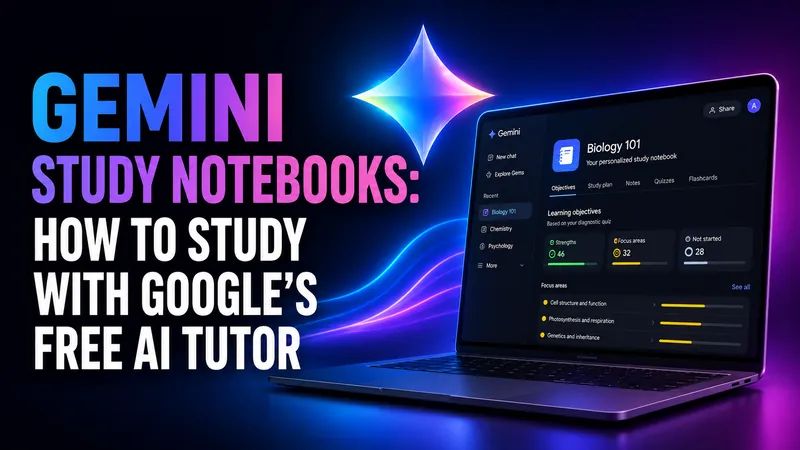
Gemini Study Notebooks: How to Study With Google's Free AI Tutor
Gemini study notebooks turn your lecture notes into an adaptive tutor with a diagnostic quiz and a progress dashboard. Here is how to make one, what it costs, and…
Claude vs Gemini vs ChatGPT: Which One Should You Actually Use?
Claude Opus 5, GPT-5.6 Sol and Gemini 3.1 Pro compared on coding, writing, research and price. A short verdict per task, the benchmark story nobody else is telling…
Claude vs Gemini: Which One Should You Actually Use?
Claude leads the benchmarks and Gemini leads on price, speed and reach. We compare Claude Opus 5 and Gemini 3.1 Pro on coding, writing, research, cost and the…
Google AI Pro for Students in 2026: Is the Free Year Still Available?
If you came here to grab a free year of Google AI Pro as a student, your timing is good. The offer is back. Google relaunched its student program on August 19…
Best AI for Translation: What the Only Independent Test Found
Almost every list answering this question is published by a company selling a translation product. The one independent evaluation that grades output by hand reaches…
Nano Banana Pricing: What Google’s Image Models Really Cost in 2026
There is no standalone Nano Banana subscription. You either get it inside a Google AI plan starting at $4.99 a month, or you pay per image through the Gemini API…
How to Use Nano Banana: Google’s Image Model, Explained Step by Step
Nano Banana is not labelled anywhere in the Gemini app, which is why so many people cannot find it. Here is where it actually lives, which of the four versions you…
Gemini 3.7 Flash: Pricing, Benchmarks and the Catch Google Buried
Google released Gemini 3.7 Flash on August 13, 2026, just 23 days after Gemini 3.6 Flash. Coding scores jumped hard and the price halved to $0.75 per million input…

AI Models Discontinued in 2026: The Running List
OpenAI, Anthropic and Google retired dozens of AI models in 2026, and more shutdowns land every month. Here is the running list of what is already gone, what…
Google Classroom AI: What It Does and What It Can’t Detect
The short answer most people arrive looking for is this. Google Classroom AI cannot tell you whether a student used ChatGPT. Classroom has no built-in AI detector…

AI Voice Detector: How to Tell If a Voice Is AI-Generated
Every AI voice detector on the first page of Google advertises something close to 99% accuracy. ElevenLabs, which builds one of them, states plainly on its own tool…
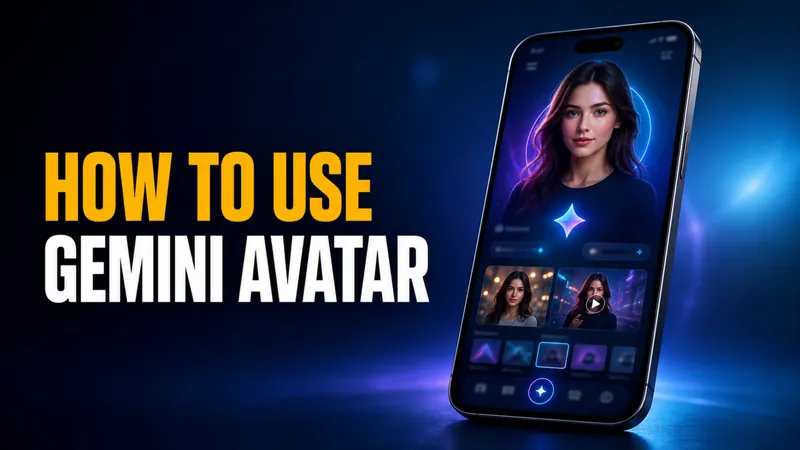
Gemini Avatar: How to Put Yourself in AI Photos and Videos
Google’s July 2026 Gemini Drop extended Gemini Avatar to still images, and that changes what “AI photo of me” means. The feature takes a short selfie video, learns…

Agentic AI Frameworks: 8 Best Options Compared (2026)
The agentic AI framework landscape consolidated hard in 2026, and if you are a student or self-taught developer learning to build agents, that is good news. Fewer…
Free AI Voice Generator: 10 Best Free Tools Tested in 2026
Most tools that call themselves a free AI voice generator are really free trials in disguise. Out of the ten tools we tested for 2026, only a handful let you…
Is NotebookLM Free? Limits, Plans & What You Actually Pay For (2026)
Yes, NotebookLM is free. The Standard tier costs $0/month with any Google account, no trial, no credit card and no time limit, and every core feature is included…
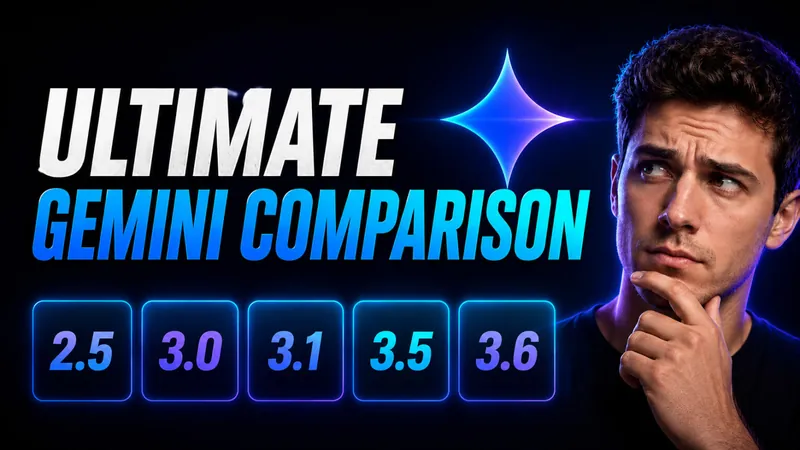
The Ultimate Gemini Model Comparison: 2.5 to 3.6 Flash, Pro & Flash-Lite
Google now runs two Gemini timelines that no longer move together. The Flash line has raced all the way to Gemini 3.6 Flash, launched July 21, 2026, while the Pro…
Gemini 3.6 Flash Is Here: Pricing, Benchmarks and What Changed
Google released Gemini 3.6 Flash on July 21, 2026, and the headline number is not a benchmark. It is the price. Output tokens dropped to $7.50 per million, down…
NotebookLM Is Now Gemini Notebook: What Changed and What Stayed the Same
On July 16, 2026, Google renamed NotebookLM to Gemini Notebook, folding its popular research tool into the wider Gemini brand. If you woke up to a new blue-purple…
Gemini 3.5 Pro Release Date: What We Know (+ Flash Review)
Google split Gemini 3.5 into two launches, and only one has actually arrived. Gemini 3.5 Flash went live on May 19, 2026 at Google I/O 2026 and did something Google…
Is Nano Banana Free? Limits & How to Use It Free (2026)
Yes, Nano Banana is free. You can generate and edit images with Google’s viral Nano Banana model right now without paying a cent, using either the Gemini app or…
Gemini Omni Flash: Google’s Talk-to-Edit AI Video Model Explained
Gemini Omni Flash lets you make and edit short videos by talking to them, and it costs just $0.10 per second of generated footage. That works out to roughly $1 for…
Is Google Gemini Free? Free Plan Explained (2026)
Yes, Google Gemini is free to use. The free plan costs $0 with no credit card, and it is not a stripped-back demo. Google’s plans page now lists the free tier as…
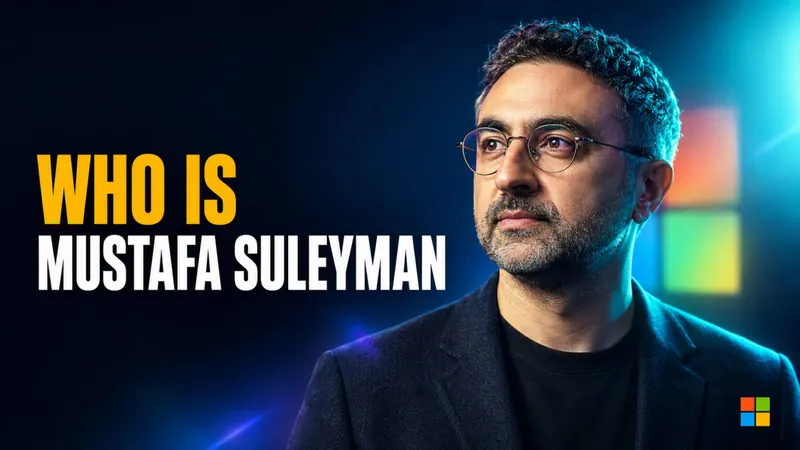
Who Is Mustafa Suleyman? The DeepMind Co-Founder Building Microsoft AI
Mustafa Suleyman runs one of the most powerful jobs in technology, and he thinks the work most of us do is about to change for good. As CEO of Microsoft AI, he told…

AI Model Release Delays Explained: The US Government Wants to Review New Models First
Update, July 1, 2026: The hardest example below has partly unwound. The US lifted the export controls on Anthropic’s Fable 5 and Mythos 5 on June 30, and Fable 5…
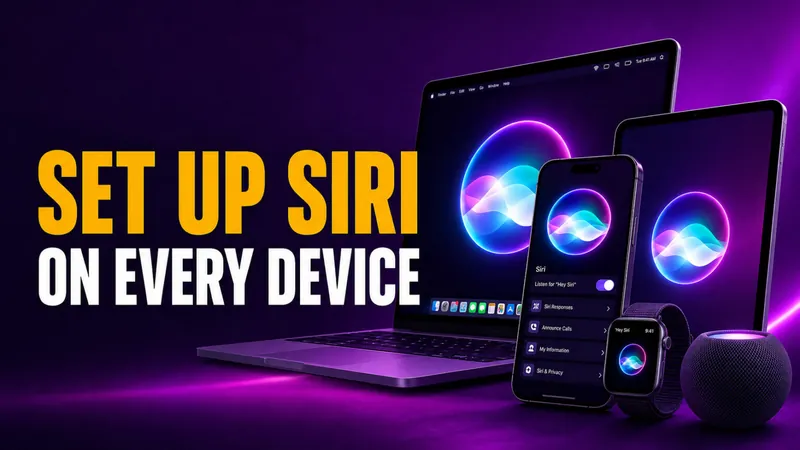
How to Set Up Siri on iPhone, iPad, Mac & Apple Watch
Setting up Siri takes about four taps, but the menu moved in 2026. On any iPhone that supports Apple Intelligence, the old “Siri” panel is now called Apple…
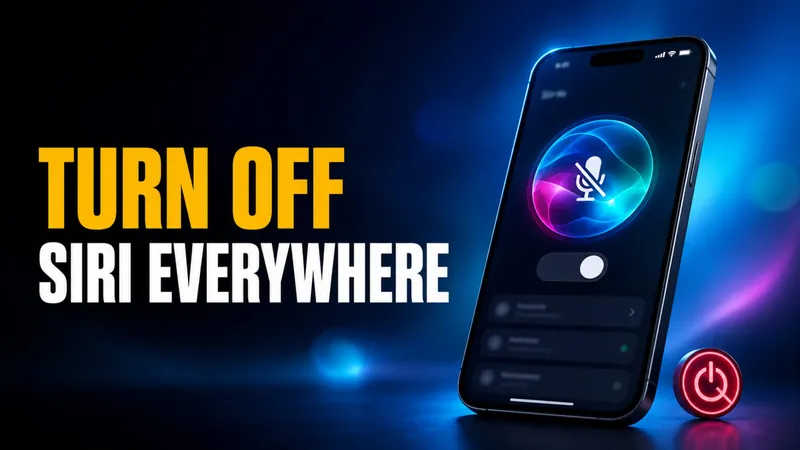
How to Turn Off Siri on iPhone, iPad, Mac, AirPods, and Apple Watch (2026)
Turning off Siri takes about four taps, but the exact path changed in 2026. On any iPhone that supports Apple Intelligence, the old “Siri” menu is now called Apple…
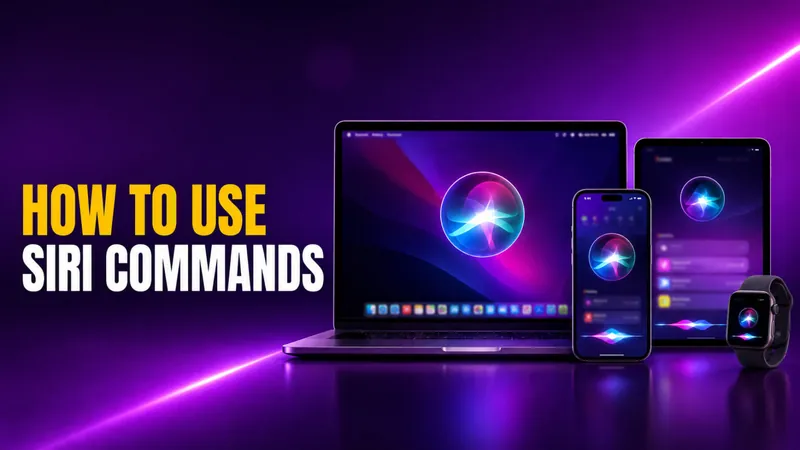
How to Use Siri: Commands for iPhone, iPad, Mac & Watch
Learning how to use Siri takes about ten seconds. Say “Siri” or “Hey Siri” and ask, or press a button and speak. The harder part is knowing what to actually say…
How to Learn Google Gemini in 2026: A Free Beginner’s Guide
The fastest way to learn Google Gemini in 2026 is free, because the Gemini app gives you Gemini 3.6 Flash at no cost, the free default since July 21, 2026, plus a…
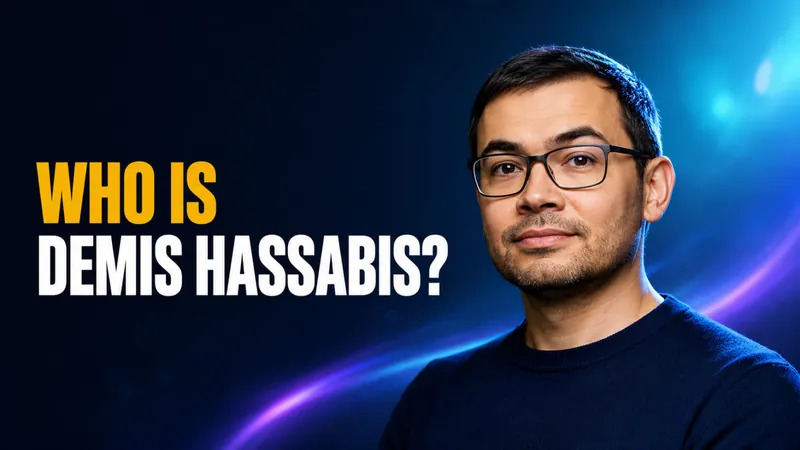
Who Is Demis Hassabis? DeepMind CEO Bio, Net Worth & Family
Demis Hassabis is the co-founder and CEO of Google DeepMind, a 2024 Nobel laureate in Chemistry, and the man whose lab built Gemini, the AI model now woven through…