How to Replace Siri With ChatGPT, Claude, or Gemini
Every guide telling you how to replace Siri with ChatGPT gives a different Settings path, and two of the three menus do not exist. Here is what actually works today…
Talk to Any AI in Fello AI
Fello AI 6.8.0 adds fast voice dictation, so you can speak your prompts instead of typing them. Tap the microphone, review the transcription, choose any AI model…

ChatGPT Health: How to Connect Apple Health and What to Know First
On July 23, 2026, OpenAI opened ChatGPT Health to every logged-in user in the United States aged 18 or over, on the Free, Go, Plus and Pro plans. It lets ChatGPT…
iOS 27: Release Date, New Features, and Every Supported iPhone
The iOS 27 public beta is live. Apple released it on July 14, 2026, and for the first time anyone can test the headline feature, a complete rebuild of Siri, without…
WWDC 2026 Recap: Siri AI, the Google Gemini Deal, and the Default-AI Switch Apple Never Announced
Apple reset its entire AI strategy at WWDC 2026. In a keynote on June 8, the company rebranded Siri as Siri AI, built it on a new generation of Apple Foundation…
WWDC 2026 Preview: iOS 27, Siri 2.0, and the End of ChatGPT’s Siri Monopoly
WWDC 2026 runs June 8 to 12, with the keynote on Monday, June 8 at 10am Pacific Time streamed on Apple.com, the Apple TV app, and the Apple YouTube channel. Apple…
How to Make Siri Smarter Right Now
The rebuilt Siri arrives with iOS 27 in September, and it still will not let you choose which AI answers you. Shortcuts will. Here is how to wire Siri to GPT-5.6…
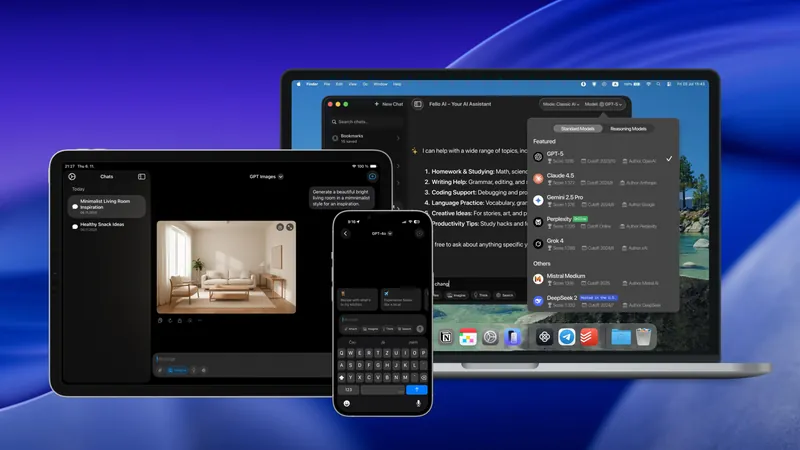
Fello AI 6.2.0: Introducing Reasoning Across All AI Models
Fello AI, the all-in-one AI app for Mac, iPhone, and iPad, has released a major update focused on clarity, structure, and intelligence. The new version refines the…
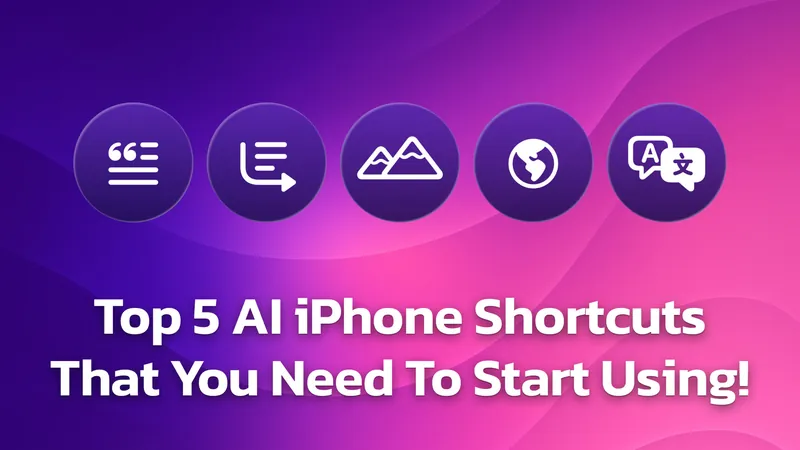
Top 5 iOS AI Shortcuts & Automations You Need to Try!
Have you ever found yourself struggling to read through a long article when you just need the key points, or wished you could quickly translate a foreign website…
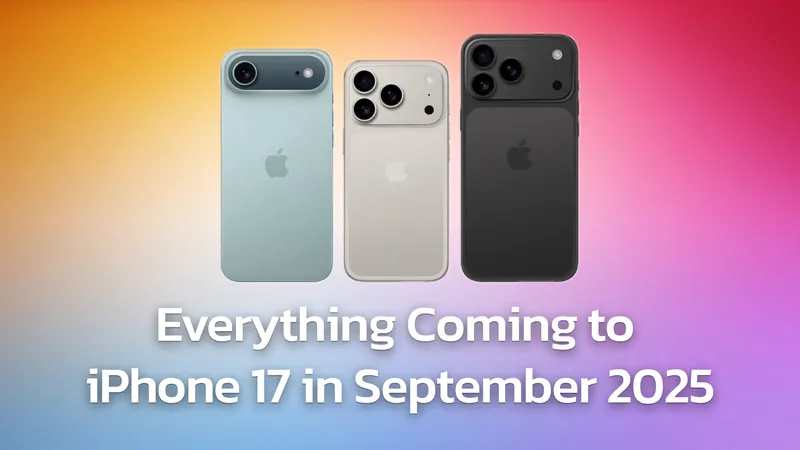
Apple’s iPhone 17 Is Almost Here: What AI Features to Expect
Apple is set to unveil its next-generation iPhone lineup in less than a week at the “Awe Dropping” event on September 9th, 2025, streaming live from Apple Park…