Google AI Pro for Students in 2026: Is the Free Year Still Available?
If you came here to grab a free year of Google AI Pro as a student, your timing is good. The offer is back. Google relaunched its student program on August 19…
Best AI for Translation: What the Only Independent Test Found
Almost every list answering this question is published by a company selling a translation product. The one independent evaluation that grades output by hand reaches…
Best AI for a Cover Letter? What the Evidence Actually Says
Several of the reassuring statistics you will meet on this topic do not survive a check against their own sources. The research that does hold up says something…

How to Replace Siri With ChatGPT, Claude, or Gemini
Every guide telling you how to replace Siri with ChatGPT gives a different Settings path, and two of the three menus do not exist. Here is what actually works today…
How to Use Nano Banana: Google’s Image Model, Explained Step by Step
Nano Banana is not labelled anywhere in the Gemini app, which is why so many people cannot find it. Here is where it actually lives, which of the four versions you…
Which AI Is Best for Resume Writing? Claude, ChatGPT and Gemini Tested
Three chatbots, one resume, one job description. None of them invented a statistic. One of them quietly claimed nine competencies the candidate never had, which is…
Talk to Any AI in Fello AI
Fello AI 6.8.0 adds fast voice dictation, so you can speak your prompts instead of typing them. Tap the microphone, review the transcription, choose any AI model…
GitHub & Microsoft Copilot Free for Students in 2026: What Still Works
If you are a student or teacher chasing a free Copilot in 2026, the door is open again. GitHub reopened sign-ups for its free Copilot Student plan on June 17, 2026…

How to Claim Perplexity Pro for Free (or Cheap)
You do not have to pay $20/month for Perplexity Pro. Verified students and teachers pay just $10/month for the Education Pro plan (a flat 50% discount), any…
Best AI for Students in 2026: The Tools, the Models and What Is Free
88% of students now use AI in their learning, according to the Digital Education Council’s AI in Higher Education Global Survey 2026, which drew 45,398 responses…

AI for Small Business: Best Tools, Costs & How to Start in 2026
AI for small business has gone from experiment to everyday tool. In 2026, 58% of US small businesses use generative AI, up from 40% a year earlier and more than…
Claude AI Not Responding? Here’s How to Check Its Status and Fix Possible Issues
If Claude AI is not responding for you right now, you are far from alone. On June 23, 2026, outage reports for Claude peaked above 7,000 in the United States on…
How to Turn Off Meta AI on Facebook, Instagram, WhatsApp, and Messenger (2026 Guide)
Meta AI is now baked into four apps used by over 3 billion people: Facebook, Instagram, WhatsApp, and Messenger. The assistant rolled out across 41 European…
How Much Water Does ChatGPT Use?
How much water does ChatGPT use? OpenAI’s own figure, stated by CEO Sam Altman, is about 0.000085 gallons per query, roughly 0.32 mL or one fifteenth of a teaspoon…

How to Detect AI Deepfakes: 10 Ways to Spot Them (2026)
Fraud losses enabled by generative AI in the United States are projected to reach $40 billion by 2027, up from $12.3 billion in 2023, according to Deloitte’s Center…
How to Claim Free ChatGPT for Teachers
ChatGPT for Teachers is free for verified U.S. K-12 educators through June 2027. The plan gives you unlimited messages with GPT-5.1 Auto, a secure education-grade…
Claude Cowork: Complete Guide, Pricing, Setup, and Dispatch (2026)
Everything you need to know about Claude Cowork — Anthropic’s AI desktop agent. Features, real pricing, setup guide, honest review, and how it compares to ChatGPT…
How to Cancel ChatGPT Subscription in 2026: iPhone, Android, and Web
The number one reason ChatGPT cancellations “don’t work” has nothing to do with OpenAI’s website. It’s that ChatGPT runs on three separate billing systems, and most…

How to Use ChatGPT Images 2.0 to Create Amazing Visuals
On April 21, 2026, OpenAI shipped ChatGPT Images 2.0, the first image model that can actually read what you ask it to write. That single change, readable text…
5 Open-Source AI Models Actually Worth Running on Your M5 Mac in 2026
The five open-source AI models worth running on an M5 Mac in April 2026 are Mistral 7B (16 GB), Qwen 3.5 9B (24 GB), DeepSeek R1 Distill Qwen 14B (24 GB), Gemma 4…
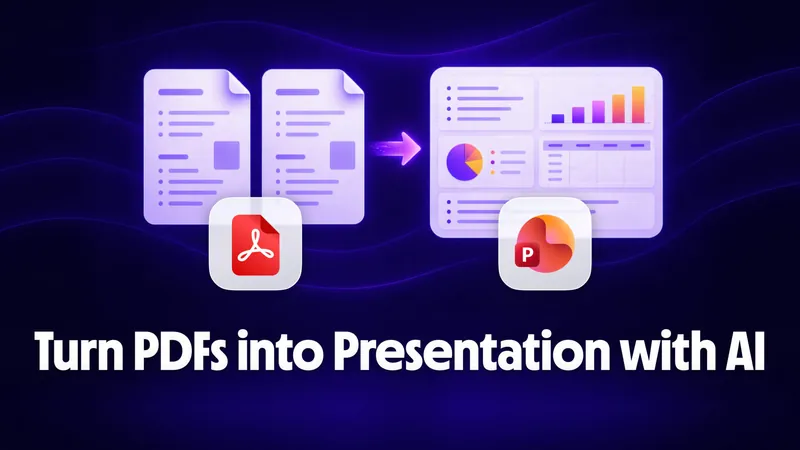
PDF to PowerPoint with AI: Turn Any Document into a Presentation
A dense 50-page PDF can become a 20-slide editable PowerPoint in under 5 minutes using AI, and you don’t need expensive software to do it. The trick is using AI to…

5 Best Claude Cowork Alternatives for Everyday Work
Claude Cowork costs between $100 and $200 per month for meaningful use, is built around the Claude Desktop app, and grants AI full access to your file system. In…
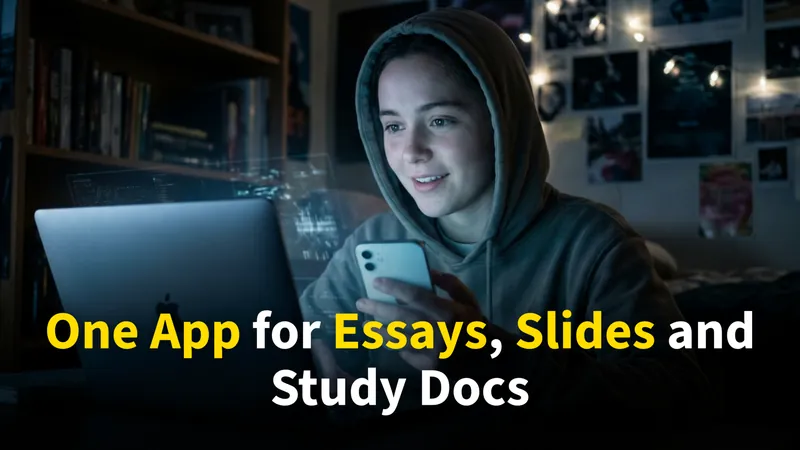
How Students Can Use AI for Presentations, Essays, and Study Docs
92% of students now use AI tools in their studies, up from just 66% a year earlier. The biggest uses? Generating text (64%), editing and improving writing (39%)…
![How to Use AI with PDFs to Edit, Convert, and Analyze Files [Complete 2026 Guide]](/wp-content/uploads/2026/03/how-to-use-ai-with-pdf-2048x1152-card.webp)
How to Use AI with PDFs to Edit, Convert, and Analyze Files [Complete 2026 Guide]
Over 3 trillion PDFs exist worldwide according to Adobe estimates, and most people still deal with the same problems: merging scattered files, shrinking bloated…

How to Use ChatGPT for Blogging and Content Creation (Updated 2026)
Over 60% of content marketers now use AI tools in their workflow, according to a 2024 HubSpot survey. ChatGPT sits at the center of this shift, helping writers…

How We Created a Printable Murder Mystery Case File Using AI
Do you want to play detective without the pressure of wearing a costume, memorizing a script, or acting out a dramatic death scene? If you love true crime podcasts…
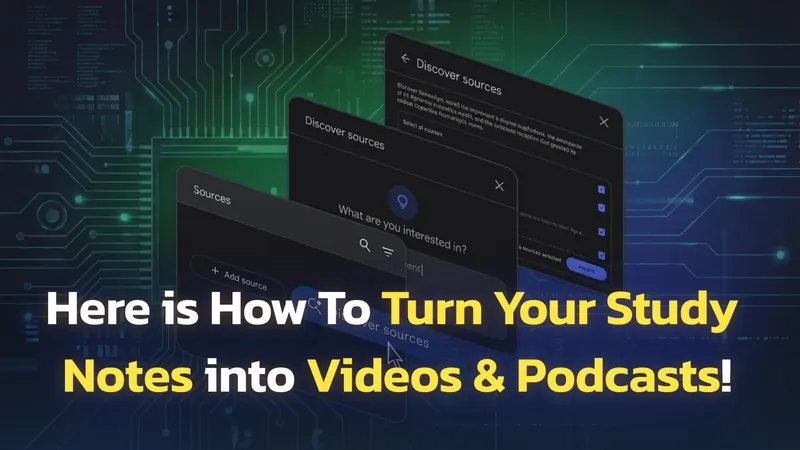
NotebookLM Update: 1M-Token Chat, Goals, Saved History
Google NotebookLM, now called Gemini Notebook, has had one of the most packed update cycles of any AI tool in recent memory. Since October 2025, the platform has…

Switching from ChatGPT to Claude: Why, How, and What to Expect
Switching from ChatGPT to Claude takes about five minutes if all you want is your saved context moved across. Anthropic ships an import tool that reads your ChatGPT…
![A Comprehensive Guide to Using ChatGPT for Beginners [Updated 2026]](/wp-content/uploads/2026/03/chatgpt-beginners-cover-opt1-1536x864-card.webp)
A Comprehensive Guide to Using ChatGPT for Beginners [Updated 2026]
ChatGPT now has over 900 million weekly active users, and its mobile app crossed 1 billion monthly active users in May 2026, the fastest any app in history has…
Utilizing ChatGPT to Boost Microsoft Outlook Productivity (Updated)
Email management consumes more working time than almost any other single task, and for the hundreds of millions of professionals who rely on Microsoft Outlook, that…