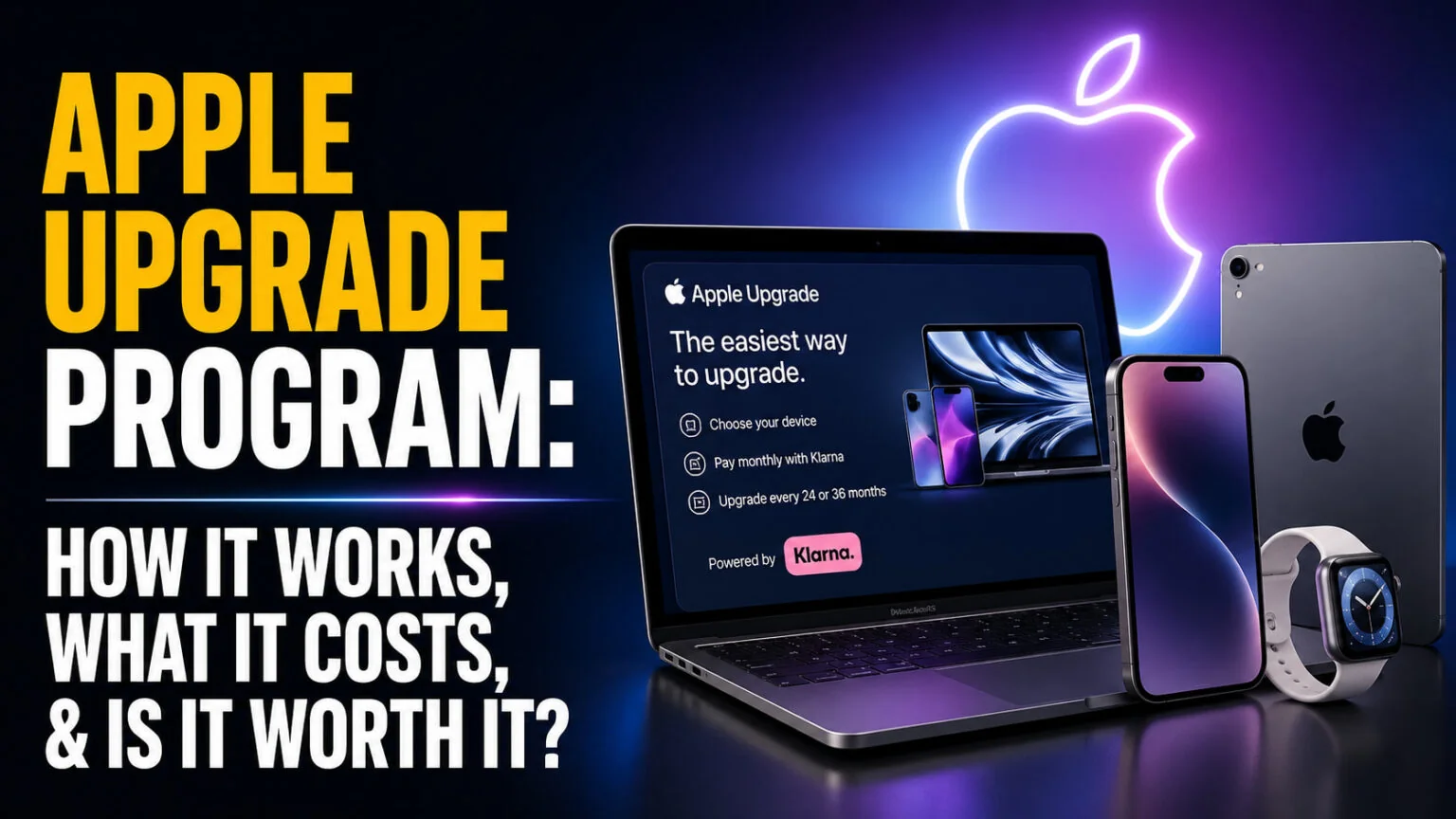
Apple launched the Apple Upgrade program on 28 July 2026 and retired the iPhone Upgrade Program on the same day. Mac leases start at $24.99 a month, iPhone leases at $19.99 on the current line-up, and the financing comes from Klarna rather than Apple itself. It runs in the United States only and covers iPhone, Apple Watch, Mac and iPad.
Launch coverage gave you the monthly rates. What it did not give you is the number that actually decides whether leasing is smart, which is what the device costs if you keep it. We ran that calculation on every eligible Mac using Apple’s own buyout formula, and the result is more favourable than the headline rates suggest. Here is how the program works, what it really costs, and who should ignore it entirely.
The Key Takeaways
- The Apple Upgrade program launched 28 July 2026 and replaced the iPhone Upgrade Program, which Apple retired in the US the same day.
- Mac leases run 24 or 36 months and start at $24.99 a month. iPhone and Apple Watch run 12 or 24 months, with iPhone from $19.99 a month on the iPhone 17e and $34.99 on the iPhone 18 Pro.
- Apple’s buyout price is the list price minus the payments you have already made, so lease payments plus the final buyout come to exactly the retail price. Buying out at the end is effectively interest-free financing.
- Mac mini, MacBook Neo and Studio Display are excluded, along with iPhone 16, Apple Watch SE and the entry-level iPad. Apple’s eligible list covers MacBook Air, MacBook Pro, iMac and Mac Studio.
- AppleCare is no longer bundled. The old iPhone Upgrade Program included it. Now Apple bills it separately; AppleCare One starts at $19.99 a month for up to three products. Do nothing at the end of the term and the lease rolls month to month for up to six months, then Klarna charges you the buyout.
What Is the Apple Upgrade Program?
Apple Upgrade is a leasing program, not a payment plan. Klarna Inc. owns the device and you pay a monthly fee to use it. That is the single most important distinction, because it changes what you walk away with at the end of the term.
You can lease iPhone, Apple Watch, Mac and iPad through the Apple Store online, the Apple Store app, or a physical Apple Store. Enrolment requires a soft credit check, which Apple confirms is an inquiry “that will not impact their credit score”. You also need to be a US resident aged 18 or over with a Social Security Number or ITIN.
Why Apple Retired the iPhone Upgrade Program
If you searched for the Apple Upgrade program expecting the older iPhone scheme, that product no longer exists. Apple ran the iPhone Upgrade Program from 2015 until 28 July 2026, when it was discontinued in the US alongside the launch of Apple Upgrade.
Existing members are not being forced off immediately. When it is time to replace your current iPhone, you move to Apple Upgrade, switch to Apple Card Monthly Installments, buy outright, or take carrier financing. The two programs are different products, and the difference matters more than the shared name suggests.
How Does the Apple Upgrade Program Work?
The mechanics are straightforward once you accept that you are renting rather than buying.
- Configure the device you want on Apple’s site or in store.
- Choose Apple Upgrade as your payment method at checkout.
- Pass a soft credit check, which does not affect your credit score.
- Pay Klarna monthly, managed through the Klarna app.
- At the end of the term, upgrade to a new model, buy the device outright, or return it and walk away.
Term lengths depend on the product. Mac and iPad run 24 or 36 months, while iPhone and Apple Watch run 12 or 24 months. Trading in a device you already own lowers the monthly payment, though the credit is spread across the payments rather than applied upfront.
Missing a payment does not lock your device. Klarna rolls the missed amount into the following month and charges no late fee, but three consecutive missed payments terminates the lease and makes the full balance due immediately.
Doing nothing at the end of the term is not free. If you do not upgrade, return or buy the device, Apple says the lease is extended month to month for up to six months, and you keep paying the monthly fee. A trade-in credit only covered the initial term, so those payments rise. If you still take no action after six months, Klarna charges you the buyout price to purchase the device outright.
Apple Upgrade Program Pricing for Mac
These are the published monthly rates for base configurations, unchanged when we re-checked Apple’s store on 6 November 2026. Apple’s own footnote confirms the MacBook Pro figures, quoting “a 14-inch MacBook Pro 16GB with a purchase price of $1999” at $38.99 monthly on a 36-month term and $53.99 on a 24-month term. The MacBook Pro with PROLED XDR Display, Apple’s touchscreen model announced on 28 October, leases from $55.99 a month over 36 months and $78.99 over 24.
| Mac | Purchase price | 24-month lease | 36-month lease |
|---|---|---|---|
| MacBook Air 13-inch M5 | $1,299 | $34.99/mo | $24.99/mo |
| iMac M6 | $1,499 | $40.99/mo | $28.99/mo |
| MacBook Pro 14-inch M6 | $1,999 | $53.99/mo | $38.99/mo |
| MacBook Pro 14-inch PROLED XDR Display, M5 Pro | $2,899 | $78.99/mo | $55.99/mo |
| Mac Studio M5 Max | $2,499 | $67.99/mo | $48.99/mo |
Apple moved the Mac Studio to the M5 generation on 25 August 2026, and the M5 Ultra that sits above this table leases from $110.10 a month over 36 months against its $5,499 price. One caveat matters if you are buying a serious machine. Every published rate covers a base configuration, and Apple has not published lease rates for upgraded memory or storage.
So a MacBook Pro with 64GB or 128GB of unified memory will cost meaningfully more per month than the $38.99 headline. You will only see the real number once you configure it at checkout.
What the Apple Upgrade Program Really Costs to Own
This is the part nobody published, and it is the part that decides the verdict. Apple states the rule plainly in its Apple Upgrade lease terms.
If you decide to purchase the device at any time during your lease, you will pay the list price of the device plus applicable taxes at the time when the lease was signed, minus the sum of lease payments you’ve already made and any remaining trade-in credits.
Run that formula and something useful falls out. Your lease payments are deducted from the retail price, so payments plus the final buyout add up to exactly what the Mac costs to buy outright.
Not approximately. Exactly.
| Mac | Paid over 36 months | Buyout to own | Total cost to own |
|---|---|---|---|
| MacBook Air 13-inch M5 | $899.64 | $399.36 | $1,299.00 |
| iMac M6 | $1,043.64 | $455.36 | $1,499.00 |
| MacBook Pro 14-inch M6 | $1,403.64 | $595.36 | $1,999.00 |
| MacBook Pro 14-inch PROLED XDR Display, M5 Pro | $2,015.64 | $883.36 | $2,899.00 |
| Mac Studio M5 Max | $1,763.64 | $735.36 | $2,499.00 |
Every row lands on the sticker price. A MacBook Pro leased for 36 months costs you $1,403.64 in payments, leaving $595.36 to own it, which totals the $1,999 you would have paid on day one. In practical terms that makes Apple Upgrade interest-free financing with a balloon payment at the end, provided you buy out.
The trap is the other path. If you keep upgrading at the end of each term, you pay indefinitely and never own anything. That is the behaviour the program is designed to encourage, and it is where leasing stops being clever.
Which Devices Are Eligible, and What Apple Excluded
The exclusion list is short and revealing. At launch, Apple’s announcement stated that “iPhone 16, iPhone 16 Plus, Apple Watch SE, MacBook Neo, Mac mini, iPad (A16), and Studio Display are not available as part of the Apple Upgrade program”. Apple now words it the other way round: Apple Upgrade “includes all models of iPhone (except iPhone 16), MacBook Air, MacBook Pro, iMac, Mac Studio, iPad Pro, iPad Air, iPad mini, Apple Watch Ultra, and Apple Watch Series 12”.
| Eligible Macs | Excluded |
|---|---|
| MacBook Air (M5) | Mac mini |
| MacBook Pro (M6, M5 Pro, M5 Max) | MacBook Neo |
| iMac (M6) | Studio Display |
| Mac Studio (M5 Max, M5 Ultra) |
Two other restrictions catch people out. Leases are not available through Apple’s Education store, or its Government, Veterans and Military, employee and business purchase programs, so there is no education discount on a lease. Apple’s terms also rule out refurbished accessories. If you were planning to combine student pricing with a monthly payment, that combination does not exist. Students weighing software costs instead may find our guide to the best AI tools for students more useful.
What the Apple Upgrade Program Means If You Buy a Mac for AI Work
The timing here is not a coincidence. Apple raised prices across nearly every Mac on 25 June 2026, driven by memory and storage component costs as AI data centres consumed DRAM supply. The base MacBook Air went from $1,099 to $1,299 and the entry MacBook Pro from $1,699 to $1,999, with many models rising 20 percent or more.
Tim Cook described the component situation as a “hundred-year flood” and was blunt about the consequence.
Unfortunately, price increases are unavoidable.
Tim Cook, Apple CEO
Memory is exactly where local AI work hurts. Running models on device wants unified memory above all else, and that is the component whose price moved most. On the M5 Max the 64GB and 128GB memory upgrades doubled in price, and a maxed 16-inch MacBook Pro now carries a five-figure total.
The Cheap Machines Are the Ones You Cannot Lease
Here is the awkward part. The Mac mini is excluded, and the mini is the machine most people reach for when they want the cheapest possible entry into local AI. The same applies to the MacBook Neo.
Apple will happily lease you a $2,499 Mac Studio, but not an $899 mini.
That skews the program toward higher-priced machines, which is presumably the point. If you were weighing a mini anyway, our breakdown of whether a Mac mini is actually worth it for AI explains why the answer is often no, before leasing even enters the picture.
Where Leasing Actually Helps
For high-memory machines, spreading an interest-free payment over 36 months is a reasonable way to absorb a price rise you did not ask for. A Mac Studio M5 Max at $48.99 a month is easier to justify than $2,499 upfront, and the total is identical if you buy out. Anyone comparing configurations should start with our guide to the best MacBook for AI work. Desktop buyers should read up on the M5 Ultra Mac Studio, on sale since 22 September, with its 512GB option orderable since 28 October from $22,299, before committing to a three-year term.
Three years is a long lease for hardware in an active product cycle. That is the real risk, not the money.
It is also worth asking whether you need the hardware at all. Plenty of the work that drives people to a high-memory Mac runs perfectly well in the cloud. Our roundup of Apple Intelligence alternatives for Mac covers the options that do not involve a three-year payment schedule.
Pay for the Hardware, Not for Every AI Subscription
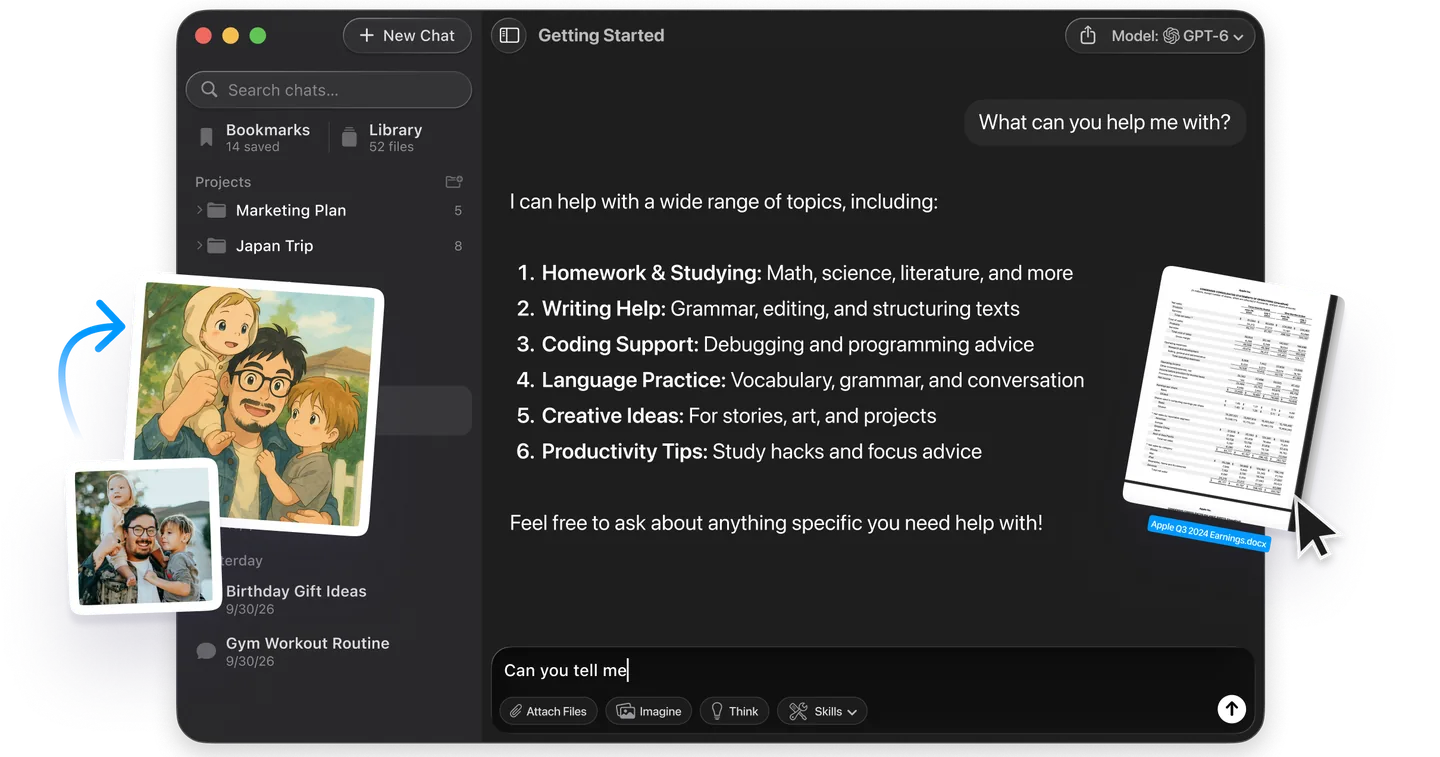
A lease spreads the cost of the Mac. It does nothing about the AI subscriptions stacked on top of it. With Fello AI you pay one subscription instead of three, and ask GPT, Claude, Gemini, Grok or Perplexity from the same app on your Mac, iPhone and iPad. That keeps the monthly AI bill flat while the lease does its work on the hardware.
Apple Upgrade vs Buying Outright vs Apple Card
| Apple Upgrade | Apple Card Monthly Installments | Buying outright | |
|---|---|---|---|
| You own it | Only if you pay the buyout | Yes | Yes |
| Interest | None if you buy out | 0% | None |
| AppleCare | Separate, billed by Apple | Separate | Separate |
| Credit check | Soft, no score impact | Yes, Apple Card required | No |
| Mac terms | 24 or 36 months | 12 months | Not applicable |
| Education discount | No | Yes | Yes |
Apple Card Monthly Installments remains the cleaner option if you qualify, because you own the device outright at the end and keep access to education pricing. The Upgrade program wins on term length, since 36 months of smaller payments beats 12 months of larger ones if cash flow is the constraint.
Is the Apple Upgrade Program Worth It?
Apple Upgrade is worth it if you plan to buy the device at the end of the term. Your payments are deducted from the retail price, so payments plus buyout equal what the Mac costs outright, which makes it interest-free financing over as long as three years. For a machine whose price rose 20 percent in June, that is a useful way to spread the damage.
It is poor value in two situations. If you take the upgrade path at the end of every term you never own anything and the payments never stop. And if you qualify for education pricing, the discount you give up is likely larger than the convenience you gain.
Read the exit terms carefully before signing. Apple warns that you “may incur a substantial charge up to the amount of your remaining lease payments if you terminate your lease before the end of your initial lease term”. Klarna can also bill you a damage fee if the device comes back in poor condition and you have no AppleCare plan.
The Bottom Line
Treat Apple Upgrade as a financing tool, not a subscription. Lease the Mac, make the payments, pay the buyout, and you have bought a machine at list price with no interest and no upfront hit. Take the upgrade treadmill instead and you have rented hardware forever.
If you are shopping for a Mac to run AI workloads locally, decide on the hardware first and the payment method second. Work out how much unified memory you actually need, then check whether the machine you want is even eligible, because the cheapest sensible options are the ones Apple left out. Our guide to the best MacBook for AI in 2026 is the right place to settle that question before you commit to three years of payments.
FAQ
Do you own the device at the end of an Apple Upgrade lease?
Only if you pay the buyout. Klarna owns the device during the lease. At the end of the term you can pay the purchase option fee to keep it, upgrade to a new model, or return it and exit the program.
How is the Apple Upgrade buyout price calculated?
Apple defines it as the list price minus any lease payments you have made, minus any remaining discounts or trade-in credit. A MacBook Pro leased for 36 months at $38.99 means $1,403.64 paid and $595.36 left to own it, totalling the $1,999 list price.
Can you lease a Mac mini through Apple Upgrade?
No. Apple excludes the Mac mini, the MacBook Neo and the Studio Display. Eligible Macs are the MacBook Air (M5), MacBook Pro (M6, M5 Pro, M5 Max), iMac (M6) and Mac Studio (M5 Max and M5 Ultra).
Does Apple Upgrade affect your credit score?
Applying does not. Apple describes enrolment as a soft credit inquiry that will not impact your credit score. Missed payments during the lease can still affect your credit, and three consecutive missed payments terminates the lease with the full balance due.
Is the iPhone Upgrade Program still available?
No. Apple retired it in the United States on 28 July 2026, the day Apple Upgrade launched. Existing members can move to Apple Upgrade when they next replace their iPhone, or switch to Apple Card Monthly Installments, carrier financing, or buying outright.
What happens if you do nothing at the end of an Apple Upgrade lease?
The lease keeps running. Apple extends it month to month for up to six months and keeps charging the monthly payment, which rises if a trade-in credit was applied, because that credit only covers the initial term. If you still take no action after six months, Klarna charges you the buyout price to purchase the device.
The featured image for this article was created with the help of AI.