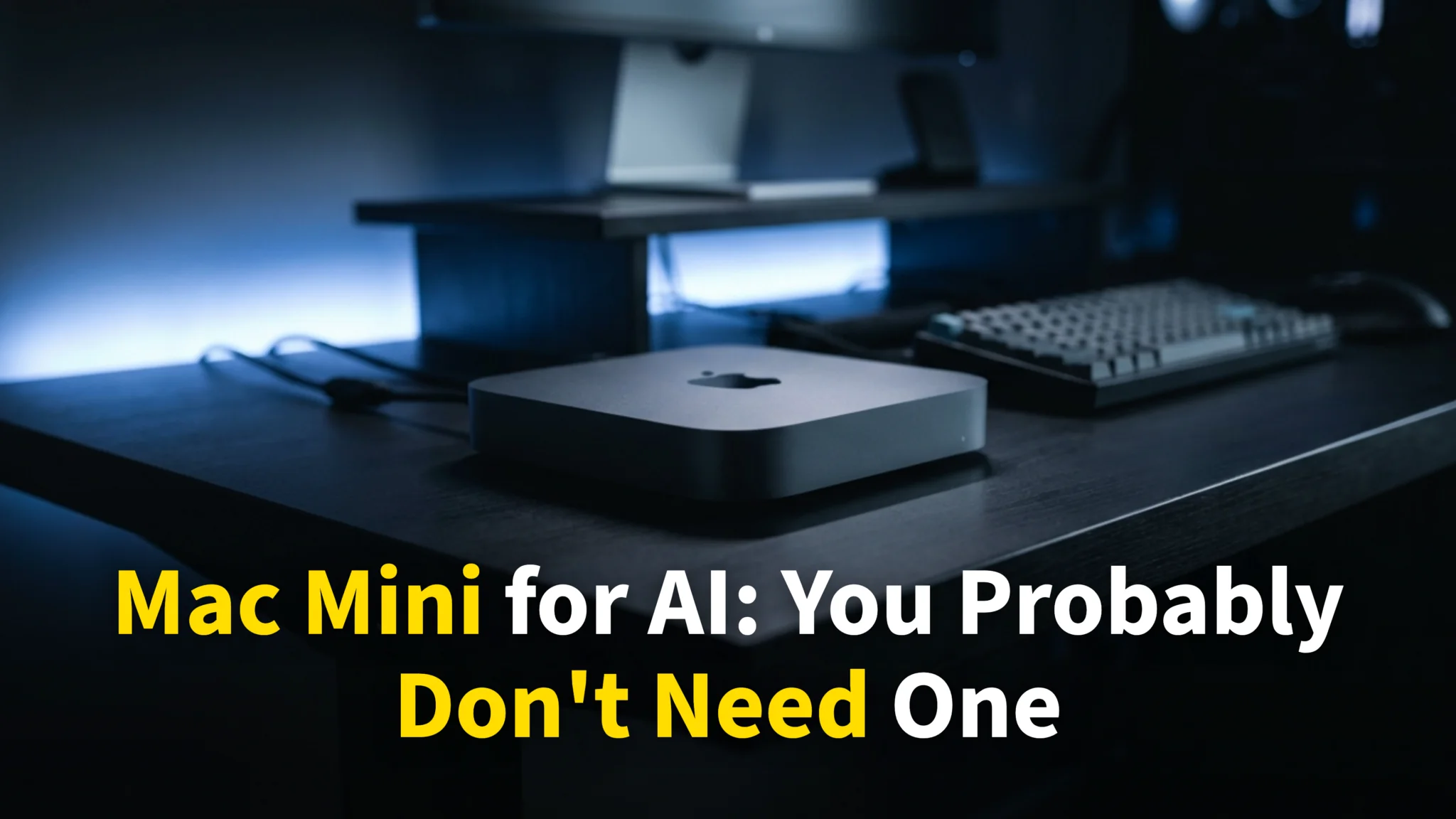
The Mac mini you were pricing up last week is not on sale any more. On 25 August 2026 Apple replaced the line with the M6 at $899 and the M5 Pro at $1,699, both shipping 22 September. If you have been eyeing a Mac mini for AI on the strength of a cost calculation you read a few months ago, that calculation no longer holds.
This guide redoes the maths on the machines Apple actually sells today. It covers what runs on your hardware against what runs in the cloud, the honest break-even points, and the narrow set of cases where buying one still makes sense. Two things changed in the machine’s favour with this launch, and we say so plainly below.
Key Takeaways
- The Mac mini is now $899 for the M6 and $1,699 for the M5 Pro. Apple announced both on 25 August 2026 and they ship on 22 September.
- You can finally buy a 64GB Mac mini. The M5 Pro configures to 64GB for $1,000 over the base price, landing at $2,699. Until this launch the ceiling was 48GB.
- That ceiling costs you. Against Claude Max at $100 a month, the maxed mini now breaks even at roughly 28 months, further out than the 24 it took before.
- Most “AI server” setups posted online do not run AI locally at all. OpenClaw and Claude Code need about 2 vCPUs and 4GB of RAM.
- The quality gap narrowed a lot. Open models now score around 77% on SWE-Bench Verified against roughly 47% when this guide first ran.
What “Running AI Locally” Actually Means
When someone says they are “running AI on their Mac mini”, one of two very different things is happening, and the difference decides whether the hardware matters at all.
The first is a control layer. Tools like OpenClaw or Claude Code send requests to Anthropic, OpenAI or Google servers over the internet. The model runs on their hardware. Your Mac mini just makes API calls.
The second is a real local model. Through Ollama or LM Studio, the model weights sit in your Mac’s unified memory and inference happens on-device. This is the only case where the specs you paid for do anything.
The vast majority of Mac mini AI buyers fall into the first category. They bought powerful hardware that sits idle while the machine does something a Raspberry Pi could do, which is send HTTPS requests. It is like buying a Ferrari to drive to a restaurant. The chef does the cooking, and your car just got you there.
The Agent Confusion
The hype around OpenClaw and Claude Code made this worse. These are orchestration frameworks. They connect messaging apps to AI providers or manage coding workflows, and they do not run the model themselves.
OpenClaw’s own creator has asked users to stop buying expensive hardware for it. The stated requirements are 2 vCPUs, 4GB of RAM and a stable internet connection. That is the whole list.
What OpenClaw and Claude Code Actually Need
Here is what these tools require against what people actually buy. The prices are Apple’s current ones, which makes the mismatch more expensive than it used to be.
| What the Tool Needs | What People Buy | |
|---|---|---|
| OpenClaw | 2 vCPUs, 4GB RAM, Node.js | Mac mini M5 Pro, 24-64GB ($1,699-$2,699) |
| Claude Code | Any terminal, internet connection | Mac mini M5 Pro, 24-64GB ($1,699-$2,699) |
| A $5/month VPS | Handles both identically | Roughly 1/30th the first-year cost |
When you use Claude Code through the API, which is how almost everyone uses it, the computation happens on Anthropic’s servers. Your local machine reads files, runs shell commands and displays results. A ten-year-old ThinkPad does that as well as a $2,699 Mac mini.
The same applies to ChatGPT, Gemini and every other cloud tool. The AI in your workflow lives on someone else’s GPU cluster, and your hardware is a fancy terminal.

Local Models vs Cloud AI in 2026
“But what if I actually run models locally?” It is a fair question, and the answer moved in the last year. Here is where it stands now.
Speed
Cloud endpoints typically stream 50 to 100 or more tokens per second while running models far larger than anything that fits in a Mac mini. Local throughput is bound by memory bandwidth, and the mini’s is modest: Apple rates the M6 at up to 170GB/s and the M5 Pro at 307GB/s.
| Setup | Unified memory | Bandwidth | Largest model that fits at 4-bit | Tokens/sec |
|---|---|---|---|---|
| Frontier cloud models | n/a | n/a | Hundreds of billions of parameters | 50-100+ |
| Mac mini M6 | 16GB, to 32GB | Up to 170GB/s | ~8B at 16GB, ~20B at 32GB | Not yet measured |
| Mac mini M5 Pro | 24GB, to 64GB | 307GB/s | ~14B at 24GB, ~70B at 64GB | Not yet measured |
| Mac mini M4, 16GB (previous generation) | 16GB | n/a | 8B | 18-22 |
| Mac mini M4 Pro, 48GB (previous generation) | 48GB | n/a | Up to ~32B | 10-14 |
Two things in that table deserve attention. The first is that Apple now sells a 64GB Mac mini, which it did not before 25 August. The M5 Pro starts at 24GB and configures to 48GB or 64GB, so the 70B-class setups people describe online will genuinely run on this machine for the first time. The second is that nobody has measured the new chips yet. The machines ship on 22 September, and any tokens-per-second figure you see for an M6 or M5 Pro before then is a guess. Apple’s own “4.8x faster than M4” claim is about prompt processing, which is not the same thing as generation speed.
Quality, and the Part That Changed
This is where we have to correct our own earlier advice. When this guide first ran, the best open models scored around 46.8% on SWE-Bench and it was fair to call local output “2023-level intelligence”.
That is no longer true. Open-weight models now reach roughly 77% on SWE-Bench Verified at a size you can genuinely self-host, and the frontier open models sit near 80%. The gap to paid frontier models is now single-digit to low-double-digit points on coding, not a canyon. Our roundup of the best open-source AI models tracks where that stands.
There is a catch that keeps the practical advice intact. The models scoring near 80% are hundreds of gigabytes and are rented, not hosted at home. A 64GB M5 Pro will hold a 70B-class model at 4-bit, around 40GB of weights, which is a real step up from the 27B-class ceiling of the previous generation. It is still not the top of the board, and it costs $2,699.
So the honest 2026 position is that local quality improved enough to matter, while the reason most people should still not buy a Mac mini stayed the same. It is the cost, and what they think the machine is doing.
What Local Models Are Good At
Local models are not a consolation prize. They handle autocomplete and code suggestions well, they are reliable for question-answering and summarising over documents that fit in context, and they are the only option for privacy-sensitive work where data cannot leave your machine. They also keep working with no internet connection.
Where they still lag is sustained reasoning. Planning a project across many steps, debugging unfamiliar code, or writing analysis that has to hold a thread for pages is where paid frontier models remain clearly ahead.
The Real Cost of a Mac Mini for AI
The “ditch subscriptions, own your AI” pitch sounds good. Here is the arithmetic at the prices Apple set on 25 August 2026.
Scenario 1: You Just Want an AI Assistant
You use ChatGPT or Claude for writing, research and general tasks.
| Option | Year 1 | Year 2 | Year 3 | Total (3 Years) |
|---|---|---|---|---|
| ChatGPT Plus | $240 | $240 | $240 | $720 |
| Claude Pro | $240 | $240 | $240 | $720 |
| Mac mini M6 16GB + Ollama | $899 + electricity | ~$40 | ~$40 | ~$979 |
A year ago, at $599, the local option undercut three years of a subscription. At $899 it is roughly $260 more expensive, and you are paying that premium for a smaller model. The subscription also tracks whatever the current frontier is, while the hardware does not.
Scenario 2: You Are a Developer Using AI Coding Tools
This is the comparison the new line-up changed most, because the ceiling moved and the price moved with it.
| Option | Year 1 | Year 2 | Total (2 Years) |
|---|---|---|---|
| Claude Pro ($20/mo) | $240 | $240 | $480 |
| Claude Max ($100/mo) | $1,200 | $1,200 | $2,400 |
| Mac mini M5 Pro 64GB + Ollama | $2,699 + electricity | ~$50 | ~$2,749 |
We previously wrote that the Mac mini “breaks even with Claude Max after 2 years”, then corrected that to about 24 months when Apple raised prices in June. The new ceiling pushes it out again. At $2,699 for the 64GB M5 Pro, two years of Claude Max costs $2,400 against about $2,749 for the hardware, so break-even now lands near 28 months. The machine is behind for the whole period before that. Buying 48GB instead costs $2,299, which is $100 less than the same capacity cost a month ago, and is the one price in the line-up that moved down.
Scenario 3: Heavy API Usage
This is the one case where the maths genuinely favours local hardware. The break-even months below are the $2,699 machine divided by what you currently spend.
| Monthly API Spend | Break-even |
|---|---|
| $50/month | 54 months (not worth it) |
| $100/month | 27 months |
| $200/month | 14 months |
| $500/month | 5 months |
If you are spending $200 or more a month on API calls for batch processing, embeddings or retrieval pipelines over less demanding tasks, a dedicated Mac mini pays for itself in about a year. That applies to a small minority of the people buying them.
The Hidden Cost
Hardware depreciates while a subscription always points at the current model. That asymmetry is the part buyers underweight. Every time a new frontier model ships, subscribers get it that day and local hardware owners keep the model they already had.
The memory shortage adds a wrinkle worth naming. It pushed new prices up, which props up second-hand values in the short term, so resale may hold better than usual. It also means the M4 and M4 Pro minis Apple just discontinued become the sensible used buy for anyone who wants to test local inference cheaply. That is a reason to expect less depreciation than normal, not a reason to buy new.

When a Mac Mini for AI Actually Makes Sense
There are legitimate reasons to buy one. They are narrower than the hype suggests, and none of them is “I want to use Claude Code”.
1. You Handle Sensitive Data
If you work with medical records, legal documents, financial data or proprietary code that cannot leave your network, local AI is not a preference, it is a requirement. No cloud promise changes the compliance position for healthcare, finance or government work.
For this case a Mac mini M5 Pro at 64GB running a quantized model through Ollama is the best consumer-grade option available, and the 64GB tier is what makes it worth the money rather than the chip. Apple silicon’s unified memory handles inference more efficiently per watt than any GPU-based alternative at this size. If you want the wider privacy picture, we cover it in how to use AI without giving up your privacy.
2. You Run a High-Volume Batch Pipeline
If you process thousands of documents, generate embeddings at scale, or run classification over large datasets daily, per-token cloud pricing adds up quickly. Past roughly $200 a month in API spend, a dedicated Mac mini pays for itself inside a year on the numbers above.
3. You Want an Always-On AI Server
If you want a 24/7 assistant wired into your smart home, messaging and automation, and you accept local-model quality, the efficiency argument is real. A Mac mini draws about 5 to 7 watts at idle and around 30W under load, which is a few dollars a month in electricity. Very little else matches that.
4. You Are a Researcher or Tinkerer
If you are fine-tuning, experimenting with architectures, or building applications that need local inference during development, a Mac mini is a good development machine. Just be clear that you are buying a dev tool rather than a cloud replacement.
What to Do Instead of Buying a Mac Mini for AI
For the majority who do not fit the cases above, here is the honest advice, by situation.
If You Just Want AI in Daily Life
Subscribe to ChatGPT Plus or Claude Pro at around $20 a month. You get frontier intelligence, model upgrades as they ship, and no hardware to maintain. If you would rather not stack several subscriptions, Fello AI puts the major model families in one native Mac app for $9.99 a month. Its Free AI model has no message limit, so you can test the idea at zero cost.
If You Want to Run AI Agents
Use a computer you already own, or a $5 a month VPS. These tools need internet and a terminal, not new hardware. Be careful what you install, because there are already security concerns with OpenClaw’s skill marketplace.
If You Are a Developer Using Claude Code
Your existing Mac, Linux box, or a Windows PC with WSL runs it identically, because the computation is remote. To get more from the machine you already have, see our guide to AI shortcuts and automations for Mac.
If You Are Curious About Local AI
Start on your current hardware. Install Ollama, pull a small model, and see whether the quality clears your bar before spending anything. Given how much open models improved, more people will be satisfied than a year ago, which is exactly why you should test before you buy rather than after.
The Bottom Line
The Mac mini is excellent hardware and Apple silicon is genuinely well suited to inference. The problem was never the machine. It is that most “AI setups” posted online do not run AI locally at all, and the price rise made the mistake more expensive.
Before spending $899 to $2,699, answer one question. Does the model actually run on your hardware, or on someone else’s servers? If it is someone else’s, which it is for Claude Code, OpenClaw against cloud APIs, ChatGPT and nearly everything else, you need an internet connection and the computer you already own.
If you do have a real local workload, buy the 64GB M5 Pro rather than the base model, because memory is the constraint that decides what you can run. If you do not, save the money. Choosing a laptop instead? Our best MacBook for AI guide and our MacBook vs Googlebook vs Chromebook comparison both work through the same trade-off.
Frequently Asked Questions
How much does a Mac mini cost in 2026?
The Mac mini M6 with 16GB starts at $899 and the M5 Pro starts at $1,699, with a maxed 64GB M5 Pro at $2,699. Apple announced both on 25 August 2026 and they ship on 22 September, so the widely quoted $599 and $799 prices are both out of date.
Can you get a Mac mini with 64GB of RAM?
Yes, since 25 August 2026. The M5 Pro Mac mini starts at 24GB and configures to 48GB or 64GB, and the 64GB upgrade adds $1,000 to bring the machine to $2,699. Before that launch the ceiling was 48GB and no 64GB mini existed at any price.
Is a Mac mini worth it for AI?
For most people, no. If you use Claude Code, ChatGPT or cloud-based agents, the model runs on remote servers and your hardware is just a terminal. It is worth it if you handle data that cannot leave your network, run high-volume batch pipelines, or want an always-on local server.
Does a Mac mini beat a Claude subscription on cost?
Not as clearly as it used to. A 64GB Mac mini M5 Pro at $2,699 plus electricity comes to about $2,749 over two years, against $2,400 for two years of Claude Max at $100 a month. Break-even is around 28 months, so the machine is behind for the entire period before that.
How good are local AI models now?
Much better than when this guide first ran. Open-weight models now reach roughly 77% on SWE-Bench Verified against about 47% previously. The catch is that the very best open models are hundreds of gigabytes. A 64GB M5 Pro will hold a 70B-class model at 4-bit, around 40GB of weights, which is the first time a Mac mini has reached that tier.
What can a Mac mini M4 with 16GB actually run?
Comfortably, an 8B-class model. On the previous M4 that measured around 18 to 22 tokens per second; nobody has published figures for the M6 yet, because it ships on 22 September. That is fine for autocomplete, summarising documents that fit in context, and private question-answering. It is not enough for the larger models people usually have in mind when they picture a local AI server.
Do I need a Mac mini to run OpenClaw or Claude Code?
No. OpenClaw’s stated requirements are 2 vCPUs, 4GB of RAM and an internet connection, and Claude Code needs a terminal. Both send the actual work to remote servers. A computer you already own, or a $5 a month VPS, handles either one identically.