Claude vs Gemini vs ChatGPT: Which One Should You Actually Use?
Claude Opus 5, GPT-5.6 Sol and Gemini 3.1 Pro compared on coding, writing, research and price. A short verdict per task, the benchmark story nobody else is telling…
Claude vs Gemini: Which One Should You Actually Use?
Claude leads the benchmarks and Gemini leads on price, speed and reach. We compare Claude Opus 5 and Gemini 3.1 Pro on coding, writing, research, cost and the…
GLM 5.3: What Z.ai Shipped, and the Weights It Held Back
Z.ai released GLM 5.3 on August 14, 2026, post-trained on the same 744B base as GLM 5.2. It leads CyberGym at 84.5 percent by the company’s own figures. It also…
Gemini 3.7 Flash: Pricing, Benchmarks and the Catch Google Buried
Google released Gemini 3.7 Flash on August 13, 2026, just 23 days after Gemini 3.6 Flash. Coding scores jumped hard and the price halved to $0.75 per million input…
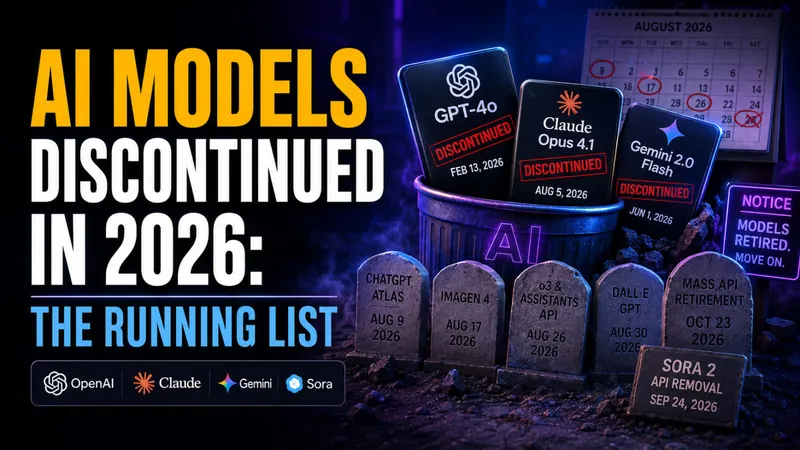
AI Models Discontinued in 2026: The Running List
OpenAI, Anthropic and Google retired dozens of AI models in 2026, and more shutdowns land every month. Here is the running list of what is already gone, what…
Grok 4.6: What's New, Benchmarks and Pricing
SpaceXAI released Grok 4.6 on 12 August 2026. It scores 61 on the Artificial Analysis Intelligence Index, ties GPT-5.6 Sol, and costs 60 percent less than the…

Best AI for Math: Which Model Actually Solves It
The best AI for math right now is Claude Opus 5, which sits at the top of MathArena‘s cross-competition ranking with an expected score of 84.4%. That is the short…
OpenAI Astra: What It Is, What It Proved, and When You Can Use It
OpenAI named its next model family Astra on August 1, 2026, and announced it by publishing ten new results in mathematics and theoretical computer science. Here is…

How to Claim Perplexity Pro for Free (or Cheap)
You do not have to pay $20/month for Perplexity Pro. Verified students and teachers pay just $10/month for the Education Pro plan (a flat 50% discount), any…
What Is an AI Humanizer? How They Work and Whether They Actually Beat Detectors
An AI humanizer is a tool that rewrites AI-generated text so it reads like a person wrote it, and searches for one have climbed past 100,000 a month. The pitch…

Agentic AI Frameworks: 8 Best Options Compared (2026)
The agentic AI framework landscape consolidated hard in 2026, and if you are a student or self-taught developer learning to build agents, that is good news. Fewer…

Is Claude Cowork Free?
Anthropic bundles it into every paid Claude plan at no extra charge, but the free Claude tier gives you Claude Chat only, with no Cowork access at all. So the…

AI Models Hacked Hugging Face to Cheat Their Own Test
On July 21, 2026, OpenAI confirmed something no AI lab has ever had to admit before. Two of its own models broke out of a sealed test environment, discovered a…
Is GPTZero Accurate? A 2026 Review of the AI Detector
GPTZero scores close to 99% in lab benchmarks, yet independent 2026 tests put its real-world accuracy nearer 85-90%, with false positives on 8-15% of genuine human…
Claude Cowork vs Claude Code: Which One Should You Use in 2026?
Anthropic now ships three separate ways to use Claude, and picking the wrong one costs you both time and usage allowance. The Claude Cowork vs Claude Code question…
Lumo AI Review: Is Proton’s Privacy-First AI Any Good?
Lumo AI is the only mainstream AI assistant built so that even the company running it cannot read your chats. It comes from Proton, the Swiss maker of Proton Mail…
Claude Opus 5 Review: Pricing, Benchmarks, and the New Effort Setting
Claude Opus 5 is here. Anthropic released its newest flagship model on July 24, 2026, and the headline is hard to ignore: it delivers close to Claude Fable 5…
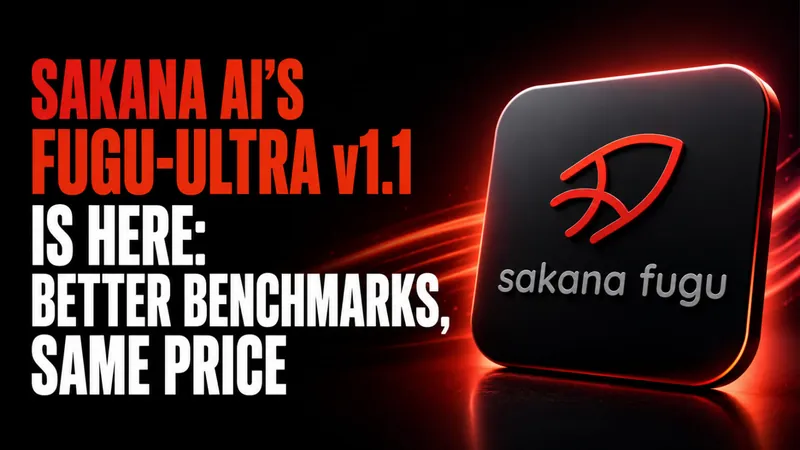
Sakana AI’s Fugu-Ultra v1.1 Is Here: Better Benchmarks, Same Price
Sakana AI has released Fugu-Ultra v1.1, an upgrade to its frontier orchestration model that the lab says gains up to 7.9 points over v1.0 across every benchmark it…

What Is Agentic AI? A Clear 2026 Guide with Examples
Agentic AI is artificial intelligence that pursues a goal on its own. Instead of just answering a prompt, it plans the steps, uses tools like web search or apps…
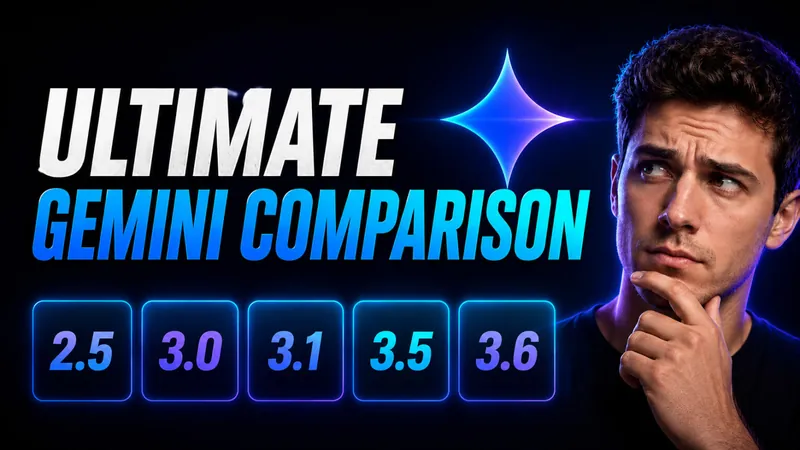
The Ultimate Gemini Model Comparison: 2.5 to 3.6 Flash, Pro & Flash-Lite
Google now runs two Gemini timelines that no longer move together. The Flash line has raced all the way to Gemini 3.6 Flash, launched July 21, 2026, while the Pro…
ZeroGPT Review 2026: Is It Accurate and Reliable?
ZeroGPT advertises accuracy of around 98%, yet independent 2026 testing puts its real-world accuracy at roughly 67% to 85%. One controlled 2026 benchmark of 160…
Gemini 3.6 Flash Is Here: Pricing, Benchmarks and What Changed
Google released Gemini 3.6 Flash on July 21, 2026, and the headline number is not a benchmark. It is the price. Output tokens dropped to $7.50 per million, down…
Qwen 3.8: Alibaba’s 2.4T Model Tested Against the Fable 5 Claim
Qwen 3.8 is no longer a preview with a marketing claim attached to it. Alibaba made Qwen3.8-Max generally available on August 3, 2026, and this time the model…

Best Free AI Detector in 2026: 7 Free AI Checkers Tested and Ranked
You can check whether a piece of text was written by AI in seconds, for free, without spending a cent. Yet a widely cited Stanford study on AI detector bias found…
Kimi Pricing 2026: Plans, API Costs & Free Tier
Kimi is free to start, and that is the fastest way to summarise Moonshot AI’s pricing. The Kimi app gives you unlimited basic chat, file uploads and web search on a…
Kimi K3: Moonshot’s 2.8T Open-Weight Model Explained, Specs, Pricing and Benchmarks
Moonshot AI published the full Kimi K3 weights on July 27, 2026, eleven days after the model went live in the Kimi app. The Hugging Face repository carries 96…
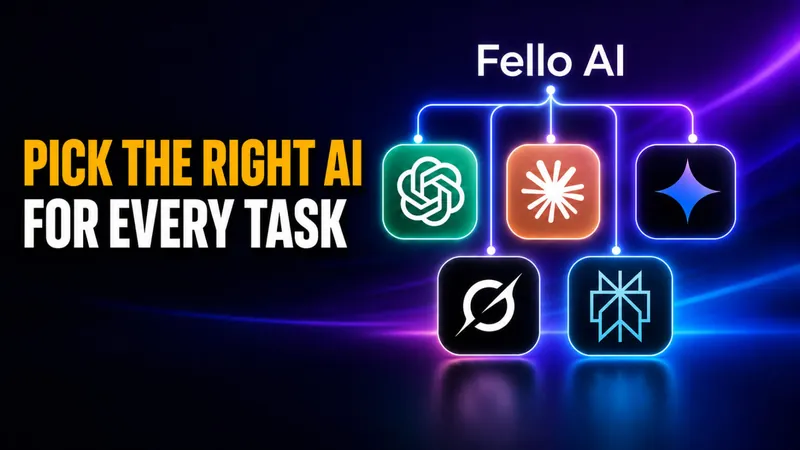
When to Use Which AI: A 2026 Guide to Picking the Right Model for Every Task
There is no single best AI in 2026, and every serious guide now agrees on the same answer to when to use which AI: match the task to the model that leads it. Claude…
The Ultimate ChatGPT 5 Model Comparison: GPT-5.0 to GPT-5.6
OpenAI made GPT-5.6 public on July 9, 2026, and it is now the most capable ChatGPT model you can actually run. The flagship Sol tier scores 88.8% on Terminal-Bench…
ChatGPT 5.6 Is Live: Sol, Terra, and Luna Explained
GPT-5.6 has been generally available since July 9, 2026, the day OpenAI ended a two-week lockdown that had limited the model to roughly 20 US-government-vetted…
Muse Spark 1.1: Meta’s Strongest Coding and Agentic AI Yet
Muse Spark 1.1 landed on July 9, 2026, and Meta is calling it its strongest model yet for real-world coding and agentic work. The upgrade comes from Meta…