
Are AI Companies Destroying Books? What the Court Files Actually Show
Court documents unsealed in January 2026 show Anthropic bought millions of used print books, cut off the spines, scanned the pages and threw the originals away. In…
Google AI Pro for Students in 2026: Is the Free Year Still Available?
If you came here to grab a free year of Google AI Pro as a student, your timing is good. The offer is back. Google relaunched its student program on August 19…
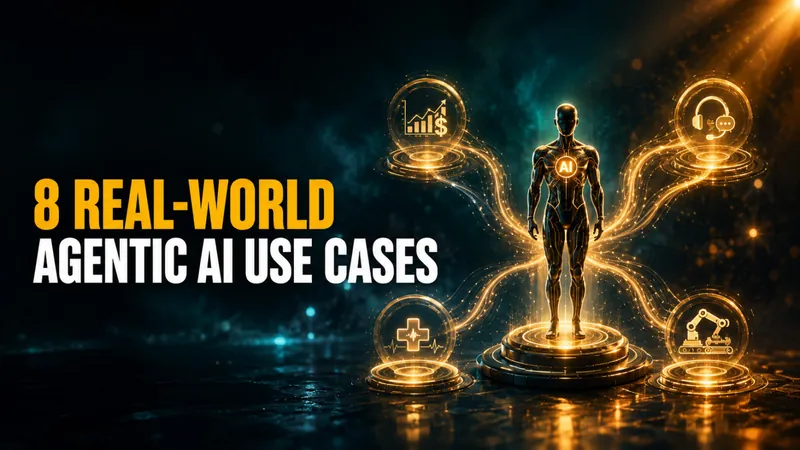
Agentic AI Use Cases: 8 Real-World Examples (2026)
Agentic AI has moved from demos to daily operations. According to McKinsey, 62% of organizations are already working with AI agents and 23% are scaling them in at…
GitHub & Microsoft Copilot Free for Students in 2026: What Still Works
If you are a student or teacher chasing a free Copilot in 2026, the door is open again. GitHub reopened sign-ups for its free Copilot Student plan on June 17, 2026…

How to Claim Perplexity Pro for Free (or Cheap)
You do not have to pay $20/month for Perplexity Pro. Verified students and teachers pay just $10/month for the Education Pro plan (a flat 50% discount), any…
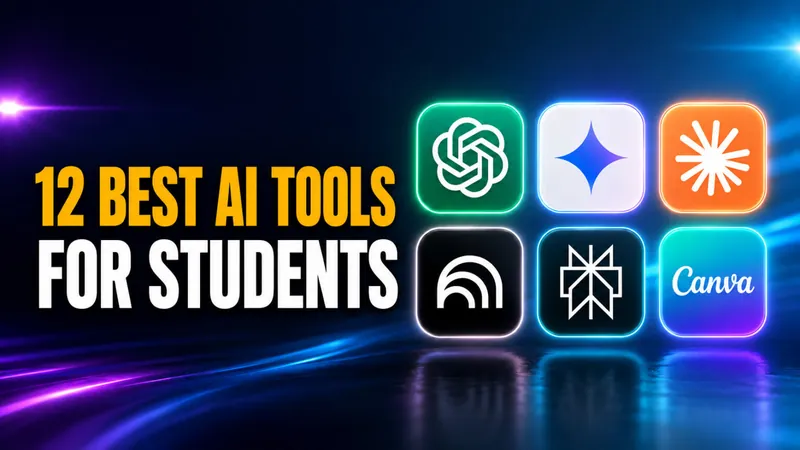
Best AI for Students in 2026: The Tools, the Models and What Is Free
88% of students now use AI in their learning, according to the Digital Education Council’s AI in Higher Education Global Survey 2026, which drew 45,398 responses…

Grok 5: Release Date & All We Know So Far
Update, August 2, 2026: One correction first, because most roundups get it wrong. Grok Voice did not launch in June 2026. Voice mode has been in the Grok app since…
Agentic AI vs Generative AI vs Automation: When to Use Which (2026)
AI agents, RPA, chatbots, and traditional automation compared side-by-side. Real costs, real examples, and a decision framework to help you choose the right…

DeepSeek R2: Release Date, Rumors, and What to Expect
As of August 2026, DeepSeek R2 still has not launched, and DeepSeek has never confirmed a release date. The company that shook the AI world with R1 in early 2025…
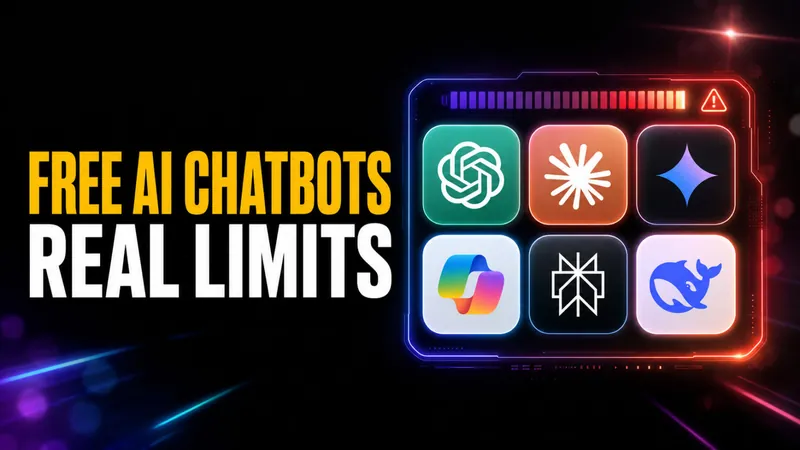
Best Free AI Chatbot in 2026: Tested Against Real Message Limits
Most “free” AI chatbots quietly cut you off after a handful of messages. Claude pauses you after roughly 15 to 40 messages in a five-hour window, and Gemini…
What Is Claude Mythos and Project Glasswing (Everything We Know)
Claude Mythos is Anthropic’s most powerful AI model ever built. Here’s everything we know about the leaked model, its capabilities, the Capybara codename, and when…

Claude Fable 5 Just Got Pulled by the US Government
Anthropic pulled Claude Fable 5 and Mythos 5 worldwide after a US government order on June 12, 2026. Here’s what the error means, who’s affected, and how to switch…
![Sam Altman Admits AI Costs Are Now a “Huge Issue” [Bonus: How to Cut Yours]](/wp-content/uploads/2026/06/ChatGPT-Image-Jun-4-2026-at-10_55_06-AM-1536x864-card.webp)
Sam Altman Admits AI Costs Are Now a “Huge Issue” [Bonus: How to Cut Yours]
OpenAI’s top customer burns 100 billion tokens a month, and Sam Altman just admitted AI costs became a huge issue in 2026. Here’s what changed and how to cut your…
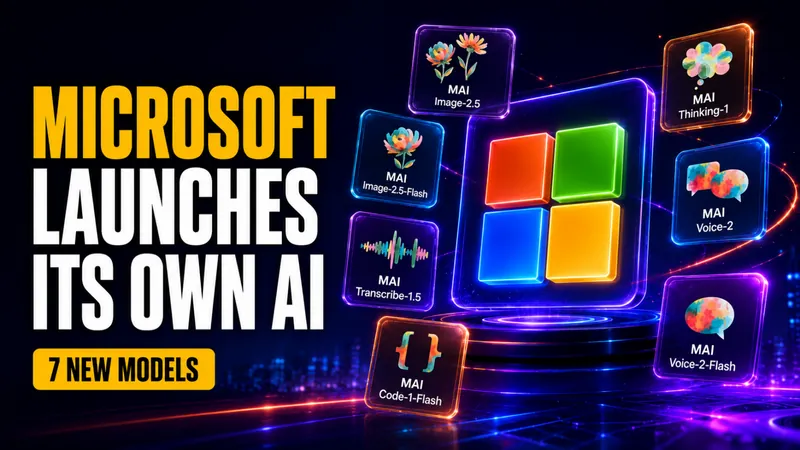
Microsoft Just Launched Its Own MAI Models
On June 2, 2026, at its Build developer conference, Microsoft announced a family of seven in-house AI models under the MAI brand, the most concrete step yet in the…
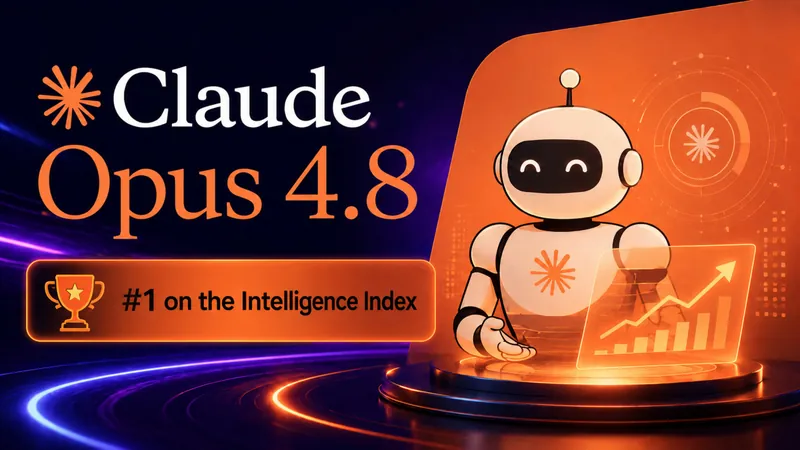
Everything You Need to Know About Anthropic’s Claude Opus 4.8
Claude Opus 4.8 takes the #1 spot on the Artificial Analysis Intelligence Index at 61.4, beating GPT-5.5. Full benchmarks, pricing, and what’s new.
All We Know About Google Gemini 4: Release Date, Rumors & What to Expect
Gemini 4 is real, Google has named it, and it is being trained right now. On July 21, 2026, buried in the announcement of a much smaller model, Google wrote that…

How to Detect AI Deepfakes: 10 Ways to Spot Them (2026)
Fraud losses enabled by generative AI in the United States are projected to reach $40 billion by 2027, up from $12.3 billion in 2023, according to Deloitte’s Center…
How to Claim Free ChatGPT for Teachers
ChatGPT for Teachers is free for verified U.S. K-12 educators through June 2027. The plan gives you unlimited messages with GPT-5.1 Auto, a secure education-grade…
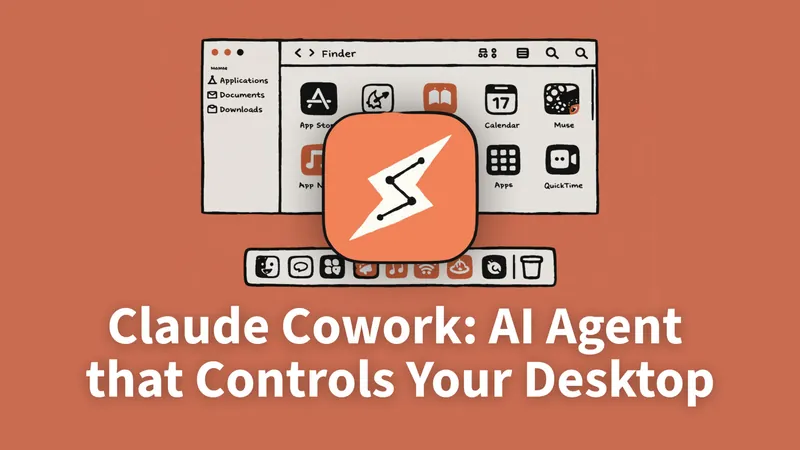
Claude Cowork: Complete Guide, Pricing, Setup, and Dispatch (2026)
Everything you need to know about Claude Cowork — Anthropic’s AI desktop agent. Features, real pricing, setup guide, honest review, and how it compares to ChatGPT…
Baidu’s ERNIE 5.1 Just Released
Baidu released ERNIE 5.1 on May 8, 2026, hitting #4 on LMArena Search using only 6% of normal pre-training cost. We cover benchmarks, architecture, agentic…
How to Cancel ChatGPT Subscription in 2026: iPhone, Android, and Web
The number one reason ChatGPT cancellations “don’t work” has nothing to do with OpenAI’s website. It’s that ChatGPT runs on three separate billing systems, and most…
ChatGPT vs Gemini in 2026: Which AI Should You Actually Use?
Update, July 10, 2026: ChatGPT moved to a new flagship. GPT-5.6 began its broad public rollout on July 9, 2026 as a three-tier family, Sol (flagship), Terra…
DeepSeek V4 Released: Everything You Need to Know
DeepSeek released V4-Pro and V4-Flash on April 24, 2026, open-source MoE models with 1M context, new CSA/HCA hybrid attention, and benchmarks rivaling GPT-5.4 and…

ChatGPT 6 Release Date: Rumors & What’s Actually Confirmed
Update, August 3, 2026: OpenAI’s next major model finally has a name, and it is not GPT-6. On August 1, 2026 the company introduced Astra, announcing it not with a…
5 Open-Source AI Models Actually Worth Running on Your M5 Mac in 2026
The five open-source AI models worth running on an M5 Mac in April 2026 are Mistral 7B (16 GB), Qwen 3.5 9B (24 GB), DeepSeek R1 Distill Qwen 14B (24 GB), Gemma 4…
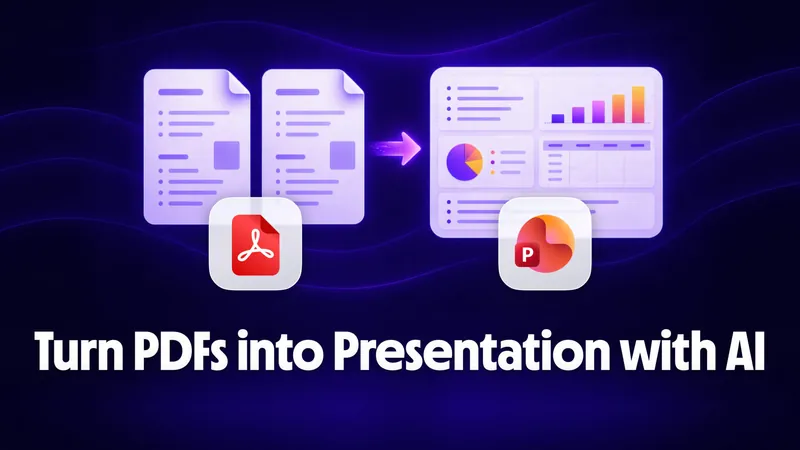
PDF to PowerPoint with AI: Turn Any Document into a Presentation
A dense 50-page PDF can become a 20-slide editable PowerPoint in under 5 minutes using AI, and you don’t need expensive software to do it. The trick is using AI to…

How Students Can Use AI for Presentations, Essays, and Study Docs
92% of students now use AI tools in their studies, up from just 66% a year earlier. The biggest uses? Generating text (64%), editing and improving writing (39%)…
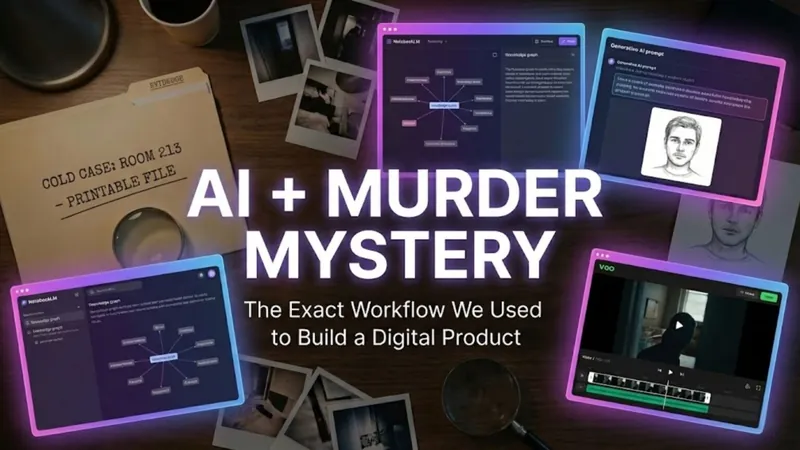
How We Created a Printable Murder Mystery Case File Using AI
Do you want to play detective without the pressure of wearing a costume, memorizing a script, or acting out a dramatic death scene? If you love true crime podcasts…
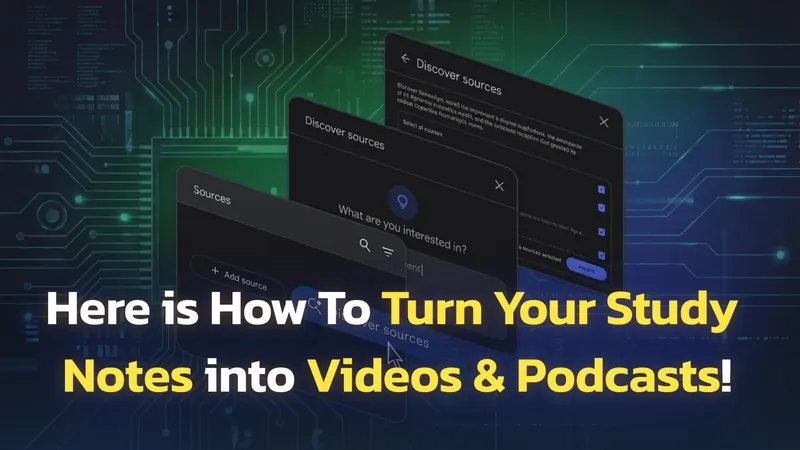
NotebookLM Update: 1M-Token Chat, Goals, Saved History
Google NotebookLM, now called Gemini Notebook, has had one of the most packed update cycles of any AI tool in recent memory. Since October 2025, the platform has…
Switching from ChatGPT to Claude: Why, How, and What to Expect
Switching from ChatGPT to Claude takes about five minutes if all you want is your saved context moved across. Anthropic ships an import tool that reads your ChatGPT…