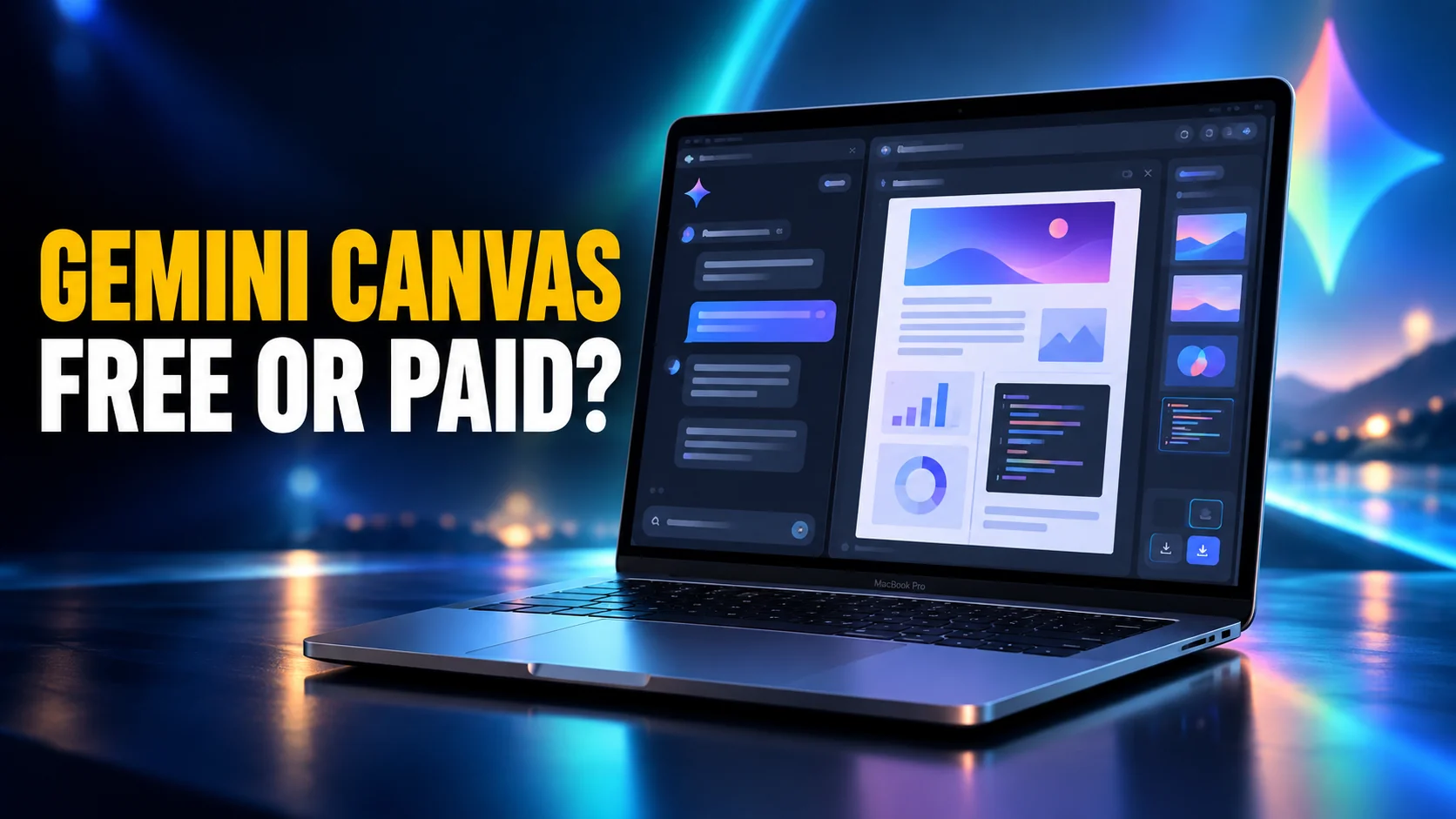
Gemini Canvas is a workspace inside the Gemini app where the model writes and edits alongside you instead of answering in the chat thread. You can build documents, code, slides, web pages, infographics, quizzes and Audio Overviews, edit them in place, and export them to Google Docs, Slides or Colab.
That is the short answer, and it is the part most guides get right. What they get wrong is everything after it. The best-organised guide still ranking for this feature says you need a Gemini Advanced subscription to use Canvas properly, which has not been true for a long time. Several others still describe Canvas as a web-only feature. This article covers what Canvas actually builds and the exact click path today. It also covers what the free and paid tiers change, where it runs, and the jobs it is still bad at.
The Key Takeaways
- Canvas is free: Google's own Canvas page says it is available to Gemini users in every country and language where the Gemini app works, on the free tier included.
- Paying changes the engine, not the door: Google AI Pro and Ultra run Canvas on Google's most capable Gemini 3 model with a one million token context window, which matters for long documents and bigger builds.
- It makes more than documents: since 20 May 2026 the Create menu turns text into custom web pages, infographics, quizzes and Audio Overviews.
- Mobile is read and share, not edit: Google states you can only edit text style and format in the Gemini web app on desktop.
- The timing is the story: Google expanded Canvas on 20 May 2026, and eight days later OpenAI removed Canvas from ChatGPT entirely.
What Is Gemini Canvas?
Canvas is a side panel that opens next to your conversation. You describe what you want, Gemini produces a first version inside the panel, and every follow-up prompt edits that version rather than starting a fresh answer underneath the last one. Google's description on its official Canvas overview page is "write, code and create in one space with AI", with the promise of going "from prompt to prototype in minutes".
The difference from a normal chat answer is persistence.
Ask a chat thread for a shorter third paragraph and you get a new message containing a new third paragraph, and you are left stitching versions together by hand. In Canvas, the document is the object. The third paragraph changes and everything else stays where it was.
What Canvas Actually Makes
Google's help documentation lists documents, apps, slides, code, quizzes, Audio Overviews, infographics and web pages, and says projects can also turn out music, video and images. That list is wider than most guides suggest, because most of them were written before the Create menu arrived.
The app-building part deserves a flag, because it is the one people underestimate. Canvas can turn a description, or an uploaded photo of a hand-drawn wireframe, into a working, shareable app or game. It is not going to replace a development team, but it clears the bar for a prototype you can hand to someone and have them click through. ChatGPT does the same from a single prompt, as the Snake game in our games to play with ChatGPT shows.
How Canvas Differs From Google Docs
This is the most common follow-up question, and the answer is simple. Google Docs is a document you write in, with an AI that can help. Canvas is an AI output you steer, which can then become a document. The flow runs in the other direction, and it ends with an export: text goes to Docs, presentations go to Slides or PDF, and Python goes to Colab. If you want a normal editing experience with full formatting control, Canvas is not it, and the export button exists precisely because Google knows that.
How to Open Gemini Canvas
The click path has changed since most tutorials were written, which is why people go looking for a Canvas toggle that is no longer where the screenshots say. According to the Gemini Apps Help documentation, this is the current route on a computer:
- Go to gemini.google.com.
- Below the text box at the bottom, click Add Files, then Canvas.
- Type what you want built into the text box.
- Submit, and Canvas opens with a first draft in the side panel.
On a phone or tablet the sequence is the same shape: open the Gemini mobile app, tap Add below the text box, then Canvas, enter your prompt and submit. If you cannot find Canvas at all, the usual reason is that you are looking above the prompt box rather than below it, where Google's own marketing page still describes it as sitting.
What Gemini Canvas Costs and Where It Runs
Here is the single most misreported fact about this feature. Canvas is not a paid unlock. Google's Canvas page states that it is available for Gemini users in all languages and countries where the Gemini app is available, and that free users have access. What a subscription buys is a better engine underneath. Google AI Pro and Ultra subscribers get Canvas running on Google's most capable Gemini 3 model, with a significantly larger one million token context window for more complex projects.
| Where you are | Canvas available | What you get |
|---|---|---|
| Free Gemini account | Yes | Full Canvas, standard model and context window |
| Google AI Pro or Ultra | Yes | Google's most capable Gemini 3 model, one million token context |
| Gemini web app on desktop | Yes | Everything, including text style and format editing |
| Android, iPhone and iPad | Yes | Create, view and share, but no style or format editing |
| Under 18 | Partly | Public share links and adding AI to apps are 18 and over |
That mobile row is worth reading twice, because Google is unusually blunt about it. The help page says you can only edit text style and format in the Gemini web app on desktop, and that this functionality is not available on mobile devices. You can start something on a phone, but the finishing happens on a computer. For the full plan picture beyond Canvas, our breakdown of Gemini plans and pricing covers what each tier includes.
Using Gemini Canvas on a Mac
Google shipped a native Gemini app for macOS on 15 April 2026. It is free, and a global Option and Space shortcut pulls it over whatever you are working in. It is a good app, and we covered it in our full review of the Gemini Mac app.
Canvas is one of the tools in that app. It sits alongside Create image, Create video, Create music, Deep Research, Guided Learning and Personal Intelligence in the row under the prompt box, which is the same place it lives on the web.
You would not know that from Google. The marketing pages for the Mac app do not list Canvas, and the Mac help page describes only "add files and tools" without naming any of them. A fair amount of secondhand coverage therefore assumes Canvas is missing from the app. It is not.
One caveat worth knowing before you rely on it. Google's Canvas documentation says text style and format editing happens in the Gemini web app on desktop, and it never spells out how the native Mac app relates to that sentence. If a formatting control you expect is not in the app, gemini.google.com in a browser is the fallback, and it is the same account and the same project.
You Need an Apple Silicon Mac
The requirements are stricter than the launch coverage suggested. Google's help page for the Mac app asks for a Mac running macOS Sequoia 15.0 or later with Apple Silicon, 8 GB of RAM or more and at least 200 MB of free disk space. Intel Macs are not supported, which matters if you are on a 2019 or 2020 machine. Canvas itself is unaffected by any of that, because the browser version has no such requirement.
The Option and Space Collision
One practical warning if you install the Mac app. Option and Space is a crowded shortcut on macOS. It is the Gemini app's global hotkey, it is the ChatGPT desktop app's default, and it is the default for our own Fello AI floating chat bar. Two apps cannot own the same combination, so whichever you installed most recently usually wins it. Google documents that you can customise the shortcut in the app's settings, so if your usual AI hotkey stops responding after an install, that is the fix and it takes about ten seconds.
Google Expanded Canvas as OpenAI Deleted Its Own
Two things happened eight days apart in May 2026, and nobody writing about Canvas has put them next to each other.
On 20 May 2026, the Gemini release notes announced the Create menu, which lets Canvas transform text into custom web pages, visual infographics, engaging quizzes and immersive Audio Overviews. Canvas went from a writing and coding panel to a general output machine.
On 28 May 2026, OpenAI's model release notes said the opposite about its own feature: "With this update, canvas will no longer be available in GPT-5.5 Instant or GPT-5.5 Thinking. Writing and coding functionality is now supported directly in chat responses through writing blocks and code blocks." Paid users kept canvas temporarily through legacy models, and those models have since been retired. We traced where each piece of it went in our piece on what replaced ChatGPT Canvas.
The two companies read the same feature and drew opposite conclusions. OpenAI decided a separate panel was a rendering problem across phones, tablets, web and desktop, and folded the work back into the thread. Google decided the panel was the product and gave it a menu. If you liked the way ChatGPT Canvas worked, Gemini Canvas is now the closest thing to it that still exists. OpenAI pushed its in-thread approach further on 7 October 2026, when GPT-6 started building charts, forms and small tools inside ordinary answers through ChatGPT Intelligent UI.
Where Gemini Canvas Falls Short
Canvas is good, and there are four situations where it is the wrong tool. None of the pages currently ranking for this feature mentions any of them.
Serious Formatting Work
Canvas edits text style and format only in the desktop web app, and even there it is a light touch compared with a real editor. Anything with strict styling, tracked changes or a house template belongs in Docs. Use the export and finish the job there rather than fighting the panel.
One Model, One Opinion
Everything Canvas produces comes from one vendor's model. That is fine until the model is confidently wrong or simply has the wrong style for the task, at which point your only options are rewriting the prompt or copying the text somewhere else. A second model is often faster than a fifth prompt, which is the argument for keeping several within reach rather than committing to one workspace. Our guide to the best AI models tracks which one is currently ahead for which job.
Sharing and Collaboration Limits
Public share links are gated to users 18 and over, and so is adding AI features to an app you build. Canvas sharing is also a link to an output, not a live co-editing surface in the Google Docs sense. If several people need to work on the same text at once, export it first.
Long-Running, Structured Work
Canvas is built around one artifact at a time.
For an ongoing body of material with sources you return to weekly, a notebook is the better container, and for repeatable instructions a saved persona is better than retyping context. Both exist inside Google's own products, and we covered them in our guides to Gemini study notebooks and Gemini Gems.
The Bottom Line
Gemini Canvas is worth ten minutes of anyone's time, and it costs nothing to find out. Open gemini.google.com, click Add Files and then Canvas, and ask it to build the thing you were about to write from scratch. If it works, you have a free workspace that turns a prompt into a document, a quiz, an infographic or a clickable prototype. If it does not, you have lost ten minutes.
Set expectations correctly and it holds up well. It is a drafting and prototyping surface, not an editor, not a collaboration tool, and not a place to keep long-running work. Do the building in Canvas, then export to Docs, Slides or Colab and finish where the tools are better.
On a Mac you can reach it either way, through the native app if you are on Apple Silicon or through the browser if you are not.
Frequently Asked Questions
Is Gemini Canvas free?
Yes. Google's Canvas page says it is available to Gemini users in every language and country where the Gemini app works, and free accounts have access. A Google AI Pro or Ultra subscription does not unlock Canvas itself. It runs Canvas on Google's most capable Gemini 3 model with a one million token context window, which matters for long documents and larger builds.
Where is the Canvas button in Gemini?
Below the text box, not above it. On a computer, go to gemini.google.com, click Add Files under the prompt box, then choose Canvas. On Android, iPhone or iPad, tap Add below the text box and then Canvas. Older tutorials describe a toggle in the prompt bar itself, which is why people cannot find it.
Does Gemini Canvas work on iPhone and Android?
Partly. You can open Canvas on the mobile apps, create with it, and share what you make. Google states that you can only edit text style and format in the Gemini web app on desktop, and that this is not available on mobile devices. Treat a phone as a place to start something and a computer as the place to finish it.
Is Canvas in the Gemini Mac app?
Yes. Canvas appears in the tool row under the prompt box in the native Mac app, next to Create image, Create video, Create music, Deep Research, Guided Learning and Personal Intelligence. Google's own marketing pages for the app do not list it, which is why some coverage says it is missing. The app needs macOS Sequoia 15.0 or later with Apple Silicon, so on an Intel Mac you use gemini.google.com in a browser instead.
What happened to ChatGPT Canvas?
OpenAI removed it. Its model release notes for 28 May 2026 say canvas is no longer available in GPT-5.5 Instant or GPT-5.5 Thinking. Writing and coding are now handled by writing blocks and code blocks inside the chat thread. Paid users kept it temporarily through legacy models, and those have since been retired.