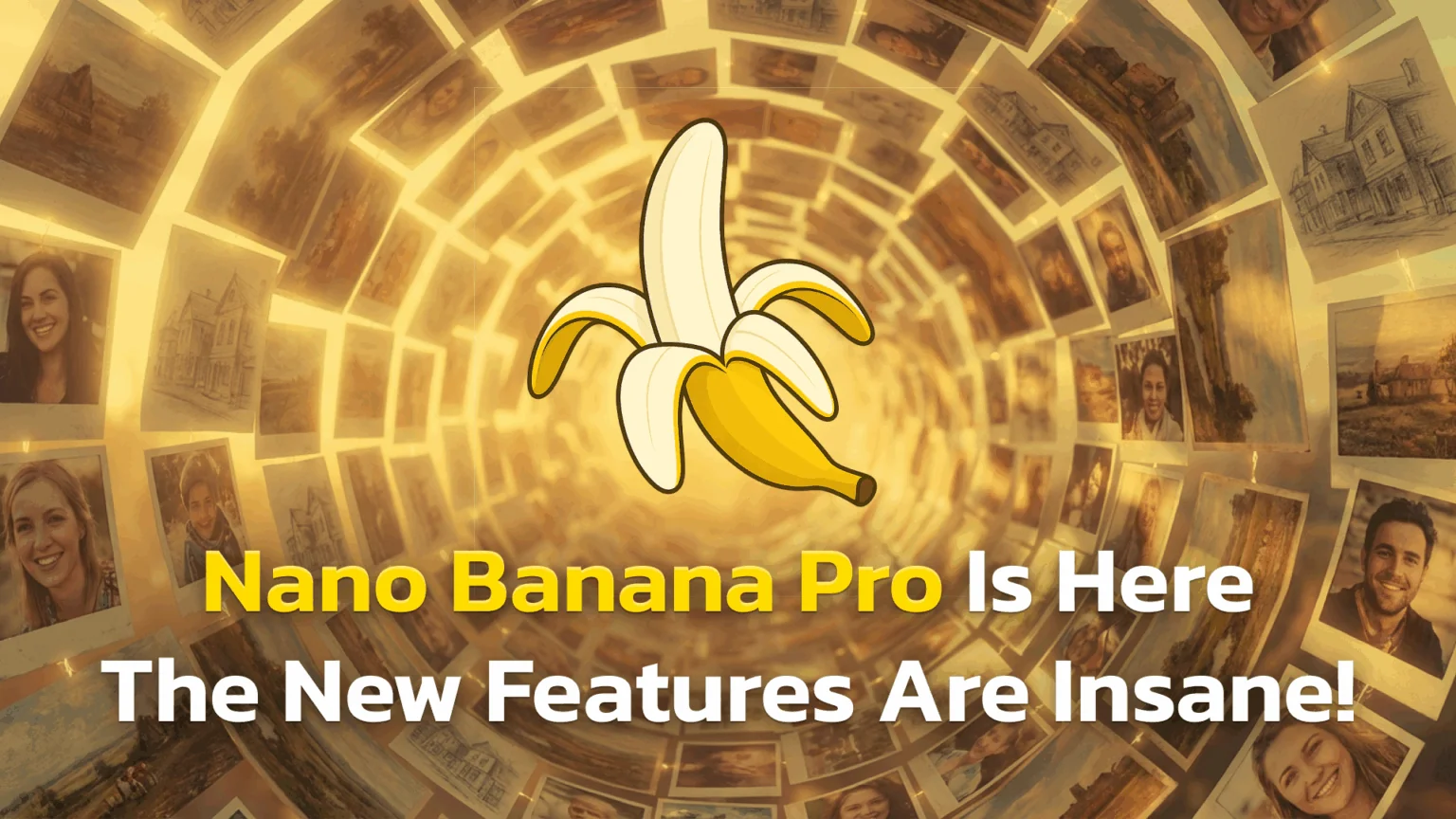
TL;DR: Nano Banana Pro is Google’s newest AI image model (officially Gemini 3 Pro Image). It offers high-resolution 4K output, readable text for posters, and advanced editing tools. It is currently free to try within the Gemini app before hitting daily limits.
- Better Text: It can finally render text much more accurately on posters, invites, and diagrams.
- Higher Quality: Images are sharper, offering up to 4K resolution.
- Real-Time Info: It uses Google Search to put live data (like weather) into graphics.
- Precise Edits: You can change lighting or camera angles without ruining the image.
| Feature | Spec / Detail |
|---|---|
| Official Name | Gemini 3 Pro Image |
| Best For | Text-heavy designs, 4K photos, editing |
| Resolution | Defaults to 2K, up to 4K supported |
| Access | Gemini App (Web, Android, iOS) |
| Cost | Free tier available; Paid plans increase limits |
| Key Upgrade | Correct spelling & real-time search data |
Google has released its latest update to the world of AI imagery, and it is making waves under the name Nano Banana Pro. This model is the “big sibling” to the viral tool that made funny figurine images popular last year. It is designed to do more than just make pretty pictures; it helps you edit photos, write text that is actually readable, and create professional designs.
If you have felt frustrated by AI tools that spell words wrong or make blurry images, this update addresses those specific pain points. What exactly is Nano Banana Pro? How can you create 4K images and posters with it? Is it free to use right now, and what does Nano Banana Pro cost if you outgrow the free tier?
What is Nano Banana Pro
You might see two different names floating around, but they refer to the same powerful tool. Nano Banana Pro is the consumer nickname for what Google officially calls the Gemini 3 Pro image model. It is a text-to-image generator, which means you type a description and it creates a picture for you.
This model is a major step up from the original Nano Banana. While the old version was fun for making toy-like 3D characters, the Pro version is built for serious work. It acts as an AI image generator and editor rolled into one. You can generate images from scratch, upload your own photos to tweak them, or blend several images together.
Under the hood, this tool uses Google’s most advanced systems. It creates high-fidelity 2K and 4K images that look crisp on large screens.
Example: Imagine you need a new profile picture. Instead of hiring a photographer, you can upload a selfie and ask Nano Banana Pro to “change the background to a professional office and improve the lighting.”
For more ideas like that, our ready-to-use Gemini photo-editing prompts cover background swaps, restyles, and portrait fixes you can paste straight in.
New features that actually matter
The biggest complaint about older AI tools was that they often looked “fake,” “plastic,” or fuzzy, with tell-tale signs like unnatural lighting and strange textures. Nano Banana Pro fixes many of these issues with smarter technology that better understands real-world physics and material properties. The result is imagery that feels grounded and authentic, moving away from the “AI look” that has become so recognizable over the last few years.
We did Ai image generators one prompt faceoff between Nano Banana Pro and 3 other models. The results are shocking!
Higher resolution and better details
The Nano Banana Pro features list starts with clarity. The original model topped out at a square 1024×1024 size. This new version defaults to 2K (around 1080p) and can go up to 4K. This makes it much better for printing or using as a desktop wallpaper.
- Textures: Fabrics and skin look more realistic.
- Artifacts: You see fewer weird glitches, like extra fingers.
- Aspect Ratios: You can easily make wide images (16:9) or tall ones (9:16).
These improvements make the model significantly more versatile for professional projects. Whether you are printing a large format poster or creating a sharp desktop background, the increased pixel count ensures everything stays crisp and detailed.

Text on images finally works
For a long time, AI struggled to write. If you asked for a sign that said “Open,” it might spit out “Oppen” or gibberish symbols. Nano Banana Pro text on images is a game changer because it understands language much better. It creates legible text for multiple languages.
Use this for:
- Party invitations with the correct date and address.
- UI mockups for website ideas.
- Instructional diagrams with labels.
This capability opens up new possibilities for quick design work where typography is essential. You no longer need to export AI images to a separate editing tool just to add basic captions or fix garbled lettering.
Real time data from Google Search
Because it is connected to Google, this model is “world-aware.” When Search grounding is enabled (for example in Gemini or AI Mode in Search), it can pull in live facts. You can ask it to generate an infographic about today’s weather in Paris, and it will use accurate data rather than guessing.
Creative controls and editing
Sometimes you get an image that is almost perfect, but the lighting is wrong. Nano Banana Pro gives you tools to fix that without starting over.
The Nano Banana Pro image editing tools allow you to act like a director. You can use natural language to adjust the scene.
- Camera: Change the focal length or zoom level.
- Lighting: Ask to “turn day into night” or “add neon lighting.”
- Local Edits: Change just one part of the photo, like removing a car from a driveway while keeping the house exactly the same.
These controls bridge the gap between random AI generation and deliberate photography. They allow for fine-tuning that previously required complex post-processing software, giving you control over the mood and composition.
A big challenge for creators is making the same person appear in different poses. Nano Banana Pro is excellent at character consistency. You can blend up to 14 reference images to help the AI understand what a specific person or product looks like.
Example: You are writing a comic book. You can generate five different panels where your main hero wears the same outfit and has the same face in every shot.

Who should use this model
This tool isn’t just for tech enthusiasts. It solves practical problems for everyday jobs.
Nano Banana Pro for marketers is a huge time-saver. Instead of searching for stock photos, you can generate the exact image you need for a campaign.
- Brand Consistency: Keep your brand colors and style across all posts.
- Mockups: Visualize how your logo looks on a t-shirt or coffee mug.
- Ads: Create variations of an ad to see which one performs better.
For social media managers, this consistency is key to building a recognizable visual identity. It allows for the creation of cohesive campaigns without the disjointed look that is often associated with standard AI-generated content.
Educators can use Nano Banana Pro for educational content to make learning visual. A teacher can create a custom poster explaining “Quantum Computing” with accurate bullet points, or generate historical scenes to show a class what Ancient Rome might have looked like.
How to use Nano Banana Pro
Getting started is easy, but you need to know where to look to ensure you are using the Pro version and not the older model.
Here is how to use Nano Banana Pro in Gemini app. If you are not sure where the feature lives at all, start with how to find Nano Banana in the Gemini app:
- Open the Gemini app on Android, iOS, or your web browser.
- Select “Create image” from the menu.
- Look for the model toggle and switch it to “Thinking” (this usually activates the Gemini 3 Pro system).
- Type your prompt and hit enter.
Device Tip: Make sure your Gemini app is updated and you’re in a region and account tier where image generation is available. If you don’t see the “Thinking” model under “Create images”, you may still be on the older image model or the rollout hasn’t reached your account yet.
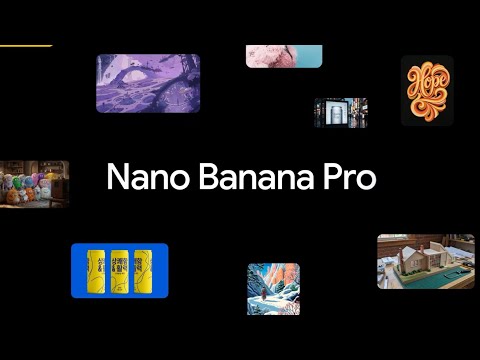
Pricing and daily limits
Many users ask about Nano Banana Pro free vs paid options. We break the entire free tier down, including the Pro allowance, in Is Nano Banana free?.
- Free Users: You get approximately 3 to 5 Pro generations per day. Once you hit this limit, the app automatically switches you back to the standard (older) Nano Banana model for the rest of the day, which has a much higher cap (around 100 images) but lower resolution.
- Paid Subscribers: Users on Google AI Pro plans get significantly higher limits, typically around 100 Pro images per day. Top-tier AI Ultra subscribers can generate up to 1,000 Pro images daily.
Always check your specific plan details for the most current quotas and access rights. Google frequently adjusts these tiers and limits as server capacity increases and model efficiency improves over time.
Conclusion
Nano Banana Pro is a significant upgrade that moves AI imagery from a “fun toy” to a genuinely “useful tool.” It bridges the gap between casual experimentation and professional workflow by addressing the biggest hurdles of previous generations: illegible text and low-resolution output. With its ability to handle text-heavy designs, generate 4K visuals, and perform complex edits via natural language, it is a strong option for anyone needing quick, custom visuals.
Whether you are a marketer designing a campaign, a student visualizing a concept, or just someone who wants to make high-quality digital art, this model offers a level of control that was previously hard to find in free tools. As AI continues to evolve, tools like Nano Banana Pro suggest a future where the barrier between idea and image is thinner than ever. ByteDance’s rival Seedream 5.0 Pro now pushes the same premium tier at a fraction of the price.
Next Step: Open the Gemini 3 app right now and try this prompt to test its text skills: “Create a neon sign that says ‘Hello World’ hanging on a brick wall at night.
Frequently Asked Questions (FAQ)
Is Nano Banana Pro free to use?
Yes, it is free to try within the Gemini app. However, there is a daily usage quota. Once you exceed that limit, the system reverts to the standard model until the next day.
How is Nano Banana Pro different from the original Nano Banana?
Nano Banana Pro vs Nano Banana comes down to quality and control. The Pro version offers higher resolution (up to 4K), readable text, and precise editing tools, whereas the original was lower resolution and struggled with words.
Can I use images from Nano Banana Pro for commercial work?
Possibly – but it depends on Google’s current terms of service for Gemini and the product you’re using (Gemini app, API, Workspace, etc.). Google embeds SynthID and C2PA for provenance, but commercial rights and restrictions can change, so always review the latest terms in the Gemini app or your Google account before using Pro images in paid client work.
Does Nano Banana Pro watermark images?
Yes. To ensure safety and transparency, Google applies invisible SynthID watermarks and C2PA metadata to indicate that the image was AI-generated.
Methodology & Sources
- Analysis: We reviewed official documentation from the Google Developers Blog regarding Gemini 3 Pro Image specs.
- Sentiment: We analyzed user feedback from the “Nano Banana Pro is OUT” Reddit thread to understand real-world rollout issues.
- Features: Specific capabilities (C2PA, 4K resolution) were verified against reports from The Verge and TechRadar.
- Sources:
- Google Blog (Gemini 3 Pro announcements)
- The Verge (Review of text-in-image capabilities)
- Reddit (User discussions on access and latency)