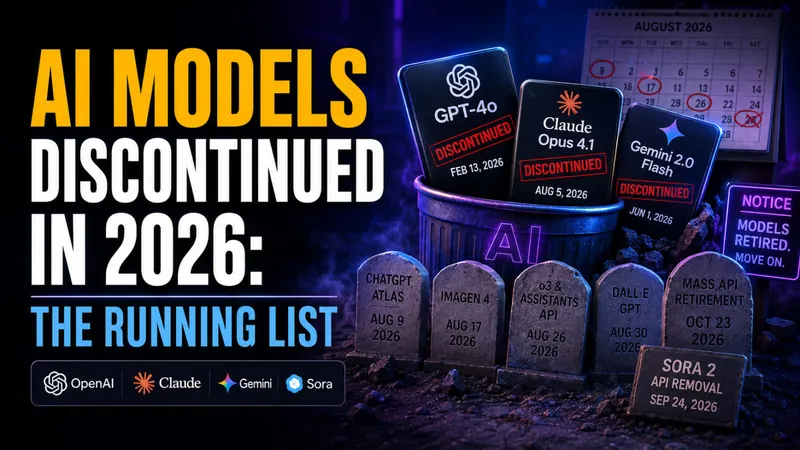
AI Models Discontinued in 2026: The Running List
OpenAI, Anthropic and Google retired dozens of AI models in 2026, and more shutdowns land every month. Here is the running list of what is already gone, what…

GPT-5.6-Cyber: OpenAI’s Hacking Model, and Why You Cannot Use It
OpenAI released GPT-5.6-Cyber on August 10, 2026, a model trained to find zero-days and build exploit chains, tuned to refuse far less than the ChatGPT you use…
GPT-5.6 Prompting Guide: 7 Tips for Better Answers
OpenAI just published its prompting playbook for GPT-5.6, and the headline finding upends how most people write prompts. In OpenAI’s own testing, stripping repeated…
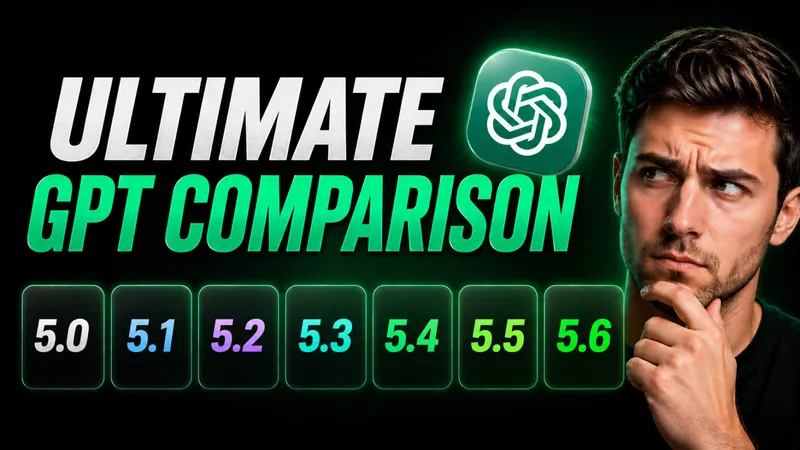
The Ultimate ChatGPT 5 Model Comparison: GPT-5.0 to GPT-5.6
OpenAI made GPT-5.6 public on July 9, 2026, and it is now the most capable ChatGPT model you can actually run. The flagship Sol tier scores 88.8% on Terminal-Bench…
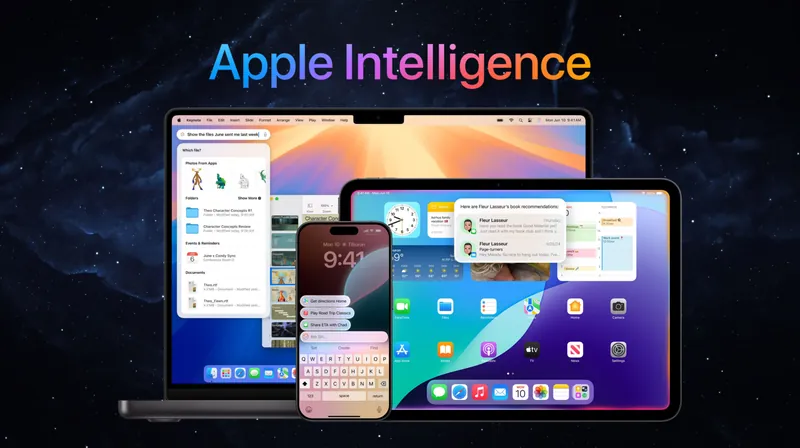
What Is Apple Intelligence? Features, Devices, and the 2026 Gemini Reset
Apple Intelligence is Apple’s built-in artificial intelligence system for iPhone, iPad, and Mac, and in 2026 it got its biggest overhaul yet. At WWDC 2026 on June…
Nex-N2-Pro: The Free Open-Source Model That Goes Toe-to-Toe With GPT-5.5
A Chinese AI lab just released a free model that scores 80.8 on SWE-Bench Verified and 75.3 on Terminal-Bench 2.1, putting it in the same league as GPT-5.5 and…
Baidu’s ERNIE 5.1 Just Released
Baidu released ERNIE 5.1 on May 8, 2026, hitting #4 on LMArena Search using only 6% of normal pre-training cost. We cover benchmarks, architecture, agentic…
How to Cancel ChatGPT Subscription in 2026: iPhone, Android, and Web
The number one reason ChatGPT cancellations “don’t work” has nothing to do with OpenAI’s website. It’s that ChatGPT runs on three separate billing systems, and most…
Kimi K2.6 Is Here: The Open-Source AI Model Tying GPT-5.5 on Coding
Kimi K2.6 is the new open-source AI model from China’s Moonshot AI, released on April 20, 2026. It just tied GPT-5.5 on the toughest coding benchmark in the…
![ChatGPT Pricing Guide: Free, Go, Plus, Pro $100, Pro $200 & Alternatives [August 2026]](/wp-content/uploads/2026/03/how-to-choose-the-right-chatgpt-plan-go-plus-pro-enterprise-and-pricing-tier-2026-2048x1152-card.webp)
ChatGPT Pricing Guide: Free, Go, Plus, Pro $100, Pro $200 & Alternatives [August 2026]
ChatGPT pricing in 2026 covers seven pricing plans plus pay-per-token API access: Free at $0, Go at $8/month, Plus at $20/month, Pro at $100/month, Pro at…
GPT-5.5 Released: Everything You Need to Know
Update, July 10, 2026: GPT-5.5 has since been succeeded by GPT-5.6, which reached general availability on July 9, 2026 with the Sol, Terra, and Luna tiers and is…

PewDiePie’s AI Model Beats GPT-4o: How He Fine-Tuned a Coding AI at Home
PewDiePie’s AI model scored 39% on the Aider Polyglot benchmark, outperforming GPT-4o (23.1%) and Gemini 2.0 Pro Exp (35.6%) on a coding test widely used in AI…
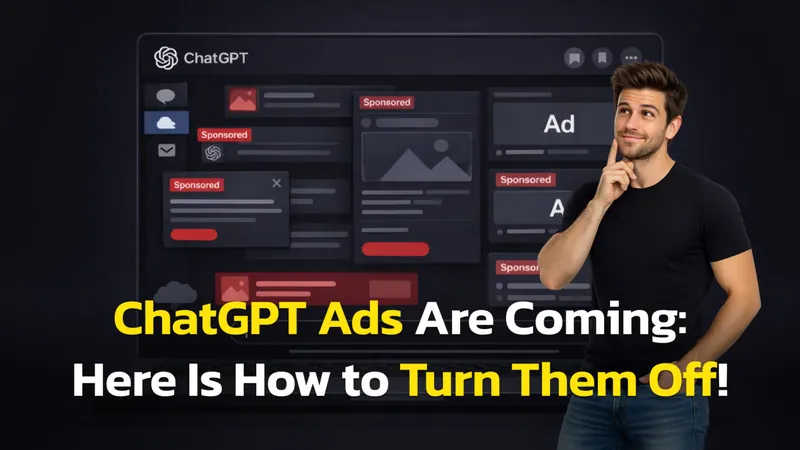
How to Use ChatGPT Without Ads: 3 Proven Methods
Seeing sponsored links pop up in your creative flow is frustrating. Whether you are writing code or drafting an essay, you want a clean interface, not a billboard…
MiniMax M2.5: A New Chinese Open-Source Model That Claims to Beat Claude & GPT at Coding
MiniMax M2.5 scores 80.2% on SWE-Bench Verified, runs at 100 tokens/sec, and costs $1/hour. Here’s what we know — and what’s still unverified.
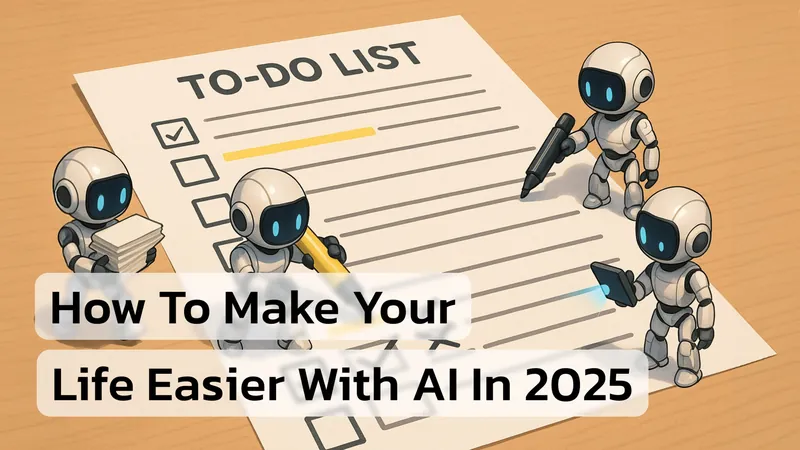
How Can I Use AI to Make My Life Easier? Here Are 10 Smart Ways + Prompts.
You probably have one of the most powerful productivity tools ever created sitting right in your pocket – artificial intelligence. Whether it’s ChatGPT, Google’s…

7 ChatGPT Prompts for Cinematic Photos That Actually Work
TL;DR: The Blueprint for Cinematic AI Photos Creating cinematic images in 2026 requires more than just asking for a “movie look.” It requires a director’s mindset…

15 Game-Changing ChatGPT Hacks Every Professional Needs to Know (Updated 2026)
TL;DR: ChatGPT productivity hacks in 2026 are no longer about clever one-off prompts. They are about building repeatable workflows using Projects, Tasks, and Apps…
GPT-5.2 Is a Monster on Benchmarks – So Why Do Users Hate It?
OpenAI is under real pressure again. In late 2025, Google’s Gemini 3 and Anthropic’s Claude Opus 4.5 closed what used to be a comfortable performance gap…
GPT-5.2 Just Dropped! Features, Pricing, and Release Explained
TL;DR: GPT-5.2 is OpenAI’s latest professional-grade AI model series, released in late 2025. It features massive improvements in coding, “agentic” workflows, and…
DeepSeek-V3.2-Speciale Just Dropped! How It Compares to Gemini 3 or GPT 5.1?
TL;DR: DeepSeek-V3.2 is a newly released family of open-source, 685B-parameter AI models that rival GPT-5 and Gemini 3.0 Pro in advanced reasoning benchmarks while…
ChatGPT 5 vs ChatGPT 5.1: A Full Comparison
It feels like ChatGPT 5 just arrived, and now everyone is talking about ChatGPT 5.1. In this ChatGPT 5 vs ChatGPT 5.1 comparison (and GPT-5 vs GPT-5.1 for API…
OpenAI just dropped GPT-5.1: faster, smarter, and warmer by design
On Wednesday, November 12, 2025, OpenAI unveiled GPT-5.1, a major mid-cycle upgrade to its flagship ChatGPT models. The update introduces two new variants — GPT-5.1…
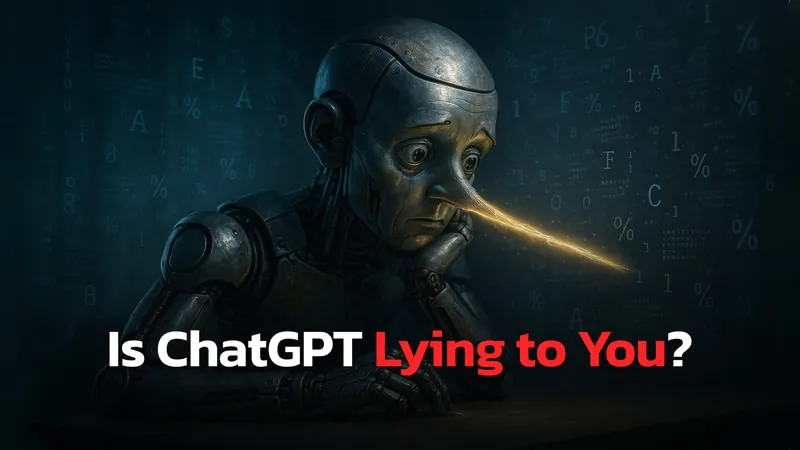
Is ChatGPT Lying To You?
Have you ever asked ChatGPT for a simple fact, only to receive an answer that was confidently, completely wrong? Or have you asked a sensitive question and been met…
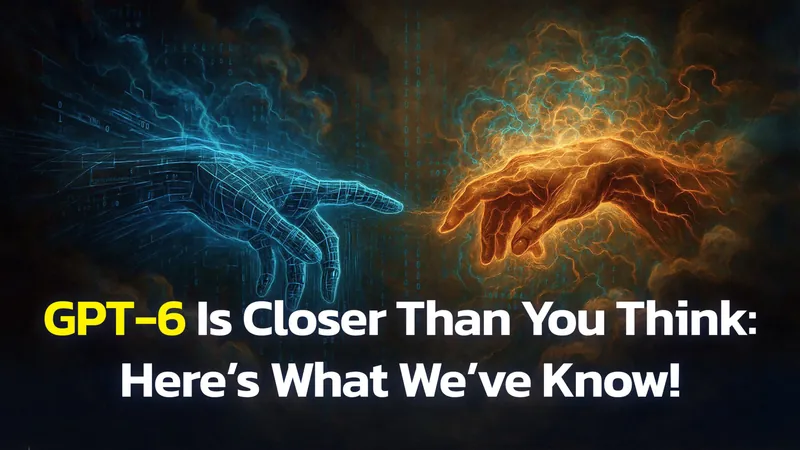
ChatGPT-6 leaks: Release Date, New Features and Rumours
Update, April 23, 2026: The wait is over, and the naming question is resolved. OpenAI launched the model on April 23, 2026 and branded it GPT-5.5, not GPT-6. The…

7 Secret ChatGPT Prompts for Business Strategy and Growth
Have you ever asked ChatGPT a question, only to get a generic, uninspired answer that’s barely usable? You know the tool is powerful, but it feels like you’re…
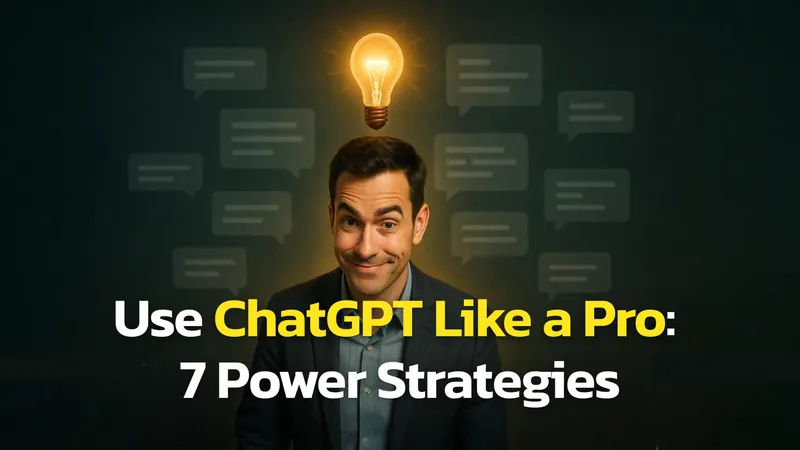
7 Ways How To Use ChatGPT Better Than 99% Of People
While millions use ChatGPT for simple tasks like writing emails or summarizing articles, a select few are leveraging it to create a profound professional advantage…
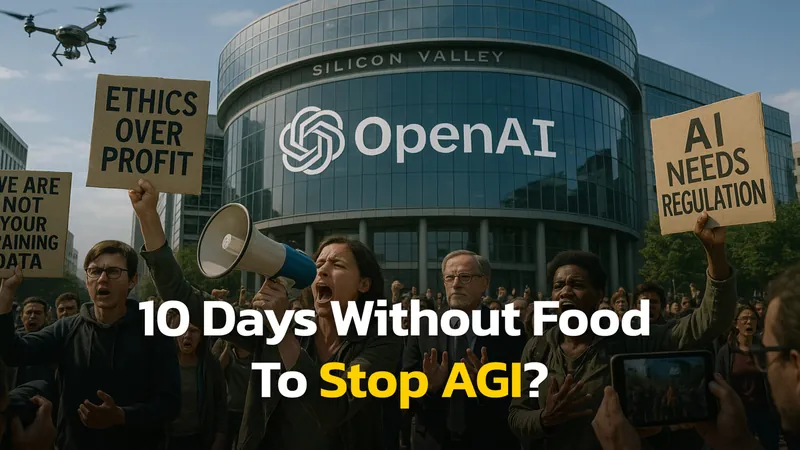
Anti-AI Activists on Hunger Strike At Anthropic and DeepMind
Two Anti-AI activists are currently more than 10 days into hunger strikes outside major AI company headquarters, refusing to eat until their demands about…
Google Nano Banana vs. GPT-4o Image 1: Which AI Image Generator Is Best?
On August 26th, 2025, Nano Banana (officially known as Gemini 2.5 Flash Image) dropped and has since got significant attention from the general public and creators…
ChatGPT vs Gemini for Students: Which AI Gets Better Grades in 2025?
Getting back to school is challenging every year – juggling new schedules, staying organized with assignments, figuring out which tools will actually help you…
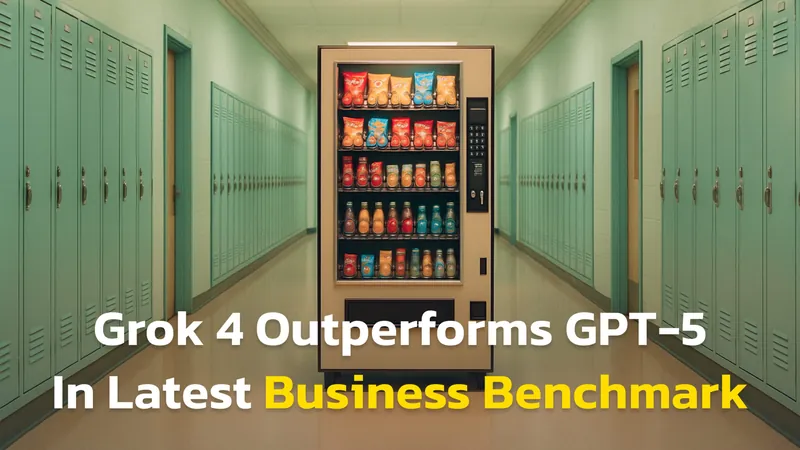
Grok 4 beats GPT-5 In Running Business According to Latest Vending-Bench
AI benchmarks are usually abstract. They test math puzzles, programming problems, or reading comprehension tasks most people never encounter in real life. But the…