Is ChatGPT Allowed in School? The AI Rules That Actually Apply to You
Is ChatGPT allowed in school? Usually yes, with conditions. Here is the three-layer rule that decides it, a task by task table of what you may and may not do, and a…
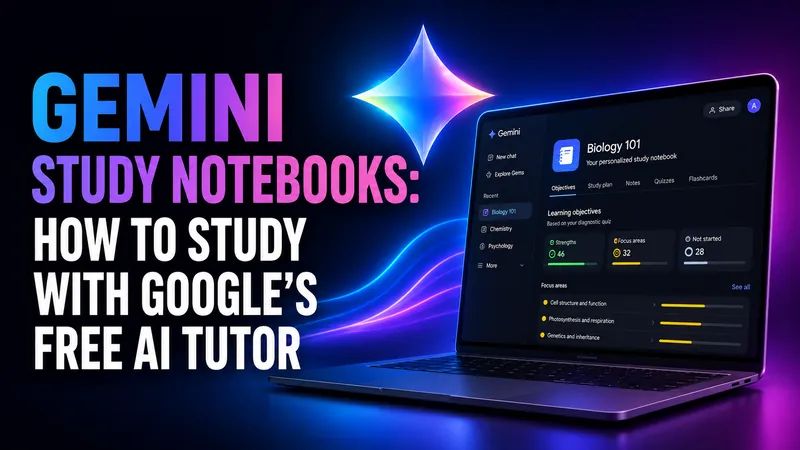
Gemini Study Notebooks: How to Study With Google's Free AI Tutor
Gemini study notebooks turn your lecture notes into an adaptive tutor with a diagnostic quiz and a progress dashboard. Here is how to make one, what it costs, and…
Google Classroom AI: What It Does and What It Can’t Detect
The short answer most people arrive looking for is this. Google Classroom AI cannot tell you whether a student used ChatGPT. Classroom has no built-in AI detector…

Best AI for Math: Which Model Actually Solves It
The best AI for math right now is Claude Opus 5, which sits at the top of MathArena‘s cross-competition ranking with an expected score of 84.4%. That is the short…
Claude Student Discount in 2026: What Anthropic Really Offers (No Fake Codes)
Anthropic does not offer a public, individually-redeemable student discount on Claude Pro in 2026. There is no .edu signup form, no promo code at checkout, and no…
AI for Teachers: The Best Tools and Free Access in 2026
Six in ten US teachers now use AI for their work. The ones who use it at least weekly estimate they save 5.9 hours every week, roughly six weeks of reclaimed time…
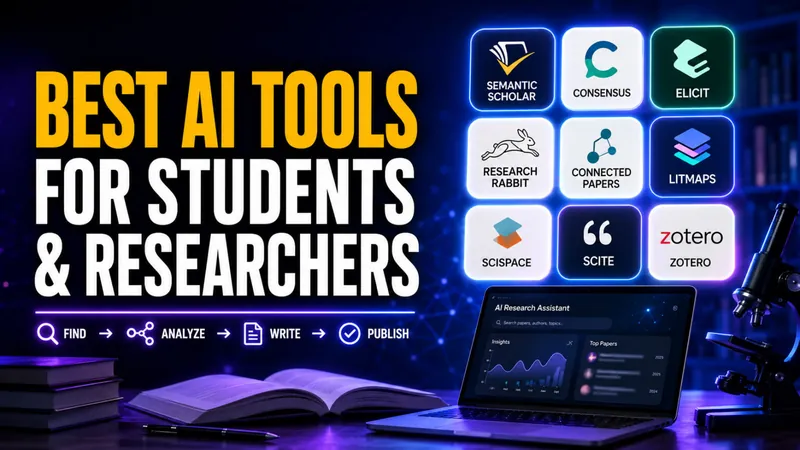
The Best AI Tools for Students and Researchers
Researcher use of AI jumped from 57% in 2024 to 84% in 2025, according to Wiley’s ExplanAItions study of more than 2,400 researchers worldwide. Use for research and…
What Is an AI Humanizer? How They Work and Whether They Actually Beat Detectors
An AI humanizer is a tool that rewrites AI-generated text so it reads like a person wrote it, and searches for one have climbed past 100,000 a month. The pitch…
ChatGPT for Academic Researchers: Who Qualifies and How to Apply
Roughly 1.3 million people already use ChatGPT every week for advanced science and mathematics, sending about 8.4 million messages. OpenAI has now decided to hand…

Agentic AI Frameworks: 8 Best Options Compared (2026)
The agentic AI framework landscape consolidated hard in 2026, and if you are a student or self-taught developer learning to build agents, that is good news. Fewer…
Is Claude Cowork Free?
Anthropic bundles it into every paid Claude plan at no extra charge, but the free Claude tier gives you Claude Chat only, with no Cowork access at all. So the…
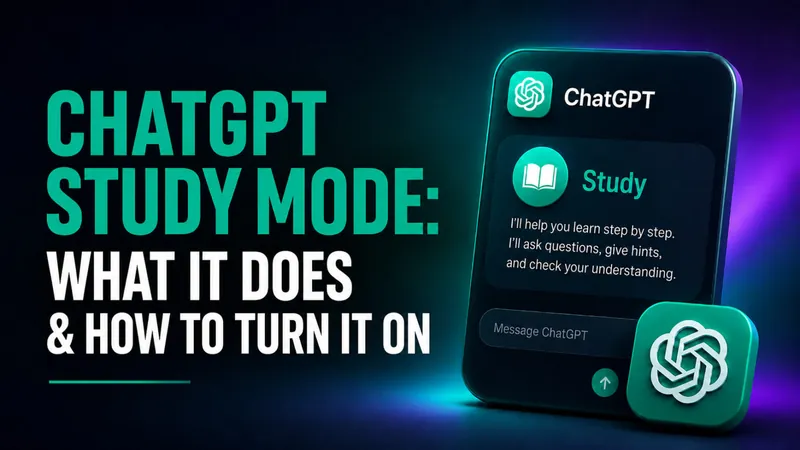
ChatGPT Study Mode: What It Does and How to Turn It On
ChatGPT Study Mode is now a year old. OpenAI launched it on 29 July 2025 as a free way to make ChatGPT teach rather than answer, and it now runs on every ChatGPT…
Is GPTZero Accurate? A 2026 Review of the AI Detector
GPTZero scores close to 99% in lab benchmarks, yet independent 2026 tests put its real-world accuracy nearer 85-90%, with false positives on 8-15% of genuine human…
Best AI for Students in 2026: The Tools, the Models and What Is Free
88% of students now use AI in their learning, according to the Digital Education Council’s AI in Higher Education Global Survey 2026, which drew 45,398 responses…
Is NotebookLM Free? Limits, Plans & What You Actually Pay For (2026)
Yes, NotebookLM is free. The Standard tier costs $0/month with any Google account, no trial, no credit card and no time limit, and every core feature is included…
ZeroGPT Review 2026: Is It Accurate and Reliable?
ZeroGPT advertises accuracy of around 98%, yet independent 2026 testing puts its real-world accuracy at roughly 67% to 85%. One controlled 2026 benchmark of 160…
Claude for Teachers: Anthropic’s Free AI for Educators Explained
Anthropic launched Claude for Teachers on July 14, 2026, giving verified US K-12 educators free access to premium Claude built for the classroom. The offer is free…
Best Free AI Detector in 2026: 7 Free AI Checkers Tested and Ranked
You can check whether a piece of text was written by AI in seconds, for free, without spending a cent. Yet a widely cited Stanford study on AI detector bias found…
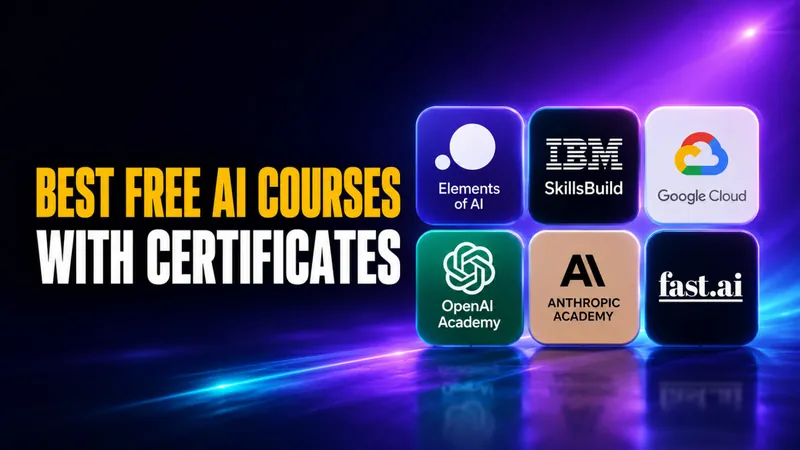
Best Free AI Courses in 2026: Free Picks With and Without Certificates
The best free AI courses in 2026 come from Elements of AI, IBM SkillsBuild, Google Cloud, OpenAI Academy, Anthropic Academy, Harvard’s CS50, MIT OpenCourseWare, and…

How to Learn Google Gemini in 2026: A Free Beginner’s Guide
The fastest way to learn Google Gemini in 2026 is free, because the Gemini app gives you Gemini 3.6 Flash at no cost, the free default since July 21, 2026, plus a…
How to Learn ChatGPT in 2026: A Free Beginner’s Guide
You can learn ChatGPT for free in a single afternoon, and the most useful training comes straight from the company that built it. OpenAI Academy offers free…

How to Learn Claude and Claude Code in 2026: A Free Beginner’s Guide
You can learn Claude from zero to seriously useful in about a week of evenings, and you can do it without paying a cent. Anthropic runs its own free training…
How to Learn AI Prompting in 2026: A Free Beginner’s Guide
The single skill that decides whether AI gives you a brilliant answer or a useless one is prompting, and you can start learning it today for free with zero coding…

How to Learn AI in 2026: A Free Beginner’s Roadmap
You can learn to use AI confidently in 2 to 4 weeks, and you do not need to code, pay for a bootcamp, or understand the math behind neural networks to start…
Are AI Detectors Accurate? How They Work and Which Ones Actually Catch ChatGPT in 2026
Stanford researchers found that AI detectors falsely flagged 61.3% of non-native English essays as machine-written. OpenAI shut down its own AI text detector in…
How to Use NotebookLM in 2026: A Step-by-Step Guide
NotebookLM, now called Gemini Notebook, is Google’s free AI research tool, and you use it in six steps. Sign in, create a notebook, and upload up to 50 sources…
Cursor Student Discount 2026: What Changed and What Students Get Now
Cursor ended its free student discount for new sign-ups on June 25, 2026. The offer that gave verified university students a full year of Cursor Pro at no cost, a…
How to Claim Free ChatGPT for Teachers
ChatGPT for Teachers is free for verified U.S. K-12 educators through June 2027. The plan gives you unlimited messages with GPT-5.1 Auto, a secure education-grade…
Best Free AI for Coding in 2026: DeepSeek V4 Pro, Qwen 3.6 & Kimi K2.6 Tested
The best free AI for coding in 2026 is three open-weight models you can use without a credit card. DeepSeek V4 Pro scores 80.6% on SWE-Bench Verified, Kimi K2.6…
How Students Can Use AI for Presentations, Essays, and Study Docs
92% of students now use AI tools in their studies, up from just 66% a year earlier. The biggest uses? Generating text (64%), editing and improving writing (39%)…