Apple Sues OpenAI: What It Means for Siri and Your iPhone
On Monday 3 August 2026, Apple asked a federal judge to bar OpenAI and two former Apple employees from accessing, using or disclosing its confidential information…

Apple Intelligence Is Coming to China, Powered by Alibaba’s Qwen
On July 15, 2026, China’s Cyberspace Administration approved Apple Intelligence for the country, and the model doing the heavy lifting is not ChatGPT. It is…
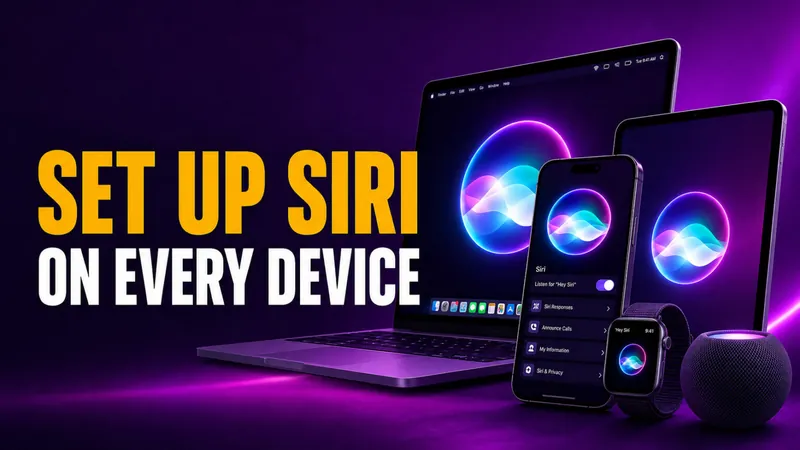
How to Set Up Siri on iPhone, iPad, Mac & Apple Watch
Setting up Siri takes about four taps, but the menu moved in 2026. On any iPhone that supports Apple Intelligence, the old “Siri” panel is now called Apple…
How to Turn Off Siri on iPhone, iPad, Mac, AirPods, and Apple Watch (2026)
Turning off Siri takes about four taps, but the exact path changed in 2026. On any iPhone that supports Apple Intelligence, the old “Siri” menu is now called Apple…
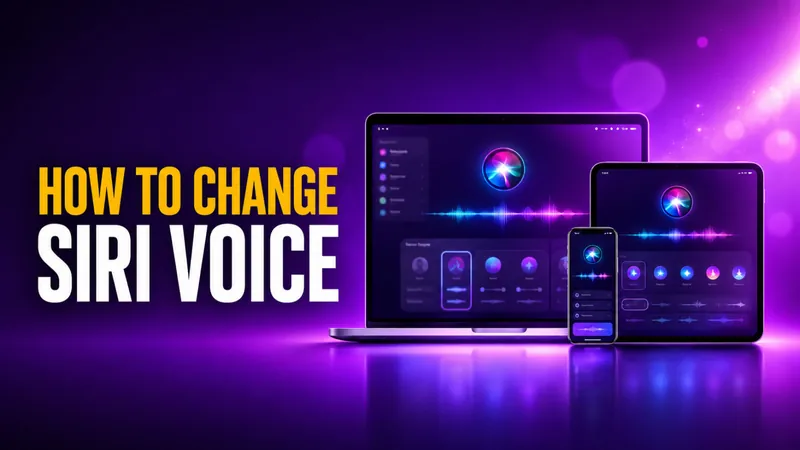
How to Change Siri Voice on iPhone, iPad, Mac, and HomePod
You change Siri’s voice in Settings > Apple Intelligence & Siri > Siri Voice, and in iOS 26 you get six accent Varieties plus up to four distinct voices to pick…
How to Use Siri: Commands for iPhone, iPad, Mac & Watch
Learning how to use Siri takes about ten seconds. Say “Siri” or “Hey Siri” and ask, or press a button and speak. The harder part is knowing what to actually say…
Why Is Siri Not Working? How to Fix It on iPhone and Mac
Siri stops working for one of three reasons more than any other, an incomplete setting, a weak internet connection, or a temporary software glitch that a restart…
How to Use Siri Shortcuts: The Complete 2026 Guide for iPhone and Mac
More than 10,000 people search every month for how to use Siri shortcuts, and in 2026 the answer changed in a big way. Siri shortcuts let you bundle several actions…
How to Use Apple Intelligence on iPhone, iPad, and Mac
To use Apple Intelligence, first make sure it is switched on under Settings > Apple Intelligence & Siri, then open the feature you want. You select text and tap…
How to Turn Off Apple Intelligence on iPhone, iPad, and Mac
To turn off Apple Intelligence, open Settings on your iPhone or iPad (or System Settings on a Mac), tap Apple Intelligence & Siri, switch off Apple Intelligence…
iOS 27: Release Date, New Features, and Every Supported iPhone
The iOS 27 public beta is live. Apple released it on July 14, 2026, and for the first time anyone can test the headline feature, a complete rebuild of Siri, without…
How to Turn On, Get, and Download Apple Intelligence
Apple Intelligence is free, and you can turn it on in three taps on any supported iPhone, iPad, or Mac. You update your device to the latest software, open…

Which iPhones, iPads, and Macs Support Apple Intelligence?
Apple Intelligence runs on iPhone 15 Pro and later, every iPhone 16 and 17 model, iPads with an M1 chip or the A17 Pro, and any Apple silicon Mac. That means the…
Is Siri AI? Hey Siri Is Becoming a Real AI Chatbot in 2026
Yes, Siri is AI, but a limited kind. Since it launched on the iPhone 4S in October 2011, Siri has run on narrow AI. That means speech recognition, natural language…

Android XR Glasses vs Apple AI Glasses: The 2026 vs 2027 Smart Glasses Race
The smart glasses race just got real. Google and Samsung unveiled their Android XR glasses at Google I/O 2026 on May 19, with a confirmed Fall 2026 ship date…

WWDC 2026 Preview: iOS 27, Siri 2.0, and the End of ChatGPT’s Siri Monopoly
WWDC 2026 runs June 8 to 12, with the keynote on Monday, June 8 at 10am Pacific Time streamed on Apple.com, the Apple TV app, and the Apple YouTube channel. Apple…
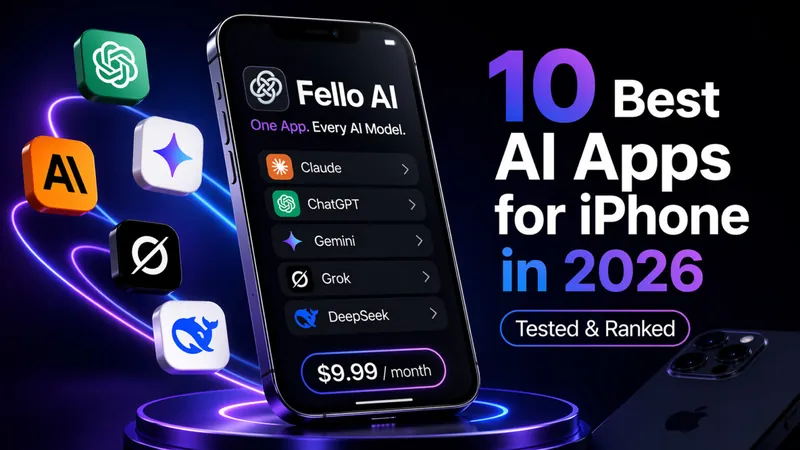
10 Best AI Apps for iPhone in 2026 (Tested & Ranked)
Update for May 21, 2026: Refreshed after Google I/O 2026 for Gemini 3.5 Flash, Gemini Spark, the Google AI Ultra price cut to $99.99, and the DeepSeek V4 release…

Turn Your iPhone into a Travel PA with Gemini + Maps & YouTube
Planning a trip shouldn’t feel like a second job. With the latest Gemini update on iPhone, you can ask in plain language (no more @commands). Gemini will quietly…
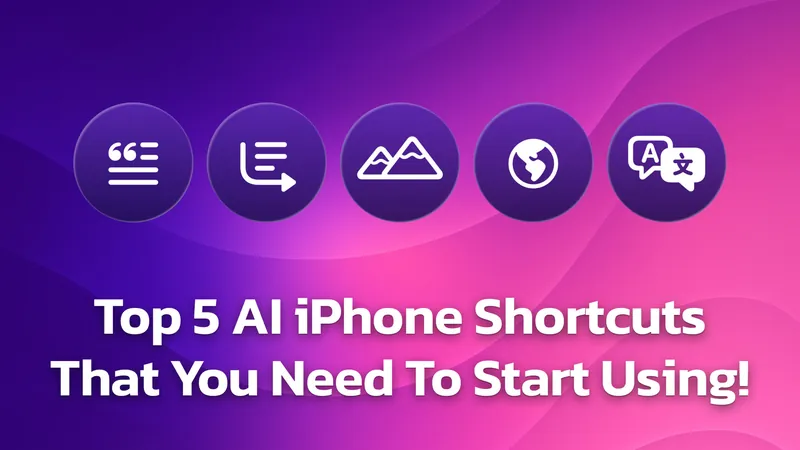
Top 5 iOS AI Shortcuts & Automations You Need to Try!
Have you ever found yourself struggling to read through a long article when you just need the key points, or wished you could quickly translate a foreign website…
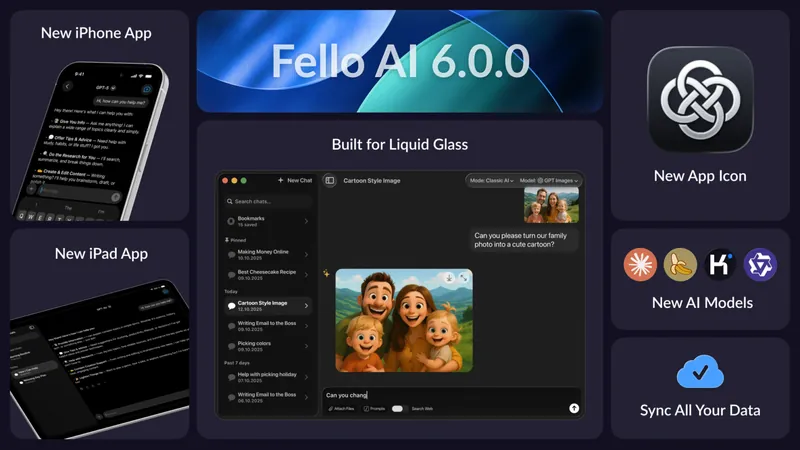
Fello AI 6.0.0: Now on iPhone & iPad, with Sync, New Models, and Liquid Glass
We’re excited to introduce Fello AI 6.0.0 – a major update that brings the full Fello AI experience to iPhone and iPad, along with a completely refreshed interface…
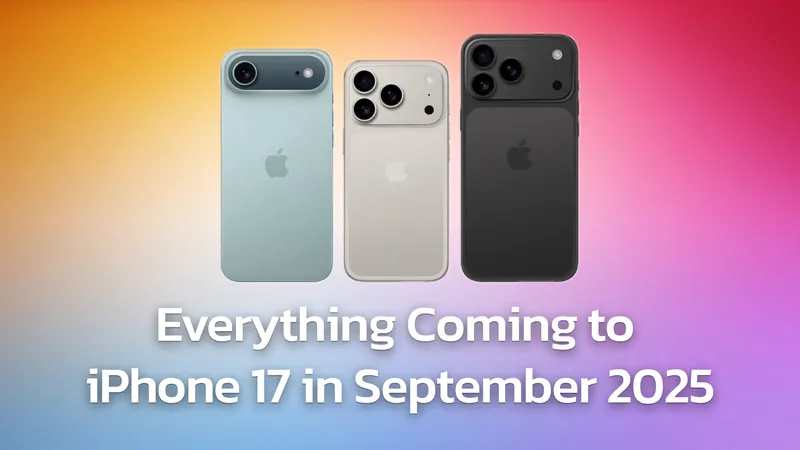
Apple’s iPhone 17 Is Almost Here: What AI Features to Expect
Apple is set to unveil its next-generation iPhone lineup in less than a week at the “Awe Dropping” event on September 9th, 2025, streaming live from Apple Park…