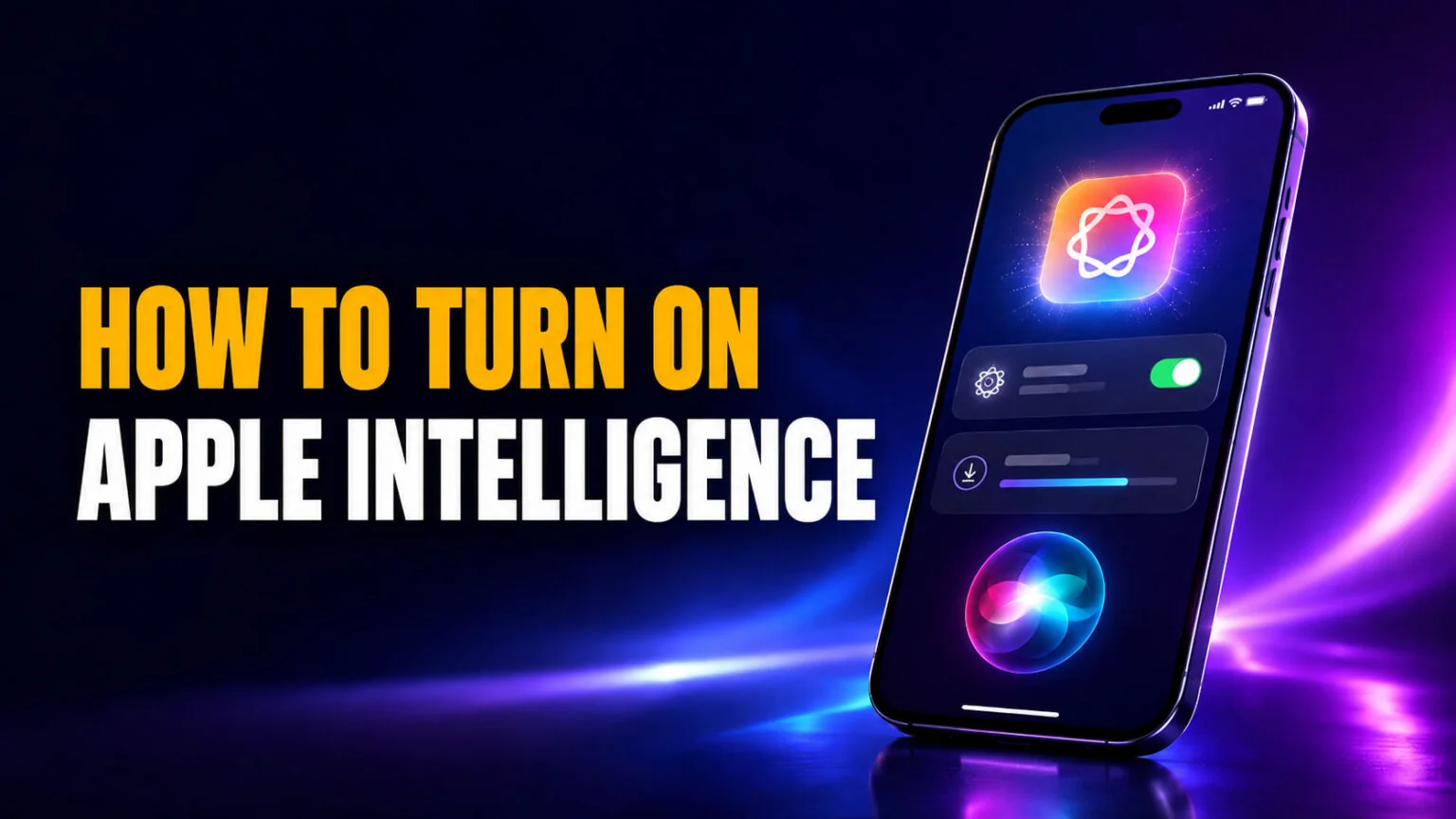
On iOS 27 and macOS 27, you turn on Apple Intelligence by updating. Apple says the new features are “automatically available on eligible devices” once you install the 27.0 software on a supported iPhone, iPad or Mac, as long as your device and Siri are set to the same supported language. The part you switch on yourself is the new Siri AI: go to Settings > Siri > Try Siri AI (Beta) and join the waitlist. Plan for up to 8 GB of free storage, or up to 14 GB on the newest models.
This guide walks you through the exact steps for every device on iOS 27, iPadOS 27 and macOS 27, the older Settings > Apple Intelligence & Siri path for iOS 18.1 to iOS 26, the supported-device list, the storage you need, and what to do when a feature will not appear. It also covers the Siri AI (Beta) waitlist that arrived with iOS 27 on September 14, 2026. If you are waiting for Siri AI or your device does not qualify, we show you another way to use the leading AI models. If Siri itself stops answering, our guide on why Siri is not working can help.
The Key Takeaways
- Turn it on: on iOS 27, iPadOS 27 and macOS 27, update the device and Apple Intelligence is available automatically. On iOS 18.1 to 26, go to Settings → Apple Intelligence & Siri → Turn on Apple Intelligence (System Settings on Mac).
- No subscription, but daily limits. The core features cost nothing extra. Siri AI, Image Playground and the photo editing tools have daily usage limits, and Apple says expanded access will come “for a fee in the future.”
- Requirements: iPhone 15 Pro, iPhone 16 or later, or iPhone Air; an iPad with M1 or later or the iPad mini (A17 Pro); a Mac with M1 or later or the MacBook Neo; plus up to 8 GB of free storage (up to 14 GB on the newest models).
- Siri AI is opt-in. Go to Settings > Siri > Try Siri AI (Beta). It is an English-only beta with a waitlist, and it is not available on iPhone or iPad in the EU.
- What powers it: Siri AI runs on Apple Foundation Models that Apple says were custom-built in collaboration with Google and its Gemini models. The 1.2 trillion parameters and $1 billion a year you see quoted are reported figures for the licensing deal, not published specs.
How to Turn On Apple Intelligence on iPhone
On iOS 27, there is no separate switch for Apple Intelligence any more. Apple says the next generation of Apple Intelligence “is automatically available on eligible devices when you update to the 27.0 software releases” in supported languages and regions. The current release is iOS 27.0.1, from September 28, 2026.
- Update your iPhone. Go to Settings > General > Software Update and install iOS 27.
- Match your languages. Set your iPhone language and your Siri language to the same supported language, such as English. Apple Intelligence stays unavailable until they match.
- Turn on Siri AI (optional). Go to Settings > Siri and tap Try Siri AI (Beta). Pick a voice, complete voice enrollment and review your privacy settings. That puts you on the waitlist.
Once the update is in, your iPhone downloads the on-device models in the background. Keep it on Wi-Fi and power while that happens. Writing Tools, summaries, visual intelligence and Image Playground then appear across the system. The ChatGPT extension now lives under Settings > Siri > ChatGPT > Set Up, or Set Up Extensions > ChatGPT if you use Siri AI. Our guide shows how to set up the ChatGPT extension step by step.
On iOS 18.1 to iOS 26, the old path still applies. Open Settings, tap Apple Intelligence & Siri, then tap the toggle next to Apple Intelligence or Turn on Apple Intelligence. If that menu is missing on iOS 26, your iPhone model is not supported, so check the device list below.
Supported Devices for Apple Intelligence
Apple Intelligence runs only on devices with enough on-device processing power, so the cutoff is strict. The table below shows the minimum model for each device class, and you can confirm the latest list on Apple’s support page. For the bigger picture, see our guide to what Apple Intelligence is and does.
| Device | Minimum model | Chip | Software | Notes |
|---|---|---|---|---|
| iPhone | iPhone 15 Pro / 15 Pro Max, iPhone 16 or later, iPhone Air, iPhone Duo | A17 Pro or later | iOS 18.1+ (new features: iOS 27) | Standard iPhone 15 and earlier not supported |
| iPad | iPad with M1, iPad mini (A17 Pro) | M1+ / A17 Pro | iPadOS 18.1+ (new features: iPadOS 27) | A14, A15 and A16 iPads not supported |
| Mac | Mac with M1 or later, MacBook Neo | M1 or later / A18 Pro | macOS Sequoia 15.1+ (new features: macOS 27 Golden Gate) | Intel Macs not supported |
| Apple Vision Pro | Any Apple Vision Pro | M2 or M5 | visionOS 2.4+ (new features: visionOS 27) | Available in supported regions |
| Apple Watch | Series 9 or later, Ultra 2 or later, SE 3 | n/a | watchOS 27 | Needs a paired Apple Intelligence iPhone |
Storage matters too. According to Apple’s Apple Intelligence support page, most supported devices need up to 8 GB of free space. The iPhone 17 Pro, iPhone 17 Pro Max, iPhone Air, iPads with M4 or later and at least 12 GB of memory, Macs with M3 or later and at least 12 GB of memory, and Apple Vision Pro (M5) need up to 14 GB. Apple Watch needs up to 1.5 GB and a paired, supported iPhone, and some features need that iPhone nearby.
How to Turn On Apple Intelligence on Mac
The steps on a Mac mirror the iPhone, you just use System Settings instead of Settings. Any Mac with an M1 chip or later qualifies, and so does the A18 Pro MacBook Neo. Intel Macs are left out entirely, and they cannot install macOS 27 at all.
- Update macOS. Open System Settings > General > Software Update and install macOS 27 Golden Gate. Apple Intelligence is then available automatically.
- Turn on Siri AI (optional). Click Siri in the sidebar, then click Try Siri AI (Beta) and join the waitlist.
- On macOS Sequoia 15.1 to macOS 26: click Apple Intelligence & Siri in the sidebar, then click the toggle next to Apple Intelligence or Turn on Apple Intelligence.
Your Mac downloads the models in the background after the update. As with iPhone, keep it on Wi-Fi and power so the download completes quickly. Writing Tools then appear in apps like Notes, Mail and Pages, and with Siri AI turned on you also get a dedicated Siri app that keeps your conversations in one place. Siri AI works on the Mac in the EU too, in English.
How to Turn On Apple Intelligence on iPad
iPad setup follows the same path as iPhone. You need an iPad with an M1 chip or later, or the iPad mini with the A17 Pro chip. The new features need iPadOS 27; the older ones work from iPadOS 18.1.
- Update iPadOS. Go to Settings > General > Software Update and install iPadOS 27.
- Turn on Siri AI (optional). Tap Settings > Siri > Try Siri AI (Beta). It is not available on iPad in the EU.
- On iPadOS 18.1 to 26: tap Apple Intelligence & Siri in Settings and toggle Apple Intelligence on.
The same Wi-Fi and power advice applies while the models download. Older iPads built on A-series chips like the A14 or A15 do not qualify, and the menu will not appear on them.
How to Download Apple Intelligence and How Long It Takes
There is no separate app to download. Once your device is on a supported version, it pulls the on-device AI models automatically, and that download is what people mean when they ask how to “download Apple Intelligence.”
Apple does not publish a download time, and it varies with your device and connection. Keep the device on Wi-Fi and power while the models download. You can keep using your device normally in the meantime. Siri AI comes as a separate download that starts on its own when your turn on the waitlist comes up.
Apple Intelligence itself has no waitlist. Siri AI (Beta) does: Apple says joining it “will add you to a waitlist, and wait times can vary,” and Siri AI begins to download automatically when your wait is complete.
Why Apple Intelligence Won’t Turn On
If the toggle is missing or greyed out, the cause is almost always one of four things. Work through them in order before you assume something is broken.
The most common reason is an unsupported device, since anything older than an iPhone 15 Pro, an M1 iPad or Mac, or the iPad mini A17 Pro will not get Apple Intelligence. The second is software, so make sure you have installed iOS 27, iPadOS 27 or macOS 27. The third is region and language, because your device language and Siri language need to match one of the 16 supported languages, such as English. If you change your Siri language, Apple Intelligence can stay unavailable until the new language finishes downloading. The fourth is storage, as the models will not download without up to 8 GB free, or up to 14 GB on the newest models.
Region limits are worth a closer look if you live in the EU or China. In the EU, the new Apple Intelligence features work on iPhone, iPad and Mac, but Siri AI, according to Apple, is not available on iPhone, iPad or Apple Watch, and Apple has given no timeline for it. It does work on Mac and Apple Vision Pro in the EU when both languages are set to English. In mainland China, Apple Intelligence does not currently work on devices bought there, and new features will not arrive while Apple works through regulatory requirements. Siri AI is also not available to users under 13.
What Changed in iOS 27: Siri AI and the New Settings
The biggest upgrade so far arrived with iOS 27 on Monday, September 14, 2026, together with iPadOS 27, macOS 27, watchOS 27 and visionOS 27. On the Mac, that release is macOS 27 Golden Gate. Apple unveiled it at the WWDC 2026 keynote on June 8, which was also Tim Cook’s final keynote as CEO. You can read the full rundown in our WWDC 2026 recap.
The headline change is Siri AI. Apple says it runs on the next generation of Apple Foundation Models, custom-built in collaboration with Google and its Gemini models, under a multi-year deal announced on January 12, 2026. You will see it called “Gemini-powered Siri,” and Apple disputes the shorthand. Craig Federighi said Apple uses “none of the models that Google deploys to their customers,” as MacRumors reported after the keynote. The 1.2-trillion-parameter model and the roughly $1 billion a year attached to the deal are Bloomberg’s figures, not Apple’s. The result is a far more capable, conversational Siri that can act across your apps. We break down what that means in our explainer on whether Siri counts as real AI.
How to Turn On Siri AI
Siri AI does not switch on by itself. Go to Settings > Siri > Try Siri AI (Beta), turn on Siri first if it is off, then pick a voice and complete voice enrollment to join the waitlist. It started as an English-only beta. Apple promised French, Japanese, Korean, Portuguese and Spanish for October, so check Apple’s Siri AI support page for the current language list. If you prefer the old assistant, turn Siri off, tap Turn on Siri and choose Use Siri Classic. Our iOS 27 guide covers the rest of the release and which iPhones are supported.
Is Apple Intelligence Free?
Mostly. Apple Intelligence comes with every supported device, with no subscription and no in-app purchase for the core features. Since iOS 27, though, Apple applies daily usage limits to features that run on its servers, including Siri AI, Image Playground and the photo editing tools, and it says “expanded access to such features will be available for a fee in the future.” The details sit in Apple’s Apple Intelligence support page, and the feature list is on the Apple Intelligence page.
That makes it a strong default if you already own recent Apple hardware. The catch is that it is locked to that hardware, so an older iPhone, an Intel Mac, or an Android phone gets nothing.
Waiting for Siri AI? Ask ChatGPT, Claude and Gemini in One App
If Siri AI is not open to you yet, because of the waitlist, your language or the EU restriction, you do not have to wait to ask a capable AI model. Fello AI puts ChatGPT, Claude, Gemini, Grok and DeepSeek in one app on Mac, iPhone and iPad, so you can ask any of them today without opening three accounts.
The appeal is choice. When one model gives you a weak answer, ask another the same question in the same window, without a second subscription. Fello AI has a free tier, so you can try it while your place on the Siri AI waitlist comes up. For broader buying advice, our guide to setting up a new Mac covers where AI tools fit in.
Conclusion
Turning on Apple Intelligence is now mostly a matter of updating. Install iOS 27, iPadOS 27 or macOS 27 on a supported device, match your device and Siri languages, and the features appear on their own. On older software, the switch is under Settings > Apple Intelligence & Siri. Siri AI is the one step you take yourself, at Settings > Siri > Try Siri AI (Beta), and it comes with a waitlist and daily limits. If your device misses the cutoff, a multi-model app like Fello AI fills the gap. Change your mind later? Here is how to turn off Apple Intelligence, or just turn off Siri, just as quickly.
FAQ
How do I turn on Apple Intelligence?
On iOS 27, iPadOS 27 and macOS 27, update the device and Apple Intelligence is available automatically in a supported language. On iOS 18.1 to 26, open Settings, tap Apple Intelligence & Siri, then tap Turn on Apple Intelligence. On a Mac, use System Settings.
How do I get Apple Intelligence for free?
Apple Intelligence comes with supported devices at no extra cost, with no subscription. Siri AI, Image Playground and the photo editing tools have daily usage limits, and Apple says expanded access will cost a fee in the future. Siri AI also has a waitlist.
How long does Apple Intelligence take to download?
Apple does not publish a download time, and it varies with your device and connection. Keep the device on Wi-Fi and power for the fastest download. Siri AI downloads separately once your turn on the waitlist comes up.
Why can’t I turn on Apple Intelligence?
Usually because your device is unsupported, your software is out of date, your device and Siri languages do not match a supported language, you are in a region where a feature is not available, or you are short of the up to 8 GB of free storage the models need (up to 14 GB on the newest models).
Do I need iOS 27 to use Apple Intelligence?
No. Apple Intelligence works from iOS 18.1. iOS 27, released September 14, 2026 and now at iOS 27.0.1, adds the next generation of features and Siri AI (Beta), so you need it for those.