
Fello AI Now Designs Better PowerPoint Slides That Fit Your Topic
Fello AI now designs much better slides: a style that fits your topic and audience, better pictures, and layouts built around your own content. Here are four…

iPad mini OLED: Price, Release Date, and the 512GB AI Catch
Apple announced the iPad mini OLED on 26 October 2026 at $699, with an 8.5-inch OLED screen and the A20 Pro chip. Only the $999 512GB model gets the full chip with…
Fello AI October Update: Library, Better Apple Integration and Smoother Chats
Fello AI's October update adds Library for every file from your chats, redesigned Bookmarks, Share to Fello AI from any app, quick actions, menu bar commands…
10 Best AI Apps for iPad in 2026 (Ranked, With Prices)
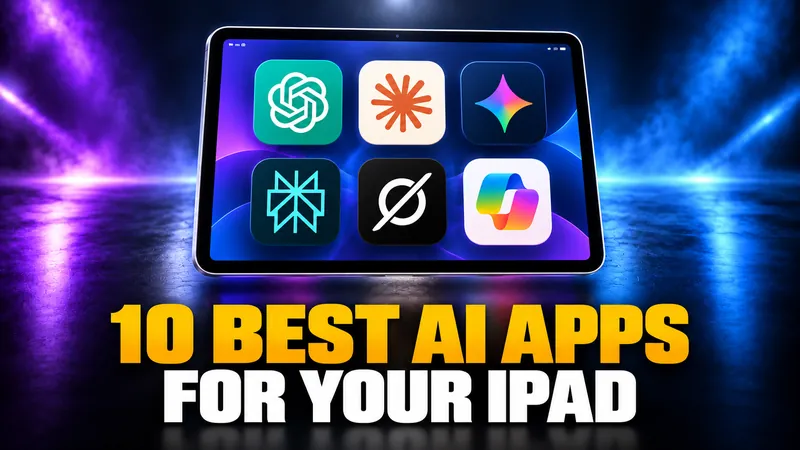
Every major AI assistant now ships a full iPad app, so the question is no longer which ones run on iPad. It is which ones earn a window next to your work, which…

iPad vs MacBook in 2026: Which Should You Buy?
An iPad with Apple’s keyboard now costs $698 and a MacBook Neo costs $699, so the iPad vs MacBook decision is no longer about price.
Apple Intelligence Not Working? How to Fix It on iPhone, iPad, and Mac
Apple Intelligence not working almost always comes down to five things, and only one of them is your hardware. Apple confirmed that iOS 27 arrives on 14 September…
How to Set Up Siri on iPhone, iPad, Mac & Apple Watch (iOS 27)
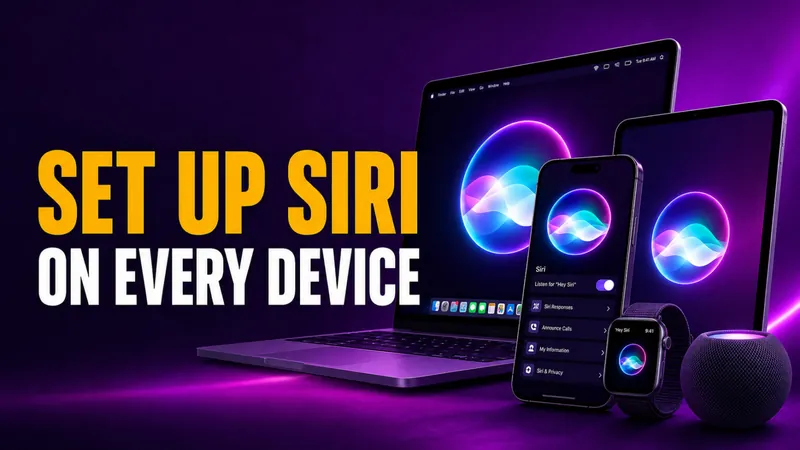
Setting up Siri takes a few taps, and iOS 27 moved the menu again. Siri has its own row in Settings: open Settings > Siri, tap Turn On Siri, then choose how to wake…
How to Turn Off Siri on iPhone, iPad, Mac, AirPods, and Apple Watch (iOS 27)
Turning off Siri on iOS 27 takes four taps. Open Settings > Siri, scroll to the bottom, tap Turn Off Siri, then tap Turn Off Siri again to confirm. iOS 27 put every…
How to Change Siri Voice on iPhone, iPad, Mac, and HomePod (iOS 27)
On iOS 27 and iPadOS 27, you change Siri’s voice in Settings > Siri > Voice, where you pick an accent under Variations and a speaker under Voices. On iOS 26 the…
How to Use Siri: The Best Siri Commands for iPhone, iPad, Mac & Watch
Learning how to use Siri takes about ten seconds. Say “Siri” or “Hey Siri” and ask, or press a button and speak. The harder part is knowing what to actually say…
How to Use Siri Shortcuts in iOS 27: The Complete Guide for iPhone and Mac
Here is how to use Siri shortcuts: build a shortcut in the free Shortcuts app , give it a name, then say “Siri” or “Hey Siri” followed by that name. A shortcut…
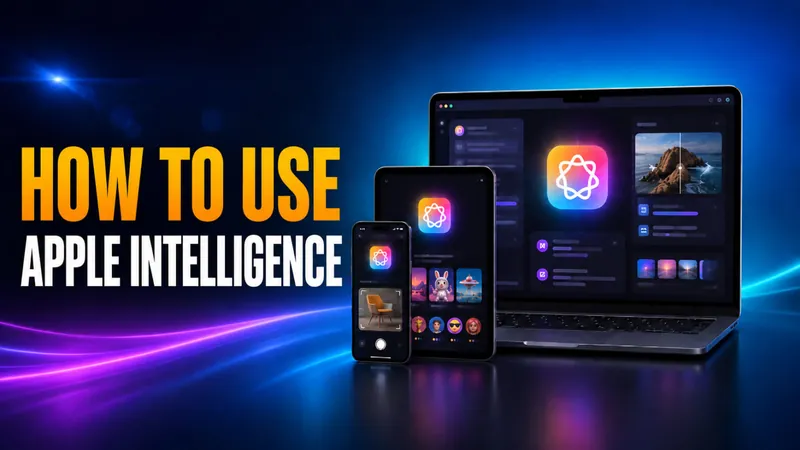
How to Use Apple Intelligence on iPhone, iPad, and Mac
Here is how to use Apple Intelligence on iOS 27: update a supported iPhone, iPad or Mac, then open the feature you want inside the app you already use. There is no…
How to Turn Off Apple Intelligence and Siri AI in iOS 27
There is no single switch to turn off Apple Intelligence in iOS 27 or macOS 27 Golden Gate. Apple removed the master toggle, and its own user guides now list the…
How to Turn On Apple Intelligence and Siri AI in iOS 27
On iOS 27 and macOS 27, you turn on Apple Intelligence by updating. Apple says the new features are “automatically available on eligible devices” once you install…

Which iPhones, iPads, and Macs Support Apple Intelligence?
Apple Intelligence runs on iPhone 15 Pro and later, every iPhone 16 and 17 model, iPads with an M1 chip or the A17 Pro, and any Apple silicon Mac. That means the…
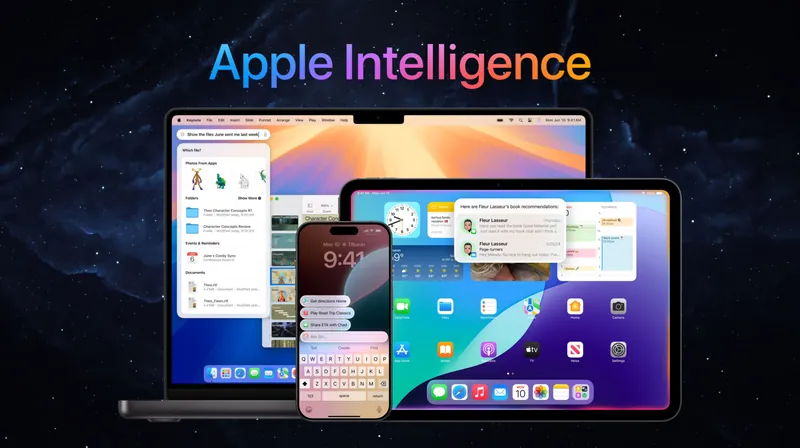
What Is Apple Intelligence? Features, Devices, and the 2026 Gemini Reset
Apple Intelligence is Apple’s built-in artificial intelligence system for iPhone, iPad, Mac, Apple Watch, and Apple Vision Pro. It rewrites text, creates images…
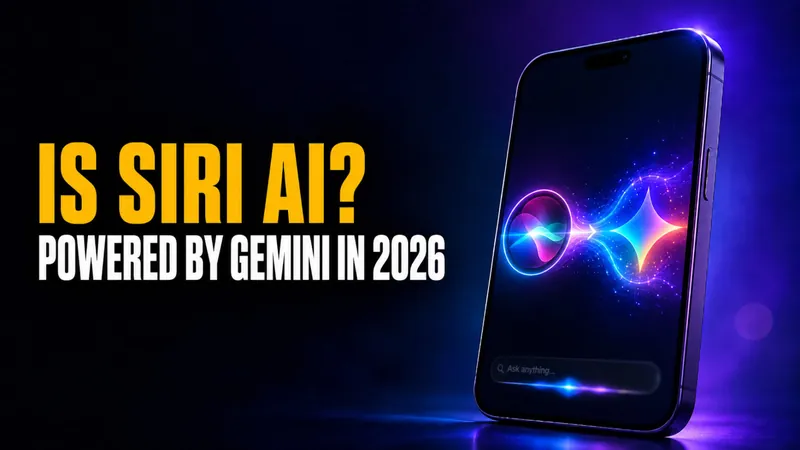
Is Siri AI? Yes, and the New Siri AI Is in Beta Now
Yes, Siri is AI, but a limited kind. Since it launched on the iPhone 4S in October 2011, Siri has run on narrow AI. That means speech recognition, natural language…

iPad for AI in 2026: Which Model Should You Buy?
Apple’s 2026 iPad lineup splits cleanly into four models, but only three of them can actually run Apple Intelligence, and the gap between the cheapest iPad for AI…
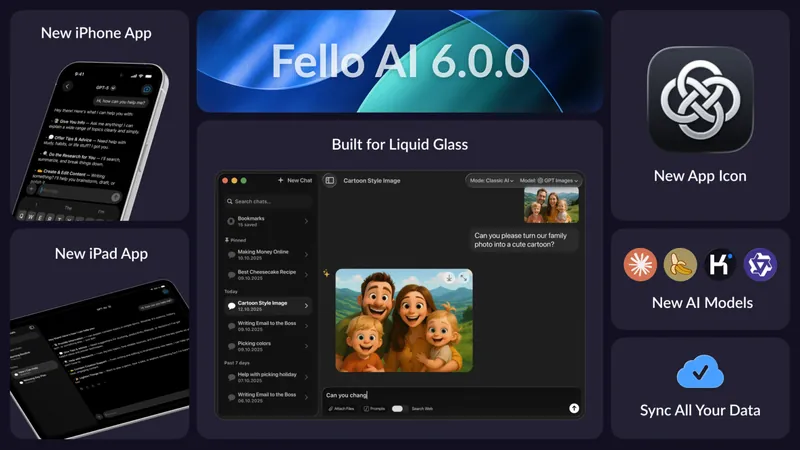
Fello AI 6.0.0: Now on iPhone & iPad, with Sync, New Models, and Liquid Glass
We’re excited to introduce Fello AI 6.0.0 – a major update that brings the full Fello AI experience to iPhone and iPad, along with a completely refreshed interface…