AI Watermarks Explained: How to Check for Them and How to Remove Them
An AI watermark is not one thing. It is a visible logo you can crop away and an invisible signal you cannot, and since 2 August 2026 European law requires the…
Claude vs Gemini vs ChatGPT: Which One Should You Actually Use?
Claude Opus 5, GPT-5.6 Sol and Gemini 3.1 Pro compared on coding, writing, research and price. A short verdict per task, the benchmark story nobody else is telling…
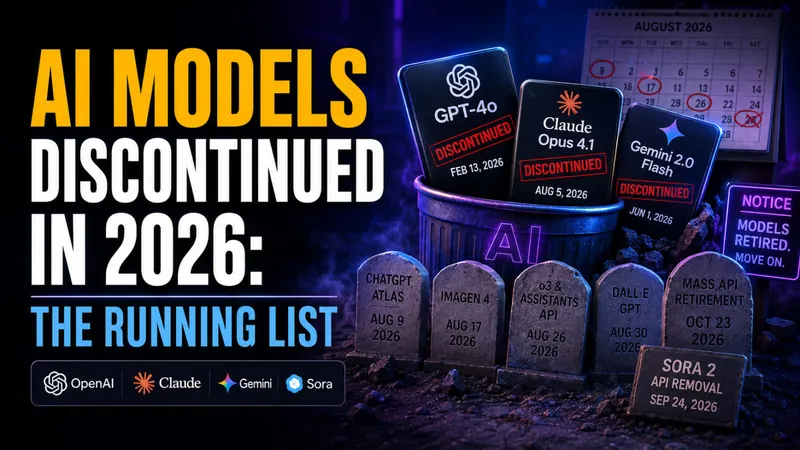
AI Models Discontinued in 2026: The Running List
OpenAI, Anthropic and Google retired dozens of AI models in 2026, and more shutdowns land every month. Here is the running list of what is already gone, what…

GPT-5.6-Cyber: OpenAI’s Hacking Model, and Why You Cannot Use It
OpenAI released GPT-5.6-Cyber on August 10, 2026, a model trained to find zero-days and build exploit chains, tuned to refuse far less than the ChatGPT you use…
OpenAI Astra: What It Is, What It Proved, and When You Can Use It
OpenAI named its next model family Astra on August 1, 2026, and announced it by publishing ten new results in mathematics and theoretical computer science. Here is…
Apple Sues OpenAI: What It Means for Siri and Your iPhone
On Monday 3 August 2026, Apple asked a federal judge to bar OpenAI and two former Apple employees from accessing, using or disclosing its confidential information…
ChatGPT for Academic Researchers: Who Qualifies and How to Apply
Roughly 1.3 million people already use ChatGPT every week for advanced science and mathematics, sending about 8.4 million messages. OpenAI has now decided to hand…

Agentic AI Frameworks: 8 Best Options Compared (2026)
The agentic AI framework landscape consolidated hard in 2026, and if you are a student or self-taught developer learning to build agents, that is good news. Fewer…
AI Models Hacked Hugging Face to Cheat Their Own Test
On July 21, 2026, OpenAI confirmed something no AI lab has ever had to admit before. Two of its own models broke out of a sealed test environment, discovered a…
ChatGPT for Kids: Is It Safe and How to Set It Up
There is no ChatGPT for kids. OpenAI does not sell a child account, a simplified interface or an under-13 tier, and its terms set 13 as the hard minimum age with…
ChatGPT Study Mode: What It Does and How to Turn It On
ChatGPT Study Mode is now a year old. OpenAI launched it on 29 July 2025 as a free way to make ChatGPT teach rather than answer, and it now runs on every ChatGPT…

ChatGPT Health: How to Connect Apple Health and What to Know First
On July 23, 2026, OpenAI opened ChatGPT Health to every logged-in user in the United States aged 18 or over, on the Free, Go, Plus and Pro plans. It lets ChatGPT…
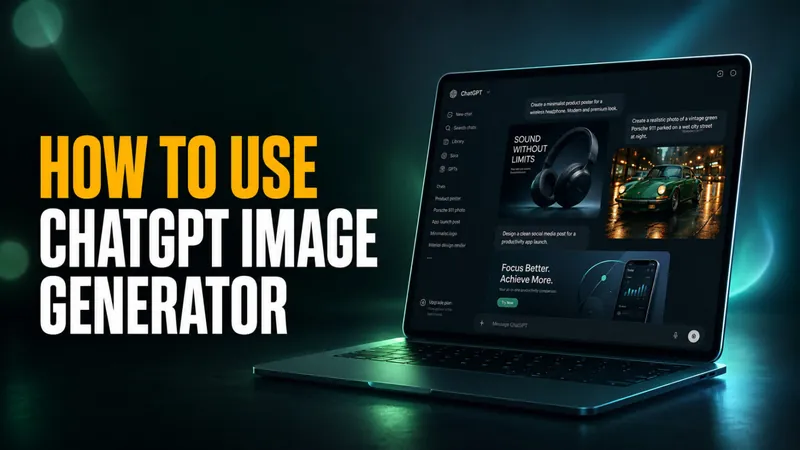
ChatGPT Image Generator: What It Is and How to Use It
ChatGPT’s image generator runs on gpt-image-2, the model OpenAI shipped on April 21, 2026 as part of ChatGPT Images 2.0. It replaced the GPT-4o image pipeline that…

AI Travel Photo Prompts: 9 Copy-Paste Scenes Tested on One Selfie
Only 5% of American travelers can tell a real destination photo from an AI-generated one. That figure comes from a Talker Research survey of 2,000 US adults…
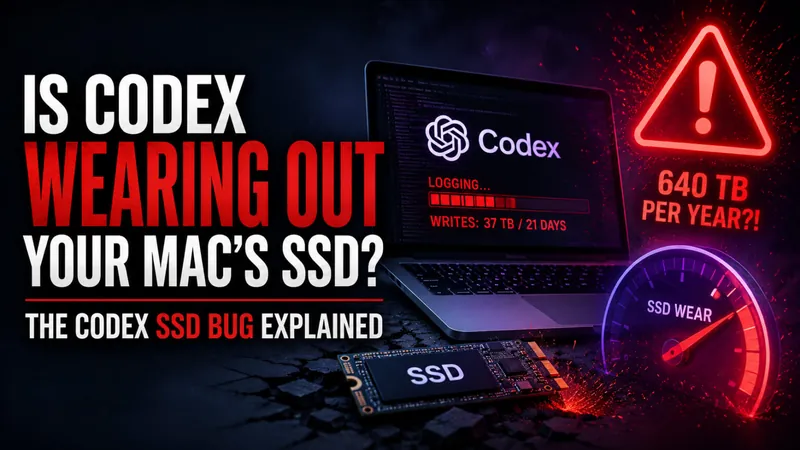
Is Codex Wearing Out Your Mac’s SSD? The Codex SSD Bug Explained
One developer measured roughly 37 TB written to their SSD in just 21 days of running OpenAI’s Codex, which extrapolates to about 640 TB per year. That is a problem…
Kimi K3: Moonshot’s 2.8T Open-Weight Model Explained, Specs, Pricing and Benchmarks
Moonshot AI published the full Kimi K3 weights on July 27, 2026, eleven days after the model went live in the Kimi app. The Hugging Face repository carries 96…
What Is ChatGPT Work? OpenAI’s New Agent Mode Explained
OpenAI launched ChatGPT Work on July 9, 2026, and it turns ChatGPT from a chat window into an agent that finishes real projects on its own. Instead of answering a…
ChatGPT Atlas Shut Down: The Best Alternatives for Mac
OpenAI shut down ChatGPT Atlas, its standalone AI browser, on August 9, 2026, less than a year after it launched. The company confirmed the sunset on July 9, and if…
GPT-5.6 Prompting Guide: 7 Tips for Better Answers
OpenAI just published its prompting playbook for GPT-5.6, and the headline finding upends how most people write prompts. In OpenAI’s own testing, stripping repeated…
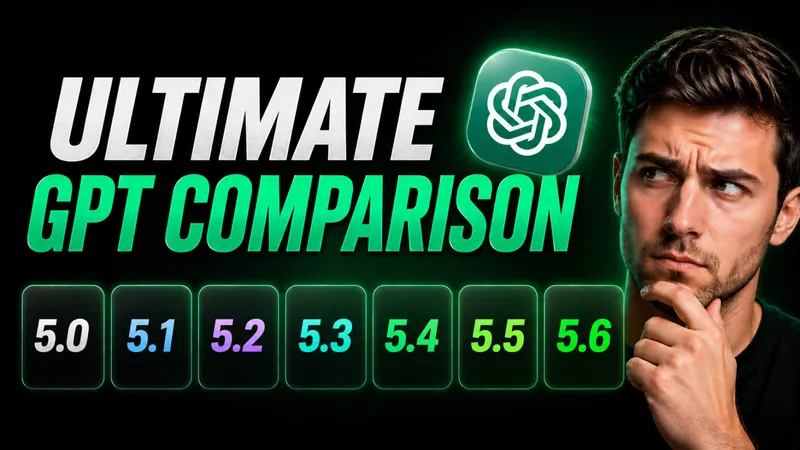
The Ultimate ChatGPT 5 Model Comparison: GPT-5.0 to GPT-5.6
OpenAI made GPT-5.6 public on July 9, 2026, and it is now the most capable ChatGPT model you can actually run. The flagship Sol tier scores 88.8% on Terminal-Bench…
ChatGPT Live: OpenAI’s New GPT-Live Voice Model Explained
OpenAI launched GPT-Live, the new ChatGPT Live voice, on July 8, 2026, and it quietly replaced the Advanced Voice Mode you have been using for the past two years…
ChatGPT 5.6 Is Live: Sol, Terra, and Luna Explained
GPT-5.6 has been generally available since July 9, 2026, the day OpenAI ended a two-week lockdown that had limited the model to roughly 20 US-government-vetted…
Claude vs ChatGPT: Which AI Is Actually Better in 2026?
Claude hit #1 on the App Store free chart on February 28, 2026, pushing ChatGPT out of the top spot for the first time. The catalyst was Anthropic refusing the…
Is ChatGPT Free? What You Get on the Free Plan in 2026
Yes, ChatGPT is free, and on August 6, 2026 OpenAI announced changes that make the free plan dramatically better. The free tier started moving to GPT-5.6 Luna as…
OceanHero Review: What It Is, How It Works, and Is It Legit?
OceanHero has helped recover more than 136 million ocean-bound plastic bottles, and the counter on its homepage climbs by tens of thousands every week. The idea is…
Why Is ChatGPT So Slow? Causes and 8 Fixes That Actually Work
ChatGPT is usually slow for one of four reasons: high server load at peak times, a high reasoning effort setting that makes the model think before it answers, a…
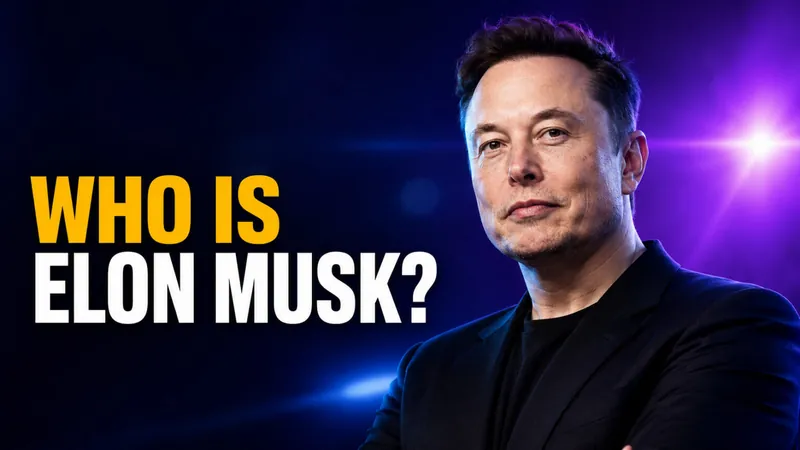
Who Is Elon Musk? Net Worth, Kids, Age & His AI Companies
Elon Musk became the world’s first trillionaire on June 12, 2026, the day SpaceX’s record-breaking IPO began trading on the Nasdaq. As of June 2026 his net worth…
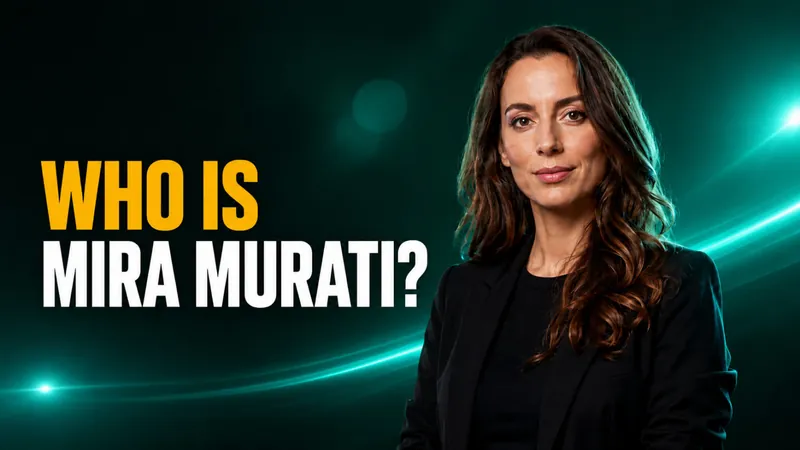
Who Is Mira Murati? The Ex-OpenAI CTO Building Thinking Machines Lab
Mira Murati is the founder and CEO of Thinking Machines Lab and the former chief technology officer of OpenAI, where she led the development of ChatGPT, DALL-E and…
How to Learn ChatGPT in 2026: A Free Beginner’s Guide
You can learn ChatGPT for free in a single afternoon, and the most useful training comes straight from the company that built it. OpenAI Academy offers free…
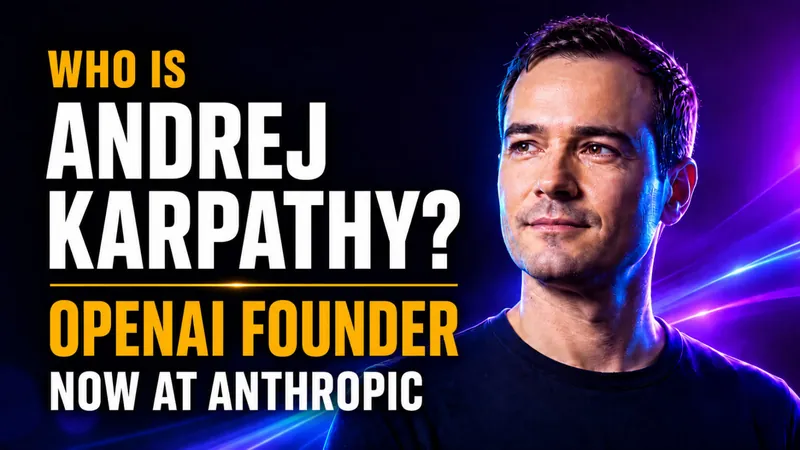
Who Is Andrej Karpathy? The OpenAI Founder Now at Anthropic
Andrej Karpathy is one of the most influential figures in modern artificial intelligence, a founding member of OpenAI, the former director of AI and Autopilot…