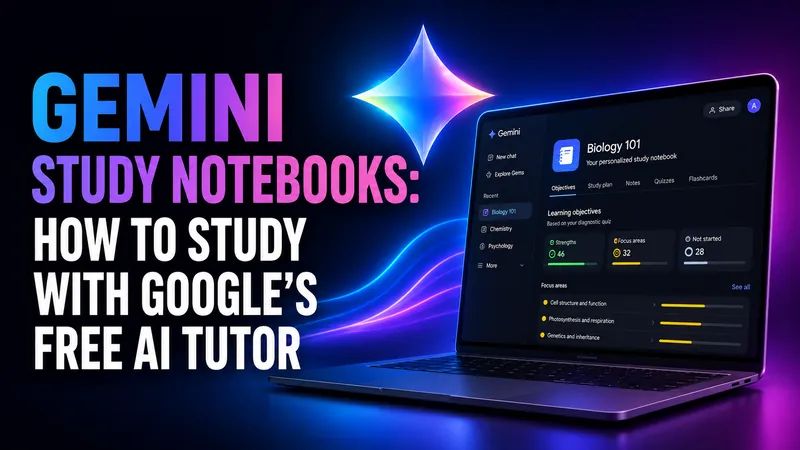
Gemini Study Notebooks: How to Study With Google's Free AI Tutor
Gemini study notebooks turn your lecture notes into an adaptive tutor with a diagnostic quiz and a progress dashboard. Here is how to make one, what it costs, and…
Claude vs Gemini vs ChatGPT: Which One Should You Actually Use?
Claude Opus 5, GPT-5.6 Sol and Gemini 3.1 Pro compared on coding, writing, research and price. A short verdict per task, the benchmark story nobody else is telling…
Claude vs Gemini: Which One Should You Actually Use?
Claude leads the benchmarks and Gemini leads on price, speed and reach. We compare Claude Opus 5 and Gemini 3.1 Pro on coding, writing, research, cost and the…
Google AI Pro for Students in 2026: Is the Free Year Still Available?
If you came here to grab a free year of Google AI Pro as a student, your timing is good. The offer is back. Google relaunched its student program on August 19…
Best AI for Translation: What the Only Independent Test Found
Almost every list answering this question is published by a company selling a translation product. The one independent evaluation that grades output by hand reaches…
Best AI for a Cover Letter? What the Evidence Actually Says
Several of the reassuring statistics you will meet on this topic do not survive a check against their own sources. The research that does hold up says something…
Nano Banana Pricing: What Google’s Image Models Really Cost in 2026
There is no standalone Nano Banana subscription. You either get it inside a Google AI plan starting at $4.99 a month, or you pay per image through the Gemini API…
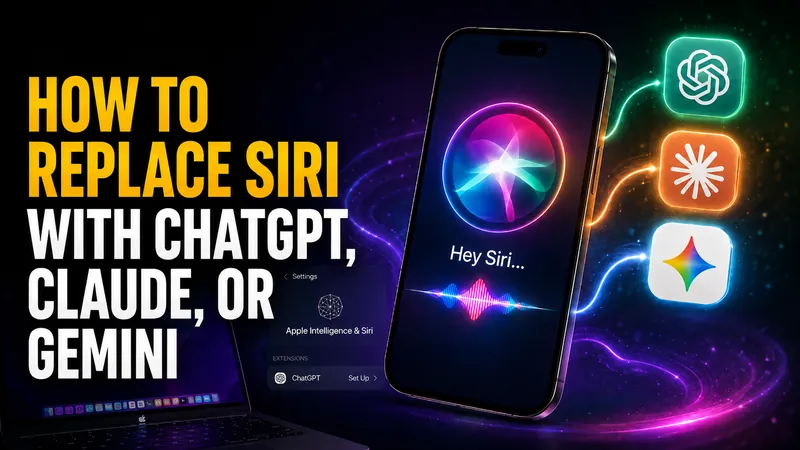
How to Replace Siri With ChatGPT, Claude, or Gemini
Every guide telling you how to replace Siri with ChatGPT gives a different Settings path, and two of the three menus do not exist. Here is what actually works today…
How to Use Nano Banana: Google’s Image Model, Explained Step by Step
Nano Banana is not labelled anywhere in the Gemini app, which is why so many people cannot find it. Here is where it actually lives, which of the four versions you…
Which AI Is Best for Resume Writing? Claude, ChatGPT and Gemini Tested
Three chatbots, one resume, one job description. None of them invented a statistic. One of them quietly claimed nine competencies the candidate never had, which is…
Gemini 3.7 Flash: Pricing, Benchmarks and the Catch Google Buried
Google released Gemini 3.7 Flash on August 13, 2026, just 23 days after Gemini 3.6 Flash. Coding scores jumped hard and the price halved to $0.75 per million input…

AI Models Discontinued in 2026: The Running List
OpenAI, Anthropic and Google retired dozens of AI models in 2026, and more shutdowns land every month. Here is the running list of what is already gone, what…
Google Classroom AI: What It Does and What It Can’t Detect
The short answer most people arrive looking for is this. Google Classroom AI cannot tell you whether a student used ChatGPT. Classroom has no built-in AI detector…
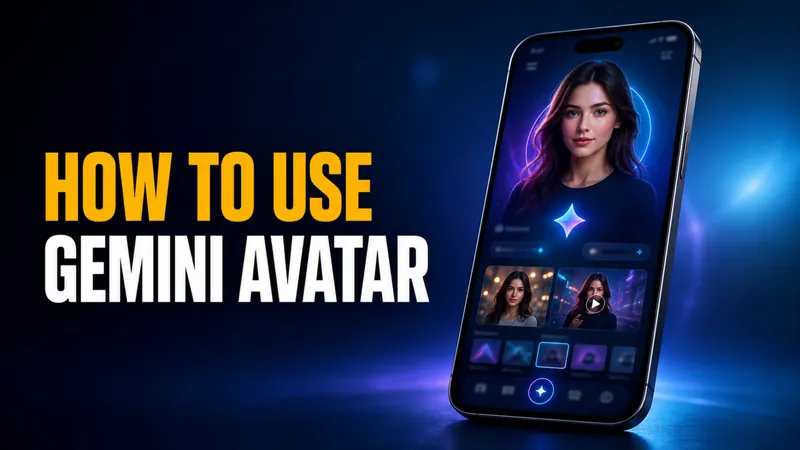
Gemini Avatar: How to Put Yourself in AI Photos and Videos
Google’s July 2026 Gemini Drop extended Gemini Avatar to still images, and that changes what “AI photo of me” means. The feature takes a short selfie video, learns…

AI Deals 2026: Every Way to Save on AI Tools That Works
Paying for ChatGPT Plus at $20/month, Claude Pro at $20/month, Google AI Pro at $19.99/month, and Perplexity Pro at $20/month stacks up to nearly $80 every month…
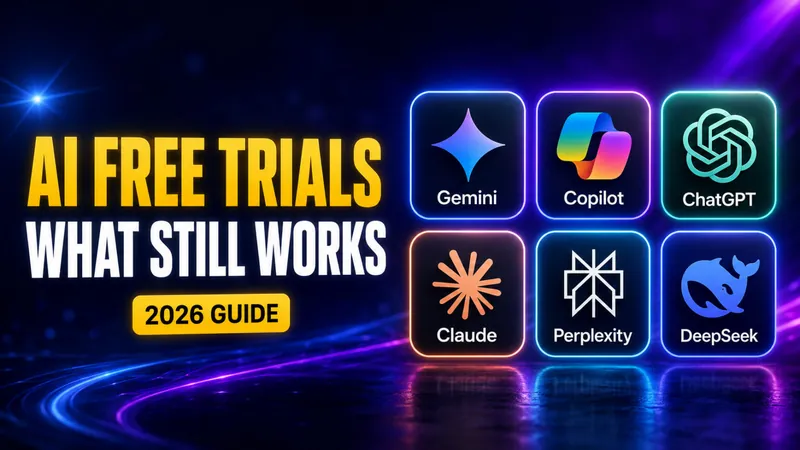
AI Free Trials 2026: Every Pro Tier You Can Actually Test for Free
Only two flagship AI Pro tiers currently offer a public free trial in August 2026: Google AI Pro (30 days, card required, renews at $19.99/month) and Microsoft 365…
AI for Teachers: The Best Tools and Free Access in 2026
Six in ten US teachers now use AI for their work. The ones who use it at least weekly estimate they save 5.9 hours every week, roughly six weeks of reclaimed time…
Is NotebookLM Free? Limits, Plans & What You Actually Pay For (2026)
Yes, NotebookLM is free. The Standard tier costs $0/month with any Google account, no trial, no credit card and no time limit, and every core feature is included…

What Is Agentic AI? A Clear 2026 Guide with Examples
Agentic AI is artificial intelligence that pursues a goal on its own. Instead of just answering a prompt, it plans the steps, uses tools like web search or apps…
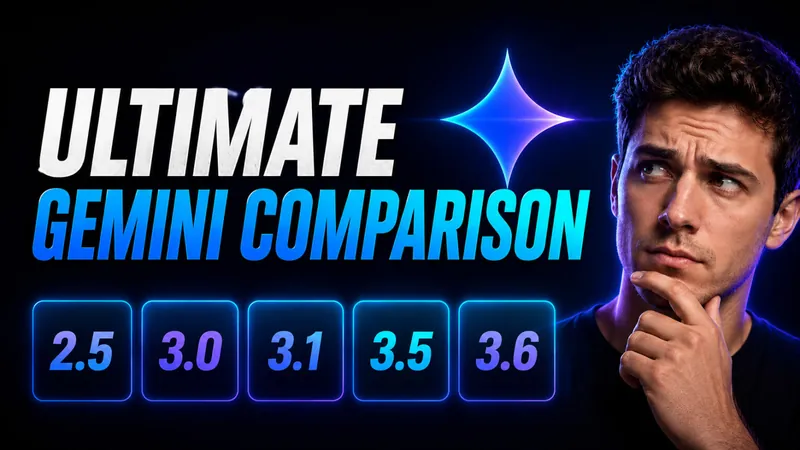
The Ultimate Gemini Model Comparison: 2.5 to 3.6 Flash, Pro & Flash-Lite
Google now runs two Gemini timelines that no longer move together. The Flash line has raced all the way to Gemini 3.6 Flash, launched July 21, 2026, while the Pro…
Gemini 3.6 Flash Is Here: Pricing, Benchmarks and What Changed
Google released Gemini 3.6 Flash on July 21, 2026, and the headline number is not a benchmark. It is the price. Output tokens dropped to $7.50 per million, down…

AI Travel Photo Prompts: 9 Copy-Paste Scenes Tested on One Selfie
Only 5% of American travelers can tell a real destination photo from an AI-generated one. That figure comes from a Talker Research survey of 2,000 US adults…
NotebookLM Is Now Gemini Notebook: What Changed and What Stayed the Same
On July 16, 2026, Google renamed NotebookLM to Gemini Notebook, folding its popular research tool into the wider Gemini brand. If you woke up to a new blue-purple…
Gemini 3.5 Pro Release Date: What We Know (+ Flash Review)
Google split Gemini 3.5 into two launches, and only one has actually arrived. Gemini 3.5 Flash went live on May 19, 2026 at Google I/O 2026 and did something Google…

Is Nano Banana Free? Limits & How to Use It Free (2026)
Yes, Nano Banana is free. You can generate and edit images with Google’s viral Nano Banana model right now without paying a cent, using either the Gemini app or…
Siri vs ChatGPT: Which AI Assistant Is Better in 2026?
The Siri vs ChatGPT debate just changed for the first time in years. Apple’s 2026 software, iOS 27 and macOS 27 “Golden Gate,” rebuilds Siri into a generative…
When to Use Which AI: A 2026 Guide to Picking the Right Model for Every Task
There is no single best AI in 2026, and every serious guide now agrees on the same answer to when to use which AI: match the task to the model that leads it. Claude…
AI Prompts: The Complete 2026 Guide (With Examples)
The difference between a useless AI answer and a brilliant one usually comes down to one thing, and it is not the model. It is your AI prompts. A 2026 analysis of…
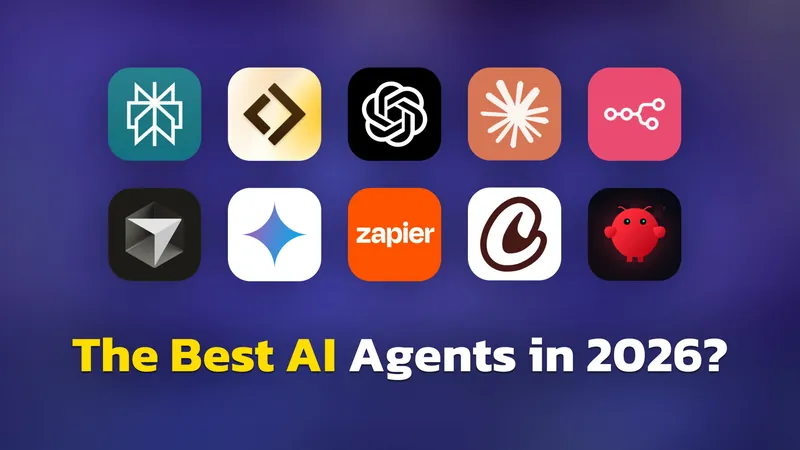
Best AI Agents in 2026: 30 Tools Tested and Compared
The most comprehensive guide to AI agents in 2026. Organized by what you want to do — coding, research, office work, automation, personal use. Honest reviews…
Gemini Omni Flash: Google’s Talk-to-Edit AI Video Model Explained
Gemini Omni Flash lets you make and edit short videos by talking to them, and it costs just $0.10 per second of generated footage. That works out to roughly $1 for…