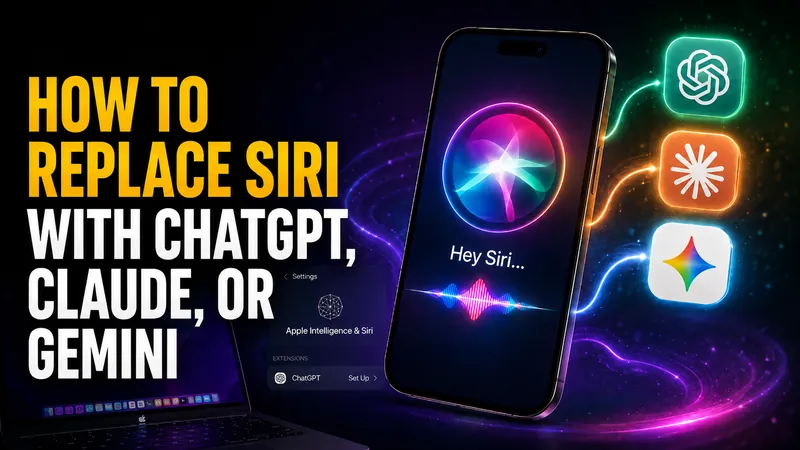
How to Replace Siri With ChatGPT, Claude, or Gemini
Every guide telling you how to replace Siri with ChatGPT gives a different Settings path, and two of the three menus do not exist. Here is what actually works today…
Apple Sues OpenAI: What It Means for Siri and Your iPhone
On Monday 3 August 2026, Apple asked a federal judge to bar OpenAI and two former Apple employees from accessing, using or disclosing its confidential information…

Apple Intelligence Is Coming to China, Powered by Alibaba’s Qwen
On July 15, 2026, China’s Cyberspace Administration approved Apple Intelligence for the country, and the model doing the heavy lifting is not ChatGPT. It is…
Siri vs ChatGPT: Which AI Assistant Is Better in 2026?
The Siri vs ChatGPT debate just changed for the first time in years. Apple’s 2026 software, iOS 27 and macOS 27 “Golden Gate,” rebuilds Siri into a generative…
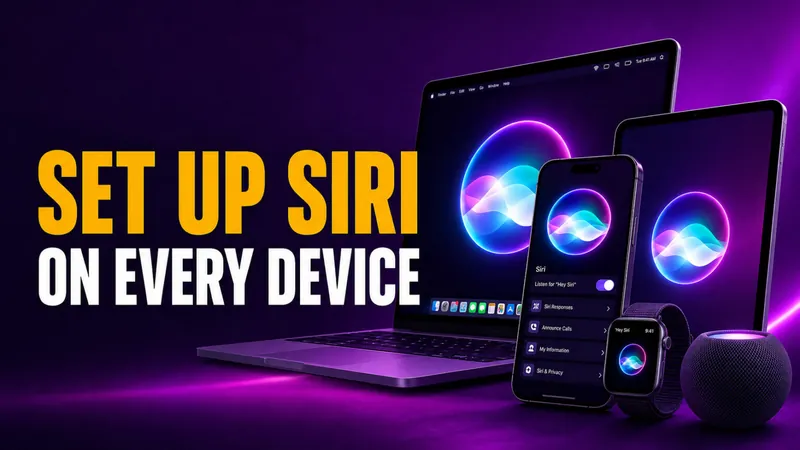
How to Set Up Siri on iPhone, iPad, Mac & Apple Watch
Setting up Siri takes about four taps, but the menu moved in 2026. On any iPhone that supports Apple Intelligence, the old “Siri” panel is now called Apple…
How to Turn Off Siri on iPhone, iPad, Mac, AirPods, and Apple Watch (2026)
Turning off Siri takes about four taps, but the exact path changed in 2026. On any iPhone that supports Apple Intelligence, the old “Siri” menu is now called Apple…
How to Change Siri Voice on iPhone, iPad, Mac, and HomePod
You change Siri’s voice in Settings > Apple Intelligence & Siri > Siri Voice, and in iOS 26 you get six accent Varieties plus up to four distinct voices to pick…
How to Use Siri: Commands for iPhone, iPad, Mac & Watch
Learning how to use Siri takes about ten seconds. Say “Siri” or “Hey Siri” and ask, or press a button and speak. The harder part is knowing what to actually say…
Why Is Siri Not Working? How to Fix It on iPhone and Mac
Siri stops working for one of three reasons more than any other, an incomplete setting, a weak internet connection, or a temporary software glitch that a restart…
Apple Intelligence Alternatives for Mac
Apple Intelligence only runs on a Mac with an M1 chip or newer and macOS 15.1 or later, which locks out every Intel Mac and a lot of older machines still in daily…
How to Use Siri Shortcuts: The Complete 2026 Guide for iPhone and Mac
More than 10,000 people search every month for how to use Siri shortcuts, and in 2026 the answer changed in a big way. Siri shortcuts let you bundle several actions…
How to Use Apple Intelligence on iPhone, iPad, and Mac
To use Apple Intelligence, first make sure it is switched on under Settings > Apple Intelligence & Siri, then open the feature you want. You select text and tap…
macOS 27 Golden Gate: New AI Features and Which Macs Can Run It
macOS 27 is the first version of macOS that will not run on a single Intel Mac. Apple confirmed the cutoff alongside the first developer beta on June 8, 2026…
How to Turn Off Apple Intelligence on iPhone, iPad, and Mac
To turn off Apple Intelligence, open Settings on your iPhone or iPad (or System Settings on a Mac), tap Apple Intelligence & Siri, switch off Apple Intelligence…
Is Apple Intelligence Worth It? An Honest 2026 Verdict
Apple Intelligence is worth turning on if you already own a supported device, because it is free, private, and built into apps you use every day. It is not worth…
iOS 27: Release Date, New Features, and Every Supported iPhone
The iOS 27 public beta is live. Apple released it on July 14, 2026, and for the first time anyone can test the headline feature, a complete rebuild of Siri, without…
How to Turn On, Get, and Download Apple Intelligence
Apple Intelligence is free, and you can turn it on in three taps on any supported iPhone, iPad, or Mac. You update your device to the latest software, open…
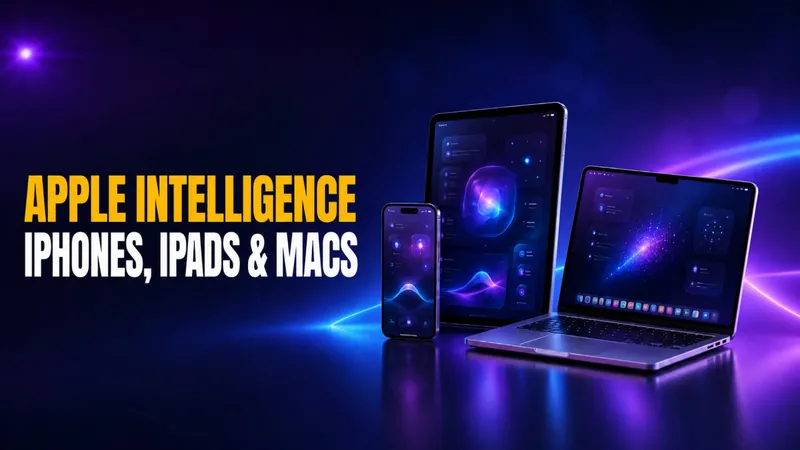
Which iPhones, iPads, and Macs Support Apple Intelligence?
Apple Intelligence runs on iPhone 15 Pro and later, every iPhone 16 and 17 model, iPads with an M1 chip or the A17 Pro, and any Apple silicon Mac. That means the…
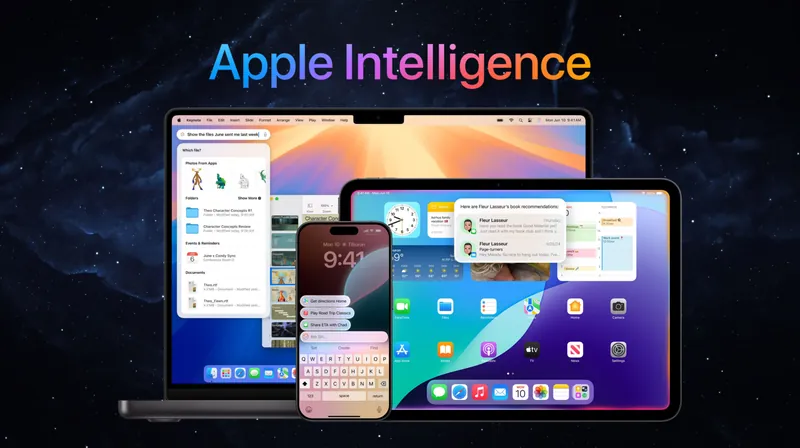
What Is Apple Intelligence? Features, Devices, and the 2026 Gemini Reset
Apple Intelligence is Apple’s built-in artificial intelligence system for iPhone, iPad, and Mac, and in 2026 it got its biggest overhaul yet. At WWDC 2026 on June…
WWDC 2026 Recap: Siri AI, the Google Gemini Deal, and the Default-AI Switch Apple Never Announced
Apple reset its entire AI strategy at WWDC 2026. In a keynote on June 8, the company rebranded Siri as Siri AI, built it on a new generation of Apple Foundation…
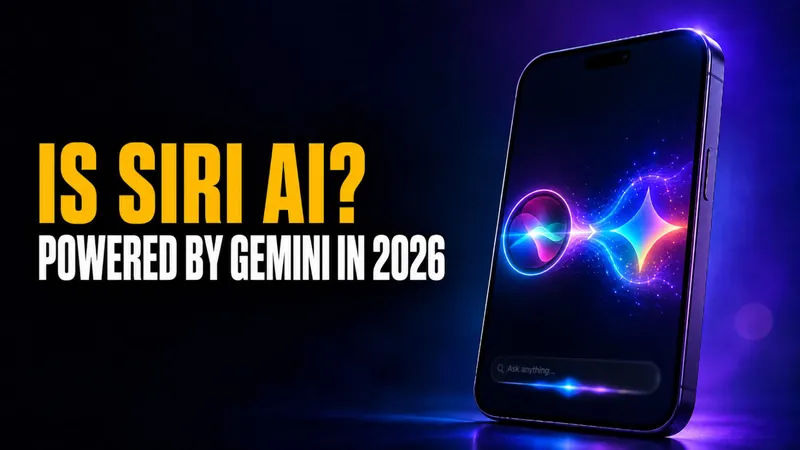
Is Siri AI? Hey Siri Is Becoming a Real AI Chatbot in 2026
Yes, Siri is AI, but a limited kind. Since it launched on the iPhone 4S in October 2011, Siri has run on narrow AI. That means speech recognition, natural language…

Android XR Glasses vs Apple AI Glasses: The 2026 vs 2027 Smart Glasses Race
The smart glasses race just got real. Google and Samsung unveiled their Android XR glasses at Google I/O 2026 on May 19, with a confirmed Fall 2026 ship date…
Apple AI Glasses: Everything We Know About the 2027 Launch
Apple has paused work on the next Vision Pro, started testing four different glasses designs, and now plans to unveil its first AI smart glasses in late 2026 or…
MacBook vs Googlebook vs Chromebook: Which Laptop Wins in 2026?
The MacBook vs Googlebook vs Chromebook question changed twice in 2026, and both changes went against what this comparison first said. Apple raised the price of…
WWDC 2026 Preview: iOS 27, Siri 2.0, and the End of ChatGPT’s Siri Monopoly
WWDC 2026 runs June 8 to 12, with the keynote on Monday, June 8 at 10am Pacific Time streamed on Apple.com, the Apple TV app, and the Apple YouTube channel. Apple…

iPad for AI in 2026: Which Model Should You Buy?
Apple’s 2026 iPad lineup splits cleanly into four models, but only three of them can actually run Apple Intelligence, and the gap between the cheapest iPad for AI…
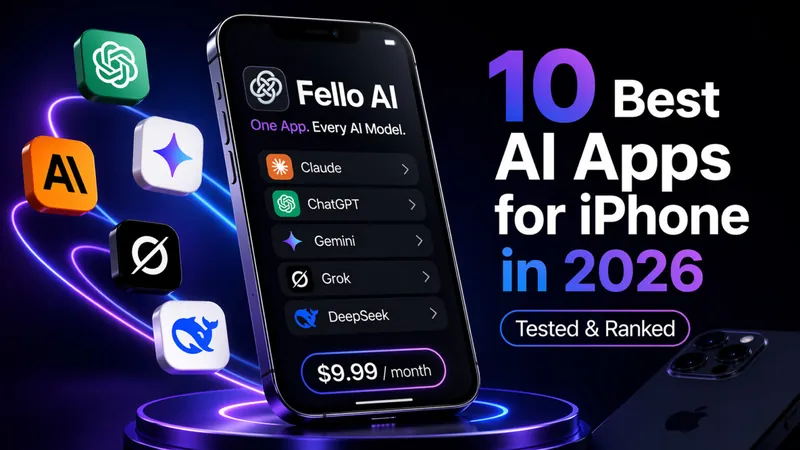
10 Best AI Apps for iPhone in 2026 (Tested & Ranked)
Update for May 21, 2026: Refreshed after Google I/O 2026 for Gemini 3.5 Flash, Gemini Spark, the Google AI Ultra price cut to $99.99, and the DeepSeek V4 release…
20 MacBook Productivity Tips That Actually Save You Hours (2026)
Genuine MacBook productivity tips — hidden shortcuts, Spotlight tricks, automation workflows, window management, and AI tools that cut hours from your week.
The Ultimate Guide to Setting Up Your New Mac In 2026
TL;DR: To set up your new Mac in 2026, update your iPhone first, then use the “Set up with iPhone” feature during the initial boot for a seamless handshake…
Got a New Mac for Christmas? 20 Must-Have Mac Apps to Install First in 2026
TL;DR: To get the most out of your new Mac (M1–M5) in 2026, start with three categories: AI chatbots (Fello AI as your main hub) to make every task smarter, Screen…