Ask
Talk instead of typing
Dictate your message instead of typing it, and have any reply read out loud.
Speak when typing is slow, and listen when reading isn't convenient. Fello AI can turn your voice into a message, and it can read any reply out loud. These are two separate features. There's no live voice-chat mode where you talk back and forth.
Dictate a message
Dictation turns what you say into text in the message box. You can fix it before it goes anywhere.
- Next to Send, click the microphone, or press ⇧⌘D. The first time, allow microphone access when your Mac asks.
- Start talking. A Listening… pill appears with Stop and Send.
- Click Stop (or press ⇧⌘D again) to put the text in the message box so you can edit it. Click Send to send it right away.
- Tap the microphone to the left of Send. The first time, allow microphone access when your iPhone asks.
- Start talking. Listening… appears with a stop button.
- Tap the stop button. After a moment, your words land in the message box.
You can also long-press the Fello AI icon on your Home Screen and choose Voice Dictation.
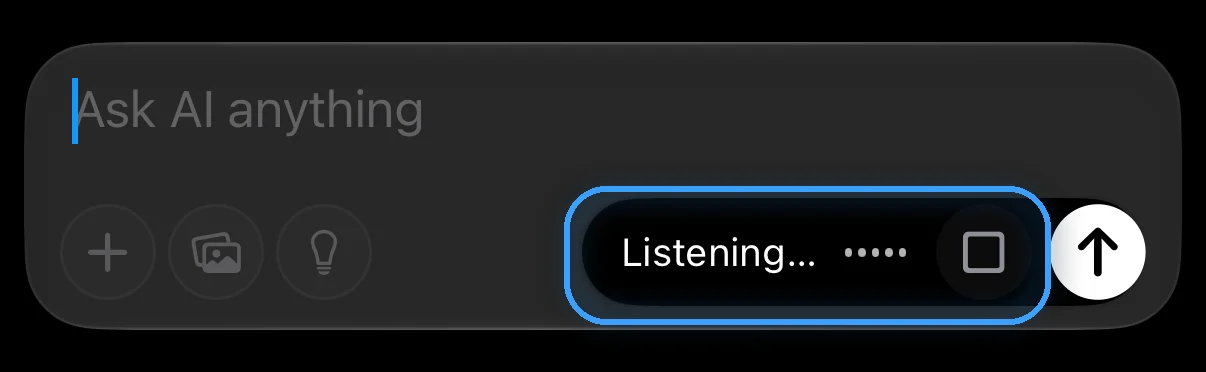
If you already typed something, dictated text is added to it. A recording can be up to 5 minutes long. Anything under 1 second is ignored, and if Fello AI hears only silence, it says Didn't catch that. Try again.
Listen to a reply
Read Aloud speaks a reply to you, so you can keep your eyes on something else.
- Under the reply, click ….
- Choose Read Aloud. The reply is spoken.
- To stop early, open the same menu and choose Stop Reading.
- Under the reply, tap More actions.
- Tap Read Aloud. The reply is spoken.
- To stop early, open the same menu and tap Stop Reading.
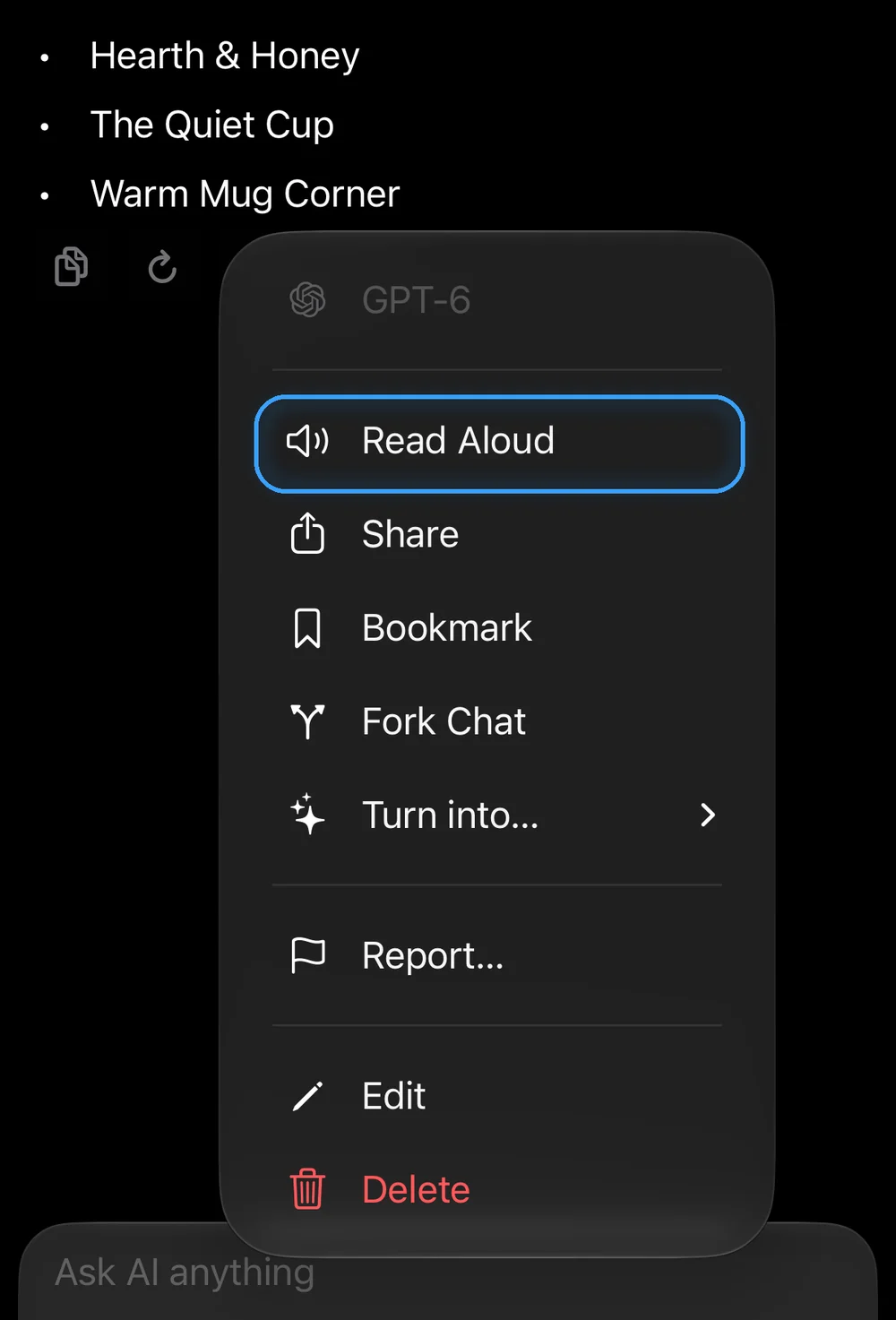
Read Aloud uses your device's system voice, and it reads one reply at a time.
Good to keep in mind
- Dictation is for subscribers. On the free plan you'll see Subscription Required. Read Aloud is free for everyone.
- Dictation needs internet. Your recording is transcribed on our servers.
- Microphone blocked? On Mac, open System Settings → Privacy & Security → Microphone and turn on Fello AI. On iPhone, open Settings and allow the microphone for Fello AI.
